
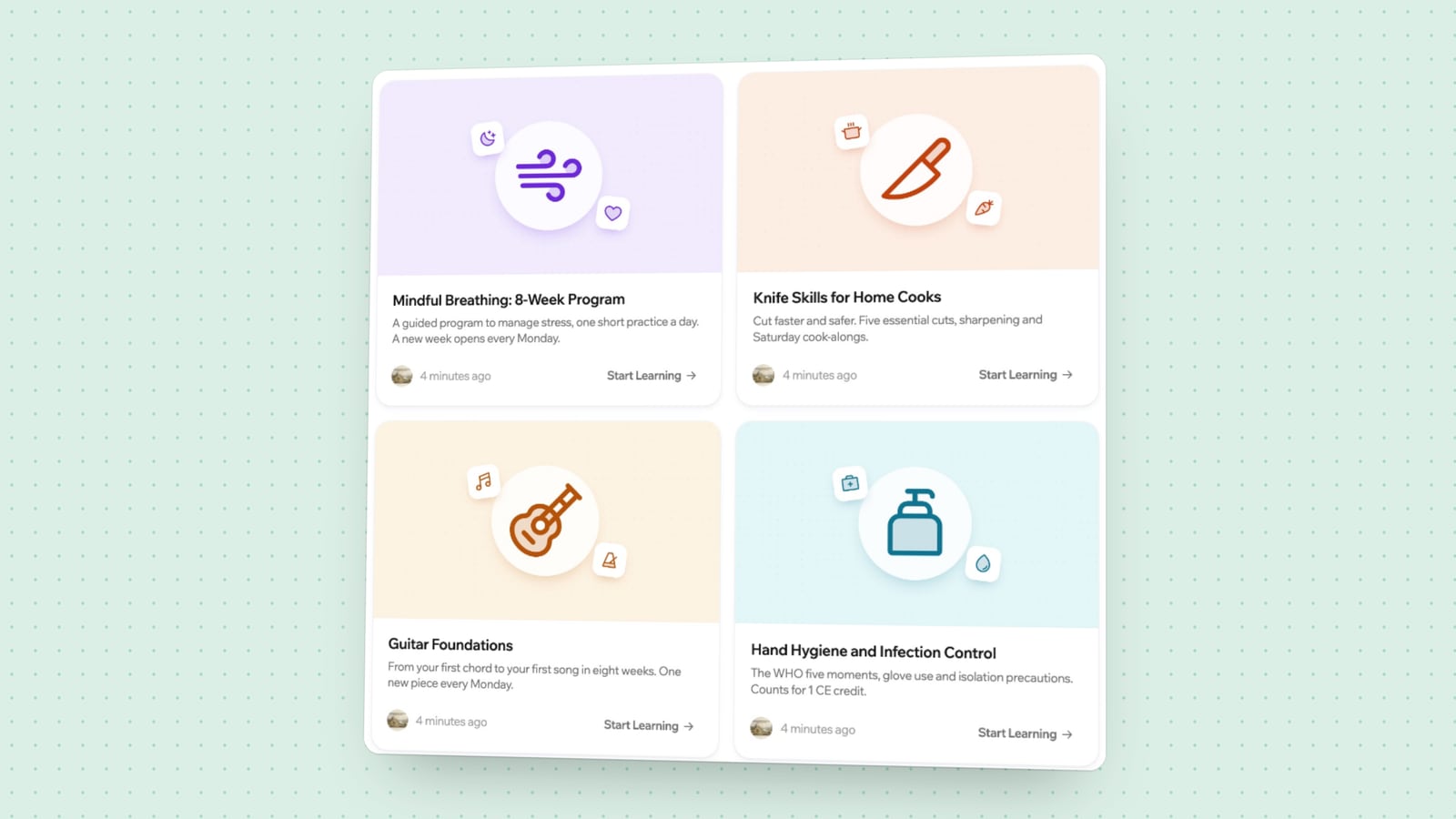
A learning management system, or LMS, is software for delivering courses and keeping track of who has done what. You put learning material in, you enrol people, and the system records their progress, their results and their certificates. Schools use one to run classes. Companies use one to train staff and customers. Creators use one to sell courses.
If you teach more than a handful of people and need to know how they are getting on, you probably need one. If you are sharing a few videos with a small group, you may not.
What an LMS does
Almost every LMS covers the same four jobs.
It holds the content. Lessons, videos, documents and quizzes live in one place, organised into courses and chapters.
It manages people. You can enrol learners one by one, in groups or automatically, and give teachers and administrators different permissions.
It tracks progress. The system records which lessons each person has opened and finished, how they scored, and when.
It reports. You can see completion across a course, a team or the whole organisation, and export it when someone asks for proof.
Around that core, platforms add what their audience needs: assignments and grading for schools, checkout and coupons for creators, deadlines and manager reports for corporate training.
Who uses one
Schools and universities use an LMS as the online side of a class. Teachers post material, set assignments, grade them and message students. Timetables, cohorts and gradebooks matter here.
Companies use one for onboarding, product knowledge and mandatory training. The questions they ask are different: who has not finished the security course, and can I show an auditor the list? Our guide to employee compliance training covers that case.
Creators and training businesses use one as a shop and a classroom combined. They need a public course page, payments, and a good experience for the buyer. How to create and sell an online course walks through it.
Communities and associations use one for member education, often with discussion spaces attached.
The main types
Cloud or self-hosted
A cloud LMS is run by the vendor. You sign up and log in. A self-hosted LMS is installed on a server you control. Cloud is quicker to start and needs no maintenance from you. Self-hosting gives you control over the data and the software and asks for more work. We compare the two in self-hosted vs cloud LMS.
Open source or proprietary
With an open source LMS, the code is public and you can run or change it under the terms of its licence. Moodle, Open edX, Canvas LMS and LearnHouse are examples. A proprietary LMS is closed, and you use it on the vendor's terms. Open source gives you an exit: if the vendor changes direction, you still have the software. See our open source LMS comparison for how six of them differ.
Academic, corporate or creator
Academic platforms are built around terms, classes and grades. Corporate platforms are built around compliance, roles and reporting to managers. Creator platforms are built around selling. Many products now cover more than one, but most still show their origin in what they do best.
Features worth understanding
Course builder. How you create lessons. Some platforms use forms and uploads, others a block editor that works like a document. This is where teachers spend their time, so try it before anything else.
Assessments. Quizzes that mark themselves, assignments a person grades, and sometimes code exercises or scenarios.
Certificates. A document issued on completion, ideally with a public page where someone can verify it.
Learning paths. Several courses in a set order, with one result at the end.
Drip scheduling. Releasing chapters over time, by date or by days since enrolment.
Integrations and standards. Single sign-on so staff use their company login. SCORM for importing packaged courses. LTI for connecting external tools. SCORM vs xAPI vs LTI explains these in plain terms.
Reporting. From a simple completion list to dashboards with engagement over time.
LMS, LXP, course platform: the labels
You will meet other names. An LXP, or learning experience platform, puts discovery and recommendations ahead of assigned courses. A course platform usually means an LMS aimed at creators who sell. A training platform usually means a corporate LMS. An LCMS adds heavier content authoring.
The labels overlap, and vendors pick the one that sells. Compare what the product does for your case, and ignore the acronym.
Do you need one
You probably do if:
- You have more learners than you can track in a spreadsheet.
- You need proof of completion, for a regulator, a client or a certificate.
- You sell courses and want payment, access and delivery in one place.
- Several people create or teach content and need their own access.
- The same course runs again and again for new people.
You may not if:
- You teach one small group live and share files afterwards. A video call and a shared folder will do.
- You publish free material with no need to know who read it. A website or a video channel is enough.
- You have a single short course and no need for tracking. A simple membership page might be all you need.
It is fine to start without one and move when the spreadsheet starts to hurt.
How to choose
Write down the three things you must be able to do in the first month. Make them real tasks, such as "enrol 40 new hires and see who finished" or "sell a course for $200 with a coupon".
Try those tasks in a free trial of two or three platforms. Most offer one. Ask a teacher or a colleague to build a real lesson, because the people who will use the editor every day should have a say.
Check the pricing model against your numbers. Some vendors charge per user, some per plan, and some take a percentage of sales. A model that is cheap for 50 learners can be expensive for 5,000, and the reverse.
Then look at the exit. Can you export your courses and your learner records? Is the software open source, so you could host it yourself if you had to?
For reference, LearnHouse is an open source LMS with a cloud version and a free self-hosted edition. Plans and what they include are on the pricing page.
Frequently asked questions
What does LMS stand for?
Learning management system. It is software for creating, delivering and tracking courses.
What is the difference between an LMS and a course platform?
A course platform is an LMS built for people who sell courses, with checkout and marketing pages. A traditional LMS is built for schools or companies and focuses on enrolment, grading and reporting. Many products now do both.
How much does an LMS cost?
It ranges from free open source software you host yourself to enterprise contracts. Hosted plans are usually priced per user or per tier. As one published example, MoodleCloud starts at $230 AUD a year for 50 users, and LearnHouse Cloud starts at $47 a month billed yearly with unlimited members.
Can I build my own instead?
You can, and it is more work than it looks. Enrolment, progress tracking, video delivery, payments and certificates each take real effort. If you want your own interface, a headless approach is a middle path: use an existing LMS as the backend and build the front end yourself. The developers page shows how that works with LearnHouse.
