LearnHouse
Empezar
LearnHouse
IAEmpresasDesarrolladoresMóvilPrecios
GitHub...
Iniciar sesiónEmpezar

La plataforma de aprendizaje de código abierto de nueva generación

XGitHubLinkedInDiscord

Producto

  • Creadores
  • Educación
  • Empresas
  • Desarrolladores
  • App móvil
  • Código abierto
  • Diseño
  • Visibilidad
  • Precios

Funciones

  • Cursos
  • IA
  • Pagos
  • Comunidades
  • Podcasts
  • Tableros
  • Plays
  • Código
  • Analíticas
  • Cursos en vídeo
  • Newsletter
  • Sesiones en directo
  • Rutas de aprendizaje
  • Contenido por goteo
  • Tareas
  • Certificados
  • Escenarios
  • Formación obligatoria
  • Traducción de cursos
  • Integraciones

Recursos

  • Documentación
  • Universidad
  • Blog
  • Registro de cambios
  • Autoalojamiento
  • Glosario
  • GitHub
  • Comparar plataformas

Empresa

  • Contacto
  • Seguridad
  • Sectores

Empresa

  • Contacto
  • Seguridad
  • Sectores

Compara LearnHouse con

  • Udemy
  • Moodle
  • Teachable
  • Open edX
  • Thinkific
  • Canvas
  • Kajabi
  • Skool
  • Podia
  • Coursera
  • Todas las comparativas

Alternativas a

  • Udemy
  • Teachable
  • Thinkific
  • Kajabi
  • Skool
  • Podia
  • Coursera
  • Moodle
  • Open edX
  • Canvas LMS
  • Skillshare
  • Mighty Networks
  • LearnWorlds
  • Circle
¿Has encontrado un error o un problema?
Open Source Initiative

Código abierto

Licencia AGPLv3, autoalojable

Preparado para el RGPD

Cumple la normativa de protección de datos de la UE

G2

G2

Valóranos en G2

© 2026 LearnHouse, Inc.

  • Privacidad
  • Términos
  • Política de cookies
Todas las integraciones
Figma

Use Figma with LearnHouse: Live Design FilesTeach design on the actual files

Embed Figma files and prototypes in lessons so learners can explore the real work, not screenshots of it.

Empieza gratis

14 días gratis · Sin tarjeta

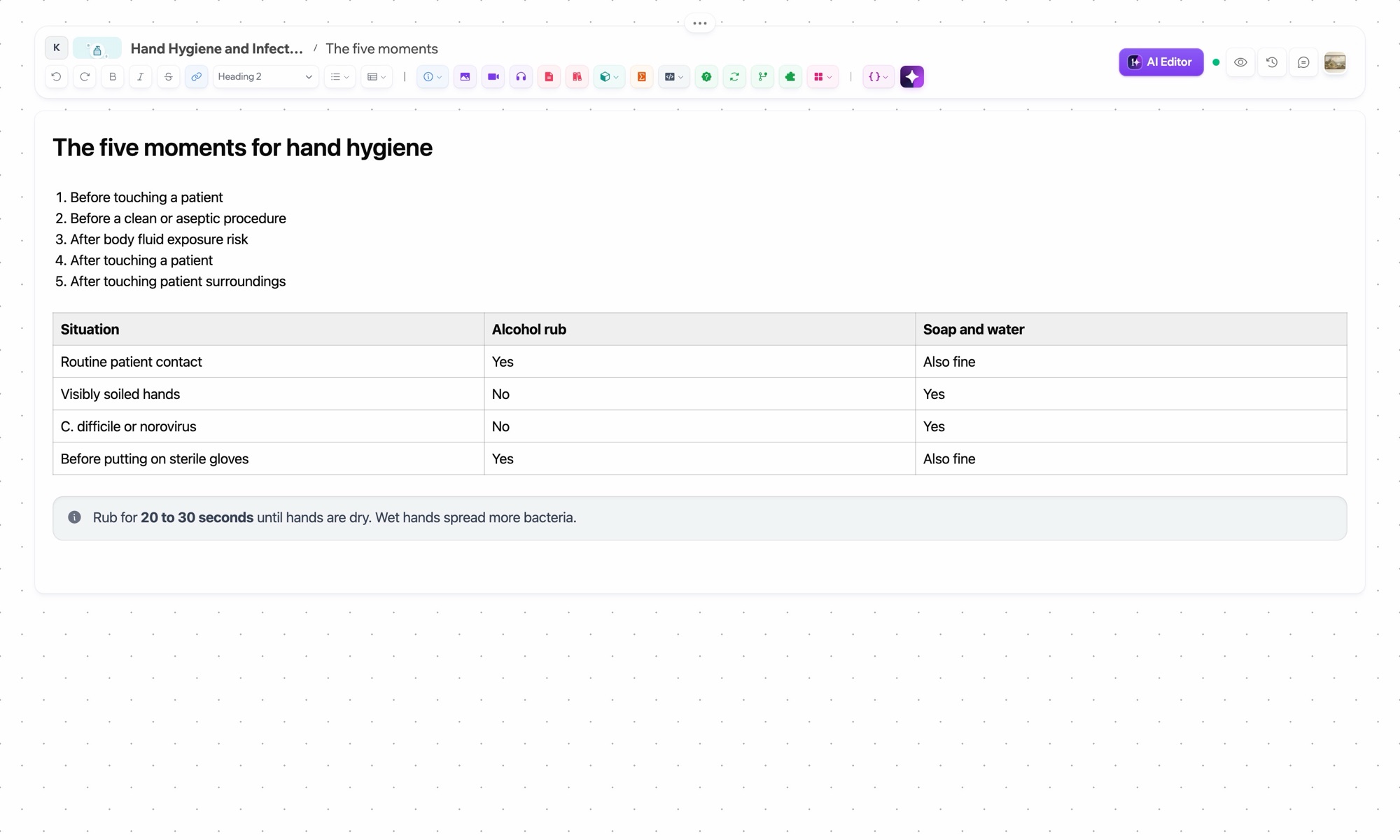
Figma files and prototypes embed in LearnHouse lessons as live viewers. Paste the Figma link and LearnHouse loads it through Figma's embed, so learners can pan, zoom and click through prototypes.

Cómo se conecta
Bloque de inserción en una lección
Plan
Standard o superior
Página relacionada de LearnHouse
Editor de cursos
StandardBloque de inserción en una lecciónDiseñoContenido incrustado
Qué puedes hacer

Qué hace Figma por ti

Editor de cursos

Live files in lessons

Embed a file or prototype and learners pan, zoom and click through it.
01 / 4
Editor de lecciones
Semana 1 · Primeros pasos
Configuración

Configúralo en unos minutos

  1. 1

    Share the file

    In Figma, set sharing to anyone with the link can view.

  2. 2

    Copy the link

    Copy the file or prototype URL.

  3. 3

    Add an embed block

    Paste it in the lesson.

  4. 4

    Teach

    Learners interact with the file inline.

Incluido en

Standarddesde $47/mes con facturación anual

Figma embeds work on every plan.

Prueba 14 díasComparar planes
Preguntas frecuentes

Preguntas sobre Figma

Can learners edit my Figma file?

Only if your Figma sharing settings allow it. Most teachers share view-only.

Do prototypes work?

Yes. Prototypes are interactive inside the lesson.

Can learners submit Figma work?

Yes, as file links in an assignment.

Do learners need a Figma account?

Not to view public or link-shared files.

Can I embed FigJam?

Yes, FigJam boards embed the same way.

Is this good for UX bootcamps?

Yes, see our design schools page for a full setup.

Combina bien con

MiroMiroEmbed collaborative Miro whiteboards into your lessons.CanvaCanvaEmbed Canva designs, presentations, and infographics.ExcalidrawExcalidrawEmbed hand-drawn style diagrams and sketches.SketchSketchEmbed Sketch prototypes and design files.WebflowWebflowEmbed Webflow sites and showcase web design projects.FramerFramerEmbed Framer prototypes and interactive design demos.
Conecta tus herramientas en la primera semana

Conecta tus herramientas en la primera semana

Prueba cualquier plan gratis durante 14 días. Sin tarjeta, con 0% de comisiones y con las integraciones incluidas.

Empieza gratis

O autoaloja gratis la edición de código abierto