LearnHouse
शुरू करें
LearnHouse
AIएंटरप्राइज़डेवलपर्समोबाइलप्राइसिंग
GitHub...
लॉगिनशुरू करें

आज के दौर का ओपन सोर्स लर्निंग प्लेटफ़ॉर्म

XGitHubLinkedInDiscord

प्रोडक्ट

  • क्रिएटर्स
  • शिक्षा जगत
  • एंटरप्राइज़
  • डेवलपर्स
  • मोबाइल ऐप
  • ओपन सोर्स
  • डिज़ाइन
  • खोज में दिखना
  • प्राइसिंग

फ़ीचर्स

  • कोर्स
  • AI
  • पेमेंट्स
  • कम्युनिटी
  • पॉडकास्ट
  • बोर्ड
  • Plays
  • कोड
  • एनालिटिक्स
  • वीडियो कोर्स
  • न्यूज़लेटर
  • लाइव सेशन
  • लर्निंग पाथ
  • ड्रिप कंटेंट
  • असाइनमेंट
  • सर्टिफ़िकेट
  • सिनेरियो
  • ज़रूरी ट्रेनिंग
  • कोर्स अनुवाद
  • इंटीग्रेशन

संसाधन

  • डॉक्यूमेंटेशन
  • यूनिवर्सिटी
  • ब्लॉग
  • चेंजलॉग
  • सेल्फ़-होस्टिंग
  • शब्दावली
  • GitHub
  • प्लेटफ़ॉर्म की तुलना करें

कंपनी

  • संपर्क
  • सुरक्षा
  • उद्योग

कंपनी

  • संपर्क
  • सुरक्षा
  • उद्योग

LearnHouse की तुलना इनसे करें

  • Udemy
  • Moodle
  • Teachable
  • Open edX
  • Thinkific
  • Canvas
  • Kajabi
  • Skool
  • Podia
  • Coursera
  • सभी तुलनाएं

इनके विकल्प

  • Udemy
  • Teachable
  • Thinkific
  • Kajabi
  • Skool
  • Podia
  • Coursera
  • Moodle
  • Open edX
  • Canvas LMS
  • Skillshare
  • Mighty Networks
  • LearnWorlds
  • Circle
कोई बग या समस्या मिली?
Open Source Initiative

ओपन सोर्स

AGPLv3 लाइसेंस, सेल्फ-होस्ट कर सकते हैं

GDPR के लिए तैयार

EU डेटा प्रोटेक्शन नियमों के अनुरूप

G2

G2

G2 पर हमें रिव्यू करें

© 2026 LearnHouse, Inc.

  • गोपनीयता
  • शर्तें
  • कुकी नीति
सभी इंटीग्रेशन
Figma

Use Figma with LearnHouse: Live Design FilesTeach design on the actual files

Embed Figma files and prototypes in lessons so learners can explore the real work, not screenshots of it.

मुफ़्त ट्रायल शुरू करें

14 दिन मुफ़्त · क्रेडिट कार्ड नहीं चाहिए

Figma files and prototypes embed in LearnHouse lessons as live viewers. Paste the Figma link and LearnHouse loads it through Figma's embed, so learners can pan, zoom and click through prototypes.

कैसे जुड़ता है
लेसन में एम्बेड ब्लॉक
प्लान
Standard और ऊपर
संबंधित LearnHouse पेज
कोर्स एडिटर
Standardलेसन में एम्बेड ब्लॉकडिज़ाइनएम्बेड
आप क्या कर सकते हैं

Figma आपके लिए क्या करता है

कोर्स एडिटर

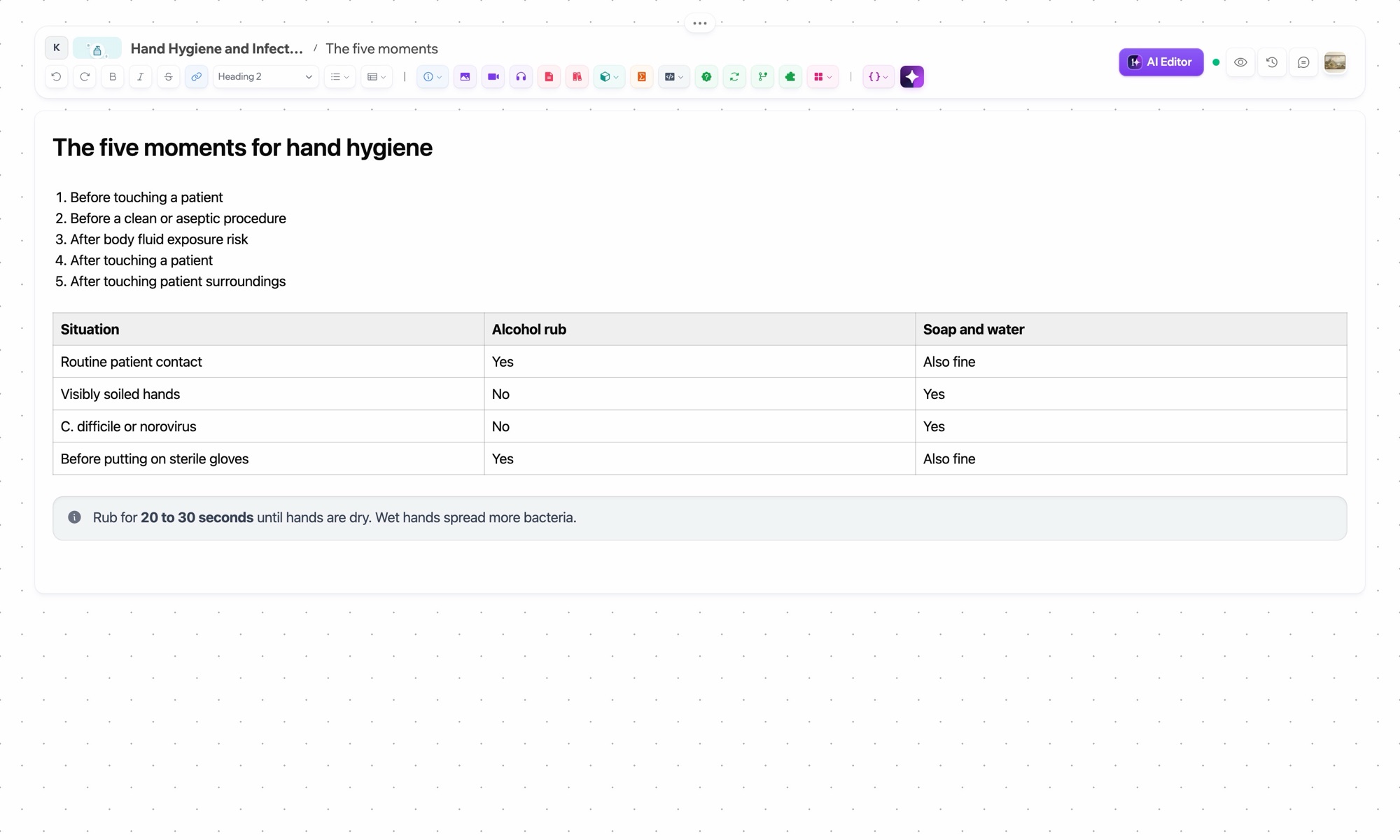
Live files in lessons

Embed a file or prototype and learners pan, zoom and click through it.
01 / 4
लेसन एडिटर
हफ़्ता 1 · शुरुआत
सेटअप

मिनटों में सेट करें

  1. 1

    Share the file

    In Figma, set sharing to anyone with the link can view.

  2. 2

    Copy the link

    Copy the file or prototype URL.

  3. 3

    Add an embed block

    Paste it in the lesson.

  4. 4

    Teach

    Learners interact with the file inline.

इनमें शामिल

Standard$47/महीना से, सालाना बिलिंग

Figma embeds work on every plan.

14 दिन का ट्रायल शुरू करेंप्लान की तुलना करें
अक्सर पूछे जाने वाले सवाल

Figma से जुड़े सवाल

Can learners edit my Figma file?

Only if your Figma sharing settings allow it. Most teachers share view-only.

Do prototypes work?

Yes. Prototypes are interactive inside the lesson.

Can learners submit Figma work?

Yes, as file links in an assignment.

Do learners need a Figma account?

Not to view public or link-shared files.

Can I embed FigJam?

Yes, FigJam boards embed the same way.

Is this good for UX bootcamps?

Yes, see our design schools page for a full setup.

इनके साथ अच्छा चलता है

MiroMiroEmbed collaborative Miro whiteboards into your lessons.CanvaCanvaEmbed Canva designs, presentations, and infographics.ExcalidrawExcalidrawEmbed hand-drawn style diagrams and sketches.SketchSketchEmbed Sketch prototypes and design files.WebflowWebflowEmbed Webflow sites and showcase web design projects.FramerFramerEmbed Framer prototypes and interactive design demos.
पहले हफ़्ते में ही अपने टूल्स जोड़ें

पहले हफ़्ते में ही अपने टूल्स जोड़ें

कोई भी प्लान 14 दिन मुफ़्त आज़माएं। क्रेडिट कार्ड नहीं, 0% प्लेटफ़ॉर्म फ़ीस, और इंटीग्रेशन शामिल।

मुफ़्त ट्रायल शुरू करें

या ओपन-सोर्स एडिशन को मुफ़्त में सेल्फ-होस्ट करें