LearnHouse
Mulai Sekarang
LearnHouse
AIEnterpriseDeveloperSelulerHarga
GitHub...
MasukMulai Sekarang

Platform belajar open source modern generasi berikutnya

XGitHubLinkedInDiscord

Produk

  • Kreator
  • Akademik
  • Enterprise
  • Developer
  • Aplikasi seluler
  • Open source
  • Desain
  • Mudah ditemukan
  • Harga

Fitur

  • Kursus
  • AI
  • Pembayaran
  • Komunitas
  • Podcast
  • Board
  • Plays
  • Kode
  • Analitik
  • Kursus video
  • Newsletter
  • Sesi live
  • Jalur belajar
  • Konten bertahap
  • Tugas
  • Sertifikat
  • Skenario
  • Pelatihan wajib
  • Terjemahan kursus
  • Integrasi

Sumber Daya

  • Dokumentasi
  • Universitas
  • Blog
  • Changelog
  • Self-hosting
  • Glosarium
  • GitHub
  • Bandingkan platform

Perusahaan

  • Kontak
  • Keamanan
  • Industri

Perusahaan

  • Kontak
  • Keamanan
  • Industri

Bandingkan LearnHouse dengan

  • Udemy
  • Moodle
  • Teachable
  • Open edX
  • Thinkific
  • Canvas
  • Kajabi
  • Skool
  • Podia
  • Coursera
  • Semua perbandingan

Alternatif untuk

  • Udemy
  • Teachable
  • Thinkific
  • Kajabi
  • Skool
  • Podia
  • Coursera
  • Moodle
  • Open edX
  • Canvas LMS
  • Skillshare
  • Mighty Networks
  • LearnWorlds
  • Circle
Menemukan bug atau masalah?
Open Source Initiative

Open Source

Lisensi AGPLv3, bisa di-host sendiri

Siap GDPR

Mematuhi aturan perlindungan data UE

G2

G2

Beri ulasan di G2

© 2026 LearnHouse, Inc.

  • Privasi
  • Ketentuan
  • Kebijakan Cookie
Semua integrasi
Figma

Use Figma with LearnHouse: Live Design FilesTeach design on the actual files

Embed Figma files and prototypes in lessons so learners can explore the real work, not screenshots of it.

Mulai uji coba gratis

Gratis 14 hari · Tanpa kartu kredit

Figma files and prototypes embed in LearnHouse lessons as live viewers. Paste the Figma link and LearnHouse loads it through Figma's embed, so learners can pan, zoom and click through prototypes.

Cara terhubung
Blok sematan di pelajaran
Paket
Standard ke atas
Halaman LearnHouse terkait
Editor kursus
StandardBlok sematan di pelajaranDesainEmbed
Yang bisa Anda lakukan

Apa yang dilakukan Figma untuk Anda

Editor kursus

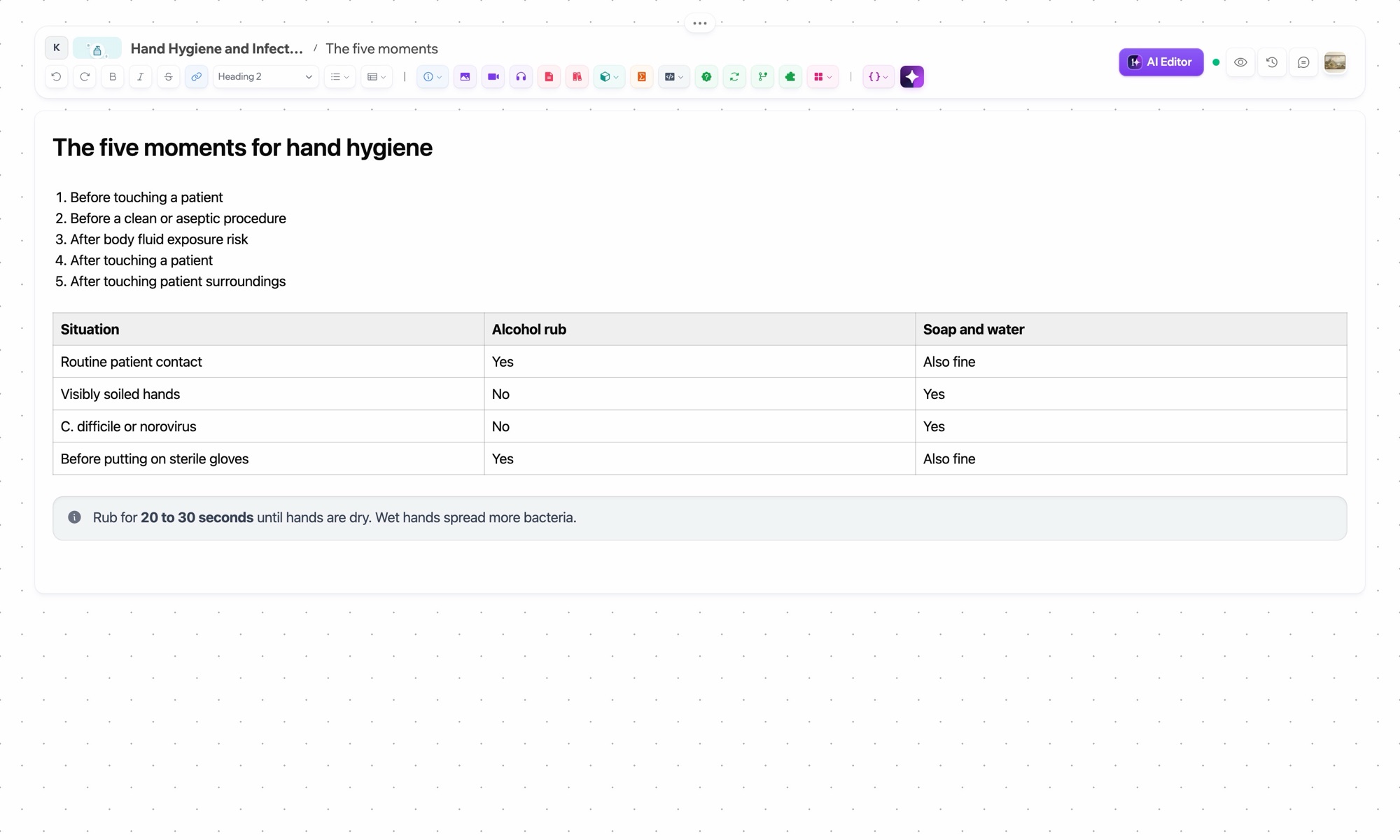
Live files in lessons

Embed a file or prototype and learners pan, zoom and click through it.
01 / 4
Editor pelajaran
Minggu 1 · Memulai
Pengaturan

Siap dipakai dalam hitungan menit

  1. 1

    Share the file

    In Figma, set sharing to anyone with the link can view.

  2. 2

    Copy the link

    Copy the file or prototype URL.

  3. 3

    Add an embed block

    Paste it in the lesson.

  4. 4

    Teach

    Learners interact with the file inline.

Termasuk di

Standardmulai $47/bulan, ditagih tahunan

Figma embeds work on every plan.

Mulai uji coba 14 hariBandingkan paket
FAQ

Pertanyaan seputar Figma

Can learners edit my Figma file?

Only if your Figma sharing settings allow it. Most teachers share view-only.

Do prototypes work?

Yes. Prototypes are interactive inside the lesson.

Can learners submit Figma work?

Yes, as file links in an assignment.

Do learners need a Figma account?

Not to view public or link-shared files.

Can I embed FigJam?

Yes, FigJam boards embed the same way.

Is this good for UX bootcamps?

Yes, see our design schools page for a full setup.

Cocok dipadukan dengan

MiroMiroEmbed collaborative Miro whiteboards into your lessons.CanvaCanvaEmbed Canva designs, presentations, and infographics.ExcalidrawExcalidrawEmbed hand-drawn style diagrams and sketches.SketchSketchEmbed Sketch prototypes and design files.WebflowWebflowEmbed Webflow sites and showcase web design projects.FramerFramerEmbed Framer prototypes and interactive design demos.
Hubungkan alat Anda di minggu pertama

Hubungkan alat Anda di minggu pertama

Coba paket mana pun gratis selama 14 hari. Tanpa kartu kredit, biaya platform 0%, dan integrasi sudah termasuk.

Mulai uji coba gratis

Atau self-host edisi open source secara gratis