LearnHouse
Mulai Sekarang
LearnHouse
AIEnterpriseDeveloperSelulerHarga
GitHub...
MasukMulai Sekarang

Platform belajar open source modern generasi berikutnya

XGitHubLinkedInDiscord

Produk

  • Kreator
  • Akademik
  • Enterprise
  • Developer
  • Aplikasi seluler
  • Open source
  • Desain
  • Mudah ditemukan
  • Harga

Fitur

  • Kursus
  • AI
  • Pembayaran
  • Komunitas
  • Podcast
  • Board
  • Plays
  • Kode
  • Analitik
  • Kursus video
  • Newsletter
  • Sesi live
  • Jalur belajar
  • Konten bertahap
  • Tugas
  • Sertifikat
  • Skenario
  • Pelatihan wajib
  • Terjemahan kursus
  • Integrasi

Sumber Daya

  • Dokumentasi
  • Universitas
  • Blog
  • Changelog
  • Self-hosting
  • Glosarium
  • GitHub
  • Bandingkan platform

Perusahaan

  • Kontak
  • Keamanan
  • Industri

Perusahaan

  • Kontak
  • Keamanan
  • Industri

Bandingkan LearnHouse dengan

  • Udemy
  • Moodle
  • Teachable
  • Open edX
  • Thinkific
  • Canvas
  • Kajabi
  • Skool
  • Podia
  • Coursera
  • Semua perbandingan

Alternatif untuk

  • Udemy
  • Teachable
  • Thinkific
  • Kajabi
  • Skool
  • Podia
  • Coursera
  • Moodle
  • Open edX
  • Canvas LMS
  • Skillshare
  • Mighty Networks
  • LearnWorlds
  • Circle
Menemukan bug atau masalah?
Open Source Initiative

Open Source

Lisensi AGPLv3, bisa di-host sendiri

Siap GDPR

Mematuhi aturan perlindungan data UE

G2

G2

Beri ulasan di G2

© 2026 LearnHouse, Inc.

  • Privasi
  • Ketentuan
  • Kebijakan Cookie
Semua integrasi
Intercom

Use Intercom with LearnHouse: Chat on Course PagesSupport where learners get stuck

Add Intercom's messenger to your academy pages.

Mulai uji coba gratis

Gratis 14 hari · Tanpa kartu kredit

Intercom's Messenger runs on a LearnHouse academy as a custom script in the page body, so visitors can chat with your team from course and store pages.

Cara terhubung
Skrip khusus di akademi Anda
Paket
Pro ke atas
Halaman LearnHouse terkait
Analitik
ProSkrip khusus di akademi AndaPemasaranKomunikasi
Yang bisa Anda lakukan

Apa yang dilakukan Intercom untuk Anda

Akademi publik & SEO

Chat on the store page

Answer pre-sale questions while people look at a course.
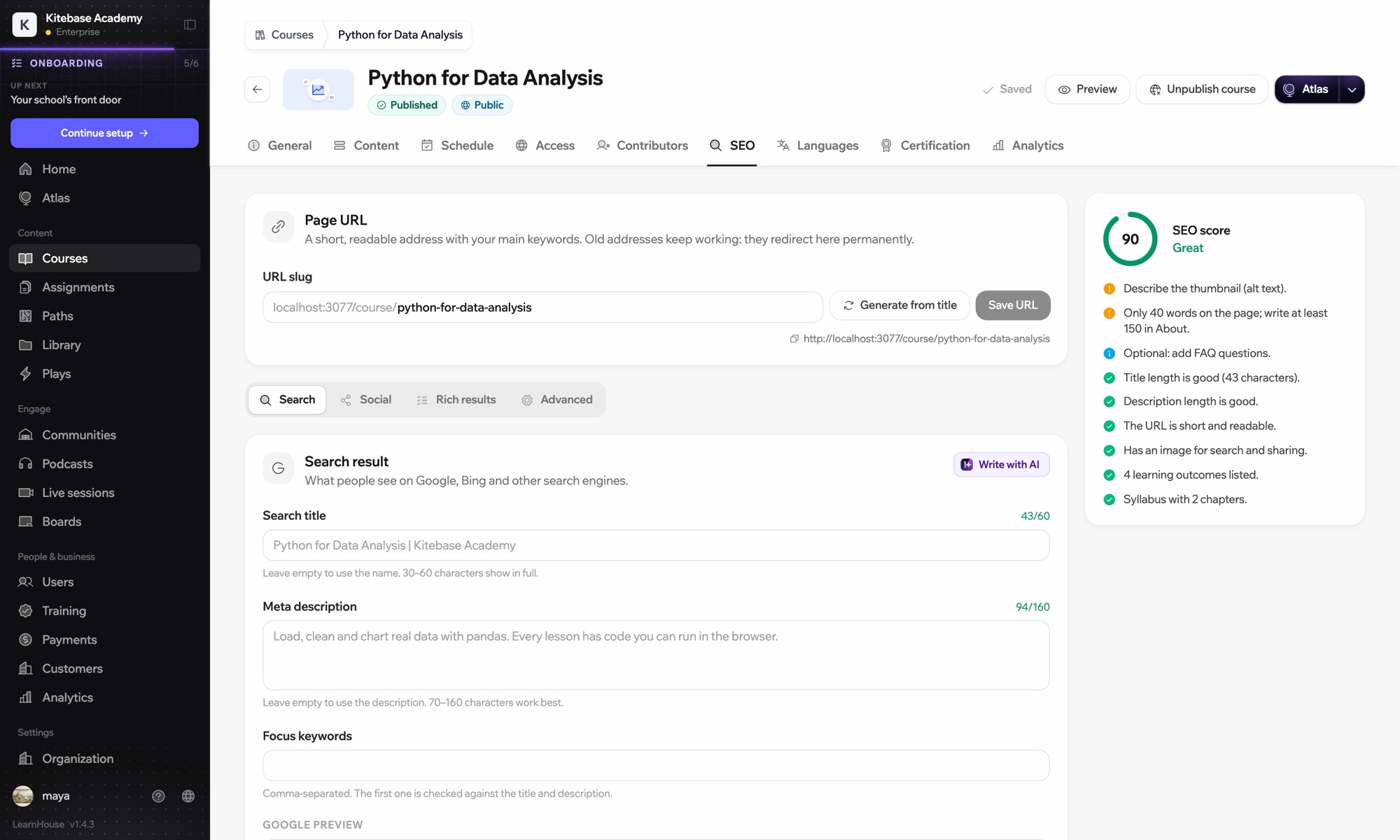
01 / 3
Pengaturan SEO kursus
cara mengatur sso acme
academy.acme.com › courses › sso-setup
Mengatur SSO di Acme: kursus gratis
6 pelajaran singkat dengan kuis dan sertifikat di akhir.
Kursus6 pelajaranGratis
Pengaturan

Siap dipakai dalam hitungan menit

  1. 1

    Copy the Messenger snippet

    In Intercom, open Messenger installation and copy the code with your app ID.

  2. 2

    Install in the body

    Save it as a body script under Organization settings → Other → Scripts.

  3. 3

    Set office hours

    Choose colours, greeting and availability in Intercom.

Termasuk di

Promulai $143/bulan, ditagih tahunan

Custom scripts run on your academy's custom domain, part of Pro on LearnHouse Cloud, or on any self-hosted edition. Intercom is billed by Intercom.

Mulai uji coba 14 hariBandingkan paket
FAQ

Pertanyaan seputar Intercom

Does Intercom know who the learner is?

Not automatically. The snippet runs for visitors; identifying users needs extra code on your side.

Can I limit it to some pages?

Use Intercom's own display rules for that.

Cocok dipadukan dengan

TypeformTypeformEmbed Typeform surveys and quizzes for learner feedback.SubstackSubstackPut your Substack subscribe form in a lesson and link your posts.Google FormsGoogle FormsEmbed forms for surveys, quizzes, and course feedback.BrevoBrevoEmail marketing and automation for learner engagement.SurveyMonkeySurveyMonkeyEmbed SurveyMonkey surveys for course feedback and research.HubSpotHubSpotCreate or update HubSpot contacts from LearnHouse sign-ups through Zapier.
Hubungkan alat Anda di minggu pertama

Hubungkan alat Anda di minggu pertama

Coba paket mana pun gratis selama 14 hari. Tanpa kartu kredit, biaya platform 0%, dan integrasi sudah termasuk.

Mulai uji coba gratis

Atau self-host edisi open source secara gratis