Claude Code adds the LearnHouse MCP server from the command line and signs you in with /mcp.
14 giorni gratis · Nessuna carta di credito
LearnHouse connects to Claude Code through its MCP server over HTTP. After one command and a sign-in, Claude Code can create and edit courses, look up learners and run bulk changes in your organization, within your role's permissions.
Ask it to add a short recap to the end of every lesson in a course, then review the changes in LearnHouse.
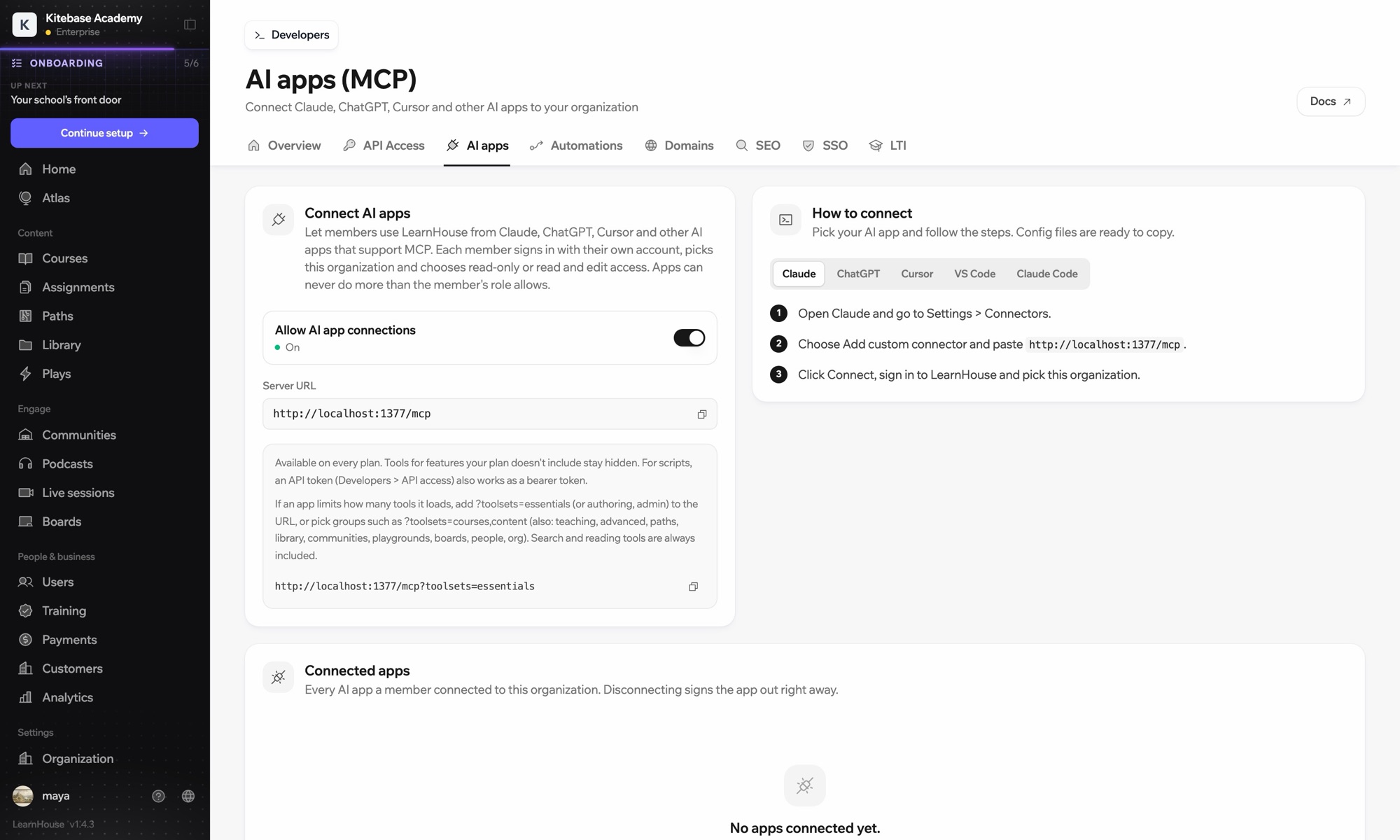
Run claude mcp add --transport http learnhouse followed by your LearnHouse server URL.
Inside Claude Code, run /mcp, choose learnhouse and sign in to your organization in the browser.
Incluso in
The API and MCP server come with Pro on LearnHouse Cloud.
In your dashboard under Connect AI apps. It is the same URL for every MCP client.
No. Each person signs in with their own account, and admins can disconnect any app from the same page.
Yes. Pick read-only access when you connect, or add a toolsets parameter to load fewer tools.

Prova qualsiasi piano gratis per 14 giorni. Senza carta di credito, con 0% di commissioni di piattaforma e integrazioni incluse.
Oppure ospita da te l'edizione open source, gratis
