LearnHouse
Zacznij
LearnHouse
AIEnterpriseProgramiściMobilneCennik
GitHub...
Zaloguj sięZacznij

Platforma edukacyjna open source nowej generacji

XGitHubLinkedInDiscord

Produkt

  • Twórcy
  • Edukacja
  • Enterprise
  • Programiści
  • Aplikacja mobilna
  • Open source
  • Design
  • Widoczność
  • Cennik

Funkcje

  • Kursy
  • AI
  • Płatności
  • Społeczności
  • Podcasty
  • Tablice
  • Plays
  • Kod
  • Analityka
  • Kursy wideo
  • Newsletter
  • Zajęcia na żywo
  • Ścieżki nauki
  • Dawkowanie treści
  • Zadania
  • Certyfikaty
  • Scenariusze
  • Szkolenia obowiązkowe
  • Tłumaczenie kursów
  • Integracje

Zasoby

  • Dokumentacja
  • Uniwersytet
  • Blog
  • Historia zmian
  • Własny hosting
  • Słowniczek
  • GitHub
  • Porównaj platformy

Firma

  • Kontakt
  • Bezpieczeństwo
  • Branże

Firma

  • Kontakt
  • Bezpieczeństwo
  • Branże

Porównaj LearnHouse z

  • Udemy
  • Moodle
  • Teachable
  • Open edX
  • Thinkific
  • Canvas
  • Kajabi
  • Skool
  • Podia
  • Coursera
  • Wszystkie porównania

Alternatywy dla

  • Udemy
  • Teachable
  • Thinkific
  • Kajabi
  • Skool
  • Podia
  • Coursera
  • Moodle
  • Open edX
  • Canvas LMS
  • Skillshare
  • Mighty Networks
  • LearnWorlds
  • Circle
Widzisz błąd lub problem?
Open Source Initiative

Open Source

Licencja AGPLv3, możesz hostować u siebie

Zgodność z RODO

Zgodność z unijnymi przepisami o ochronie danych

G2

G2

Oceń nas na G2

© 2026 LearnHouse, Inc.

  • Prywatność
  • Regulamin
  • Polityka plików cookie
Wszystkie integracje
Google Slides

Use Google Slides with LearnHouse: DecksDecks that stay up to date

Embed Google Slides presentations in lessons.

Zacznij darmowy okres próbny

14 dni za darmo · Bez karty kredytowej

Google Slides decks embed in LearnHouse lessons through the link from File → Share → Publish to web; LearnHouse also turns a Slides link into its preview.

Jak się łączy
Blok osadzenia w lekcji
Plan
Standard i wyższe
Powiązana strona LearnHouse
Edytor kursów
StandardBlok osadzenia w lekcjiProduktywnośćOsadzenia
Co możesz zrobić

Co daje Ci Google Slides

Edytor kursów

Decks inside lessons

Show the slides you teach from, next to your notes.
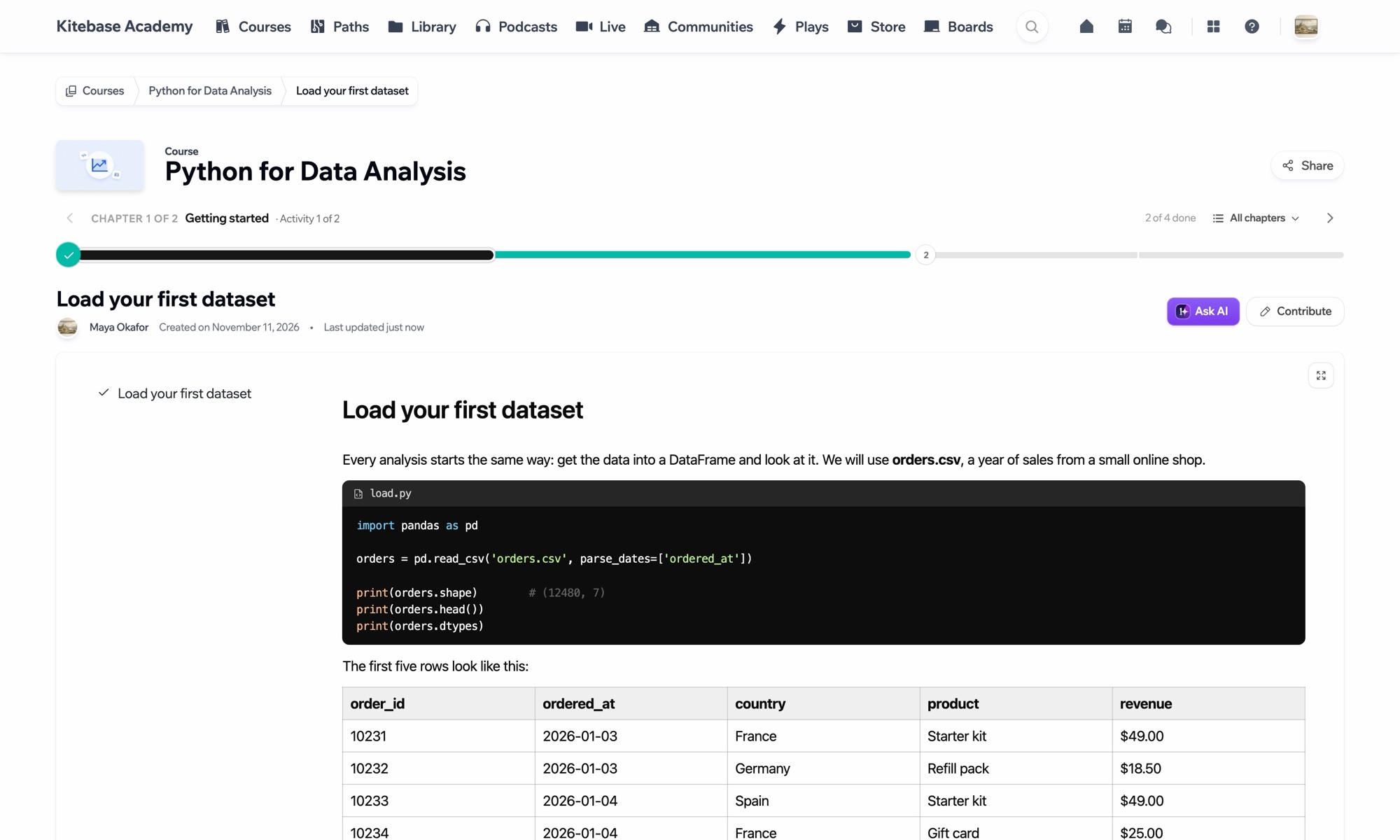
01 / 3
Lekcja z kodem i tabelą danych
Tydzień 1 · Pierwsze kroki
Konfiguracja

Skonfiguruj w kilka minut

  1. 1

    Publish to the web

    In Slides, choose File → Share → Publish to web and copy the embed link.

  2. 2

    Add an Embed block

    Add it to the lesson.

  3. 3

    Paste the link

    The deck shows with its own controls.

W planie

Standardod $47/mies., płatne rocznie

Embeds work on every plan, starting with Standard.

Zacznij 14-dniowy okres próbnyPorównaj plany
FAQ

Pytania o Google Slides

Does it update when I edit the deck?

Published decks update after you change them.

Can I set the slide timing?

Yes, in Google's publish options.

Dobrze współpracuje z

NotionNotionEmbed Notion pages and databases for supplemental content.AirtableAirtableEmbed Airtable bases for structured data and trackers.ClickUpClickUpEmbed ClickUp views for project and task management.GitBookGitbookEmbed GitBook documentation and knowledge bases.CalendlyCalendlyEmbed scheduling links for office hours and mentoring sessions.Google CalendarGoogle CalendarEmbed calendars for course schedules and live session planning.
Połącz swoje narzędzia już w pierwszym tygodniu

Połącz swoje narzędzia już w pierwszym tygodniu

Wypróbuj dowolny plan przez 14 dni za darmo. Bez karty kredytowej, 0% prowizji platformy, a integracje w cenie.

Zacznij darmowy okres próbny

Albo hostuj wersję open source u siebie, za darmo