LearnHouse
Начать
LearnHouse
ИИEnterpriseРазработчикамПриложениеТарифы
GitHub...
ВойтиНачать

Современная платформа для обучения с открытым кодом

XGitHubLinkedInDiscord

Продукт

  • Авторам
  • Образование
  • Enterprise
  • Разработчикам
  • Мобильное приложение
  • Открытый код
  • Дизайн
  • Видимость в поиске
  • Тарифы

Возможности

  • Курсы
  • ИИ
  • Платежи
  • Сообщества
  • Подкасты
  • Доски
  • Plays
  • Код
  • Аналитика
  • Видеокурсы
  • Рассылка
  • Прямые эфиры
  • Учебные треки
  • Поэтапное открытие
  • Задания
  • Сертификаты
  • Сценарии
  • Обязательное обучение
  • Перевод курсов
  • Интеграции

Ресурсы

  • Документация
  • Университет
  • Блог
  • Changelog
  • Свой сервер
  • Глоссарий
  • GitHub
  • Сравнить платформы

Компания

  • Контакты
  • Безопасность
  • Отрасли

Компания

  • Контакты
  • Безопасность
  • Отрасли

Сравните LearnHouse с

  • Udemy
  • Moodle
  • Teachable
  • Open edX
  • Thinkific
  • Canvas
  • Kajabi
  • Skool
  • Podia
  • Coursera
  • Все сравнения

Альтернативы

  • Udemy
  • Teachable
  • Thinkific
  • Kajabi
  • Skool
  • Podia
  • Coursera
  • Moodle
  • Open edX
  • Canvas LMS
  • Skillshare
  • Mighty Networks
  • LearnWorlds
  • Circle
Нашли ошибку?
Open Source Initiative

Открытый код

Лицензия AGPLv3, можно развернуть у себя

Соответствие GDPR

Защита данных по нормам ЕС

G2

G2

Оставьте отзыв на G2

© 2026 LearnHouse, Inc.

  • Конфиденциальность
  • Условия
  • Политика cookies
Все интеграции
Figma

Use Figma with LearnHouse: Live Design FilesTeach design on the actual files

Embed Figma files and prototypes in lessons so learners can explore the real work, not screenshots of it.

Начать бесплатно

14 дней бесплатно · Без банковской карты

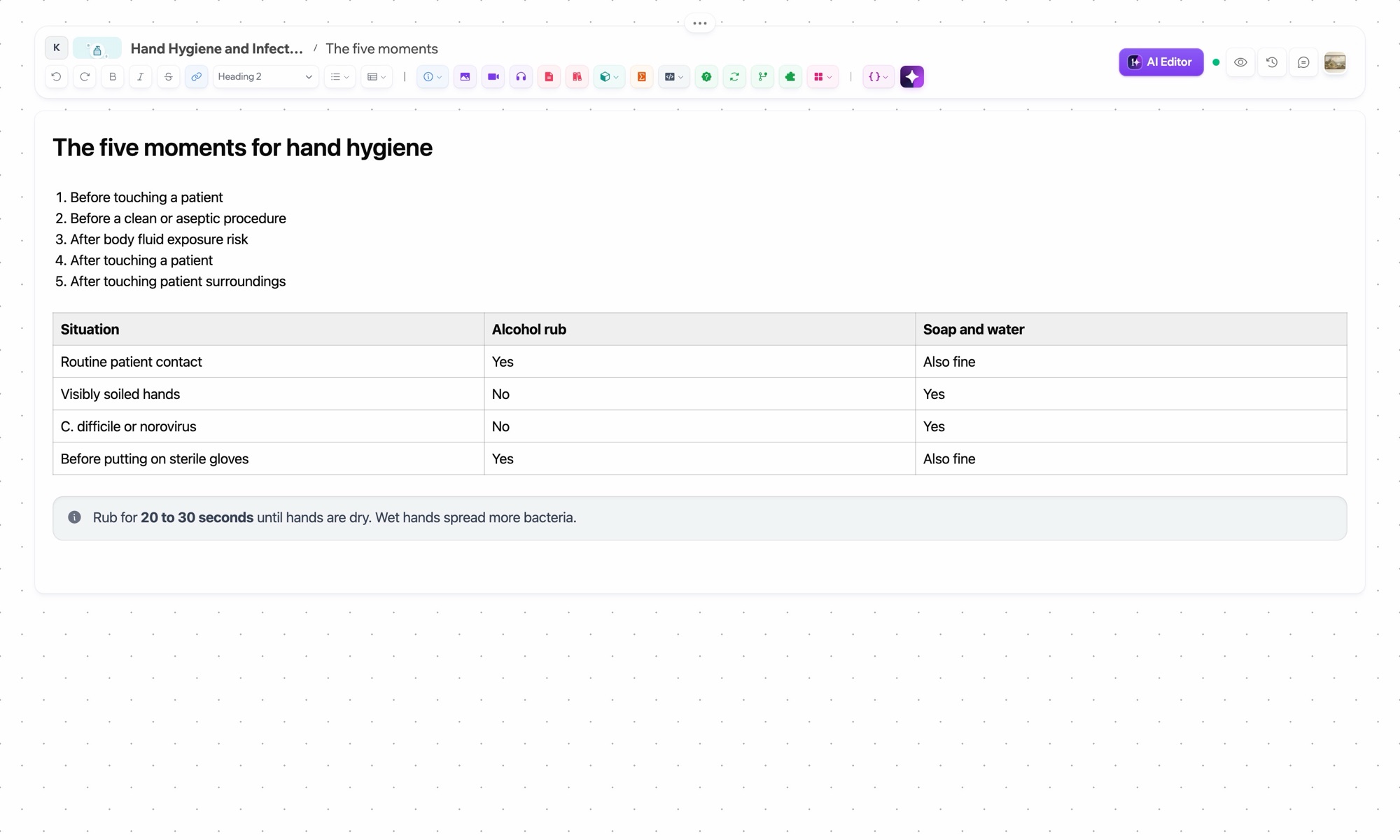
Figma files and prototypes embed in LearnHouse lessons as live viewers. Paste the Figma link and LearnHouse loads it through Figma's embed, so learners can pan, zoom and click through prototypes.

Как подключается
Блок встраивания в уроке
Тариф
Standard и выше
Связанная страница LearnHouse
Редактор курсов
StandardБлок встраивания в урокеДизайнВстраивание
Что можно делать

Что даёт Figma

Редактор курсов

Live files in lessons

Embed a file or prototype and learners pan, zoom and click through it.
01 / 4
Редактор урока
Неделя 1 · Начало
Настройка

Настройка за несколько минут

  1. 1

    Share the file

    In Figma, set sharing to anyone with the link can view.

  2. 2

    Copy the link

    Copy the file or prototype URL.

  3. 3

    Add an embed block

    Paste it in the lesson.

  4. 4

    Teach

    Learners interact with the file inline.

Входит в

Standardот $47/мес. при оплате за год

Figma embeds work on every plan.

Начать 14-дневный пробный периодСравнить тарифы
Вопросы

Вопросы про Figma

Can learners edit my Figma file?

Only if your Figma sharing settings allow it. Most teachers share view-only.

Do prototypes work?

Yes. Prototypes are interactive inside the lesson.

Can learners submit Figma work?

Yes, as file links in an assignment.

Do learners need a Figma account?

Not to view public or link-shared files.

Can I embed FigJam?

Yes, FigJam boards embed the same way.

Is this good for UX bootcamps?

Yes, see our design schools page for a full setup.

Хорошо работает с

MiroMiroEmbed collaborative Miro whiteboards into your lessons.CanvaCanvaEmbed Canva designs, presentations, and infographics.ExcalidrawExcalidrawEmbed hand-drawn style diagrams and sketches.SketchSketchEmbed Sketch prototypes and design files.WebflowWebflowEmbed Webflow sites and showcase web design projects.FramerFramerEmbed Framer prototypes and interactive design demos.
Подключите свои инструменты в первую неделю

Подключите свои инструменты в первую неделю

Попробуйте любой тариф бесплатно 14 дней. Без банковской карты, 0% комиссии платформы, интеграции включены.

Начать бесплатный пробный период

Или бесплатно разверните версию с открытым кодом у себя