Connect your Workspace over OpenID Connect and restrict sign-in to your own domain.
ฟรี 14 วัน · ไม่ต้องใช้บัตรเครดิต
Google Workspace connects to LearnHouse for single sign-on through OpenID Connect, limited to your company's email domains. This is separate from Google sign-in, which any Google account can use.
Restrict SSO to the email domains of your Workspace.
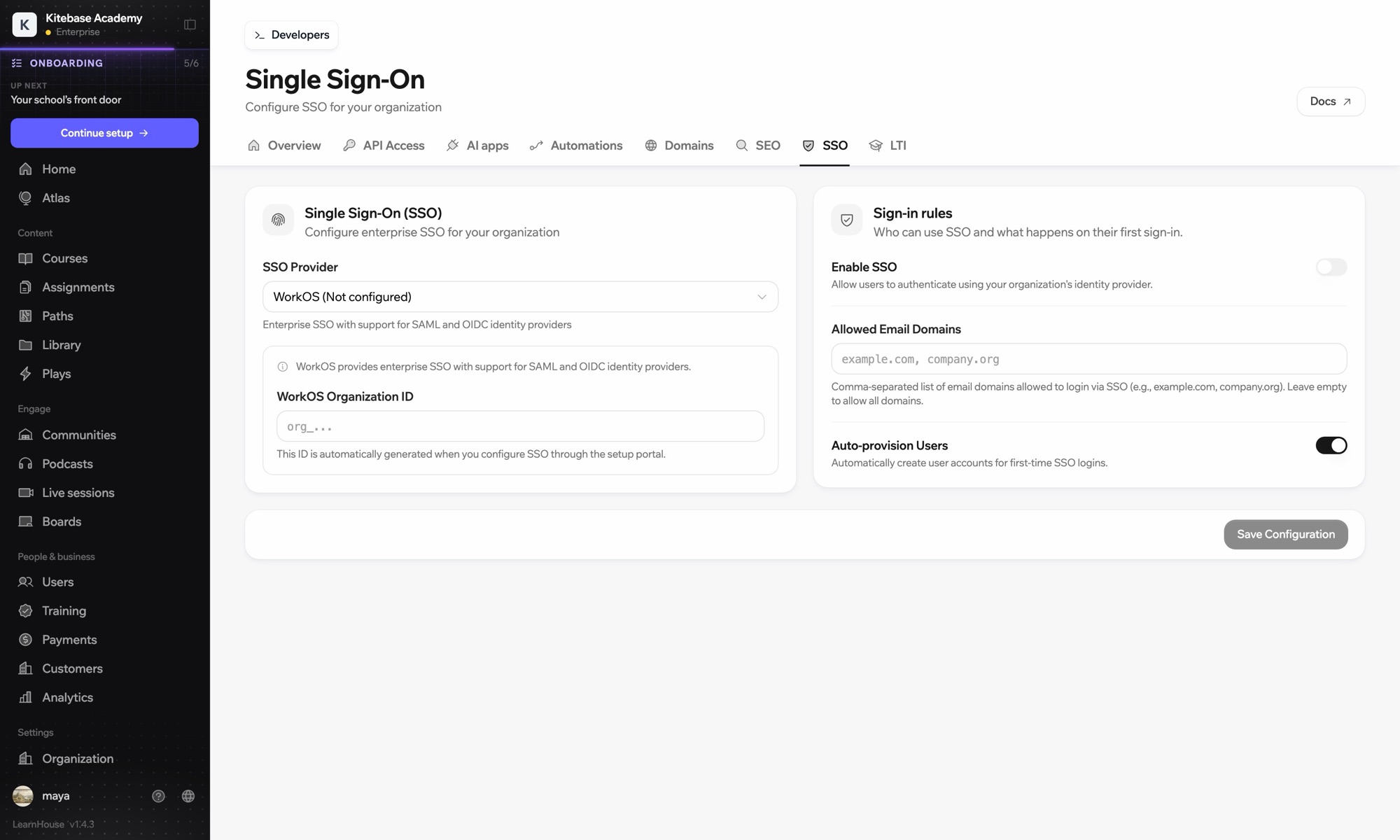
In Google Cloud, create an OAuth client ID of type web application.
Add your LearnHouse SSO callback URL.
In Organization → SSO, choose Custom OIDC, enter https://accounts.google.com, the client ID and secret, and your email domain.
รวมอยู่ในแผน
SSO is part of Business and Enterprise.
Google sign-in lets any Google account in. Workspace SSO, set up here, is limited to your company's domains.
Not if you restrict SSO to your Workspace domain. Use Google sign-in for them instead.

ลองแผนไหนก็ได้ฟรี 14 วัน ไม่ต้องใช้บัตรเครดิต ค่าธรรมเนียมแพลตฟอร์ม 0% และมีการเชื่อมต่อให้ครบ
หรือโฮสต์เอดิชันโอเพนซอร์สเองได้ฟรี
