Add LearnHouse as an LTI 1.3 tool once, then teachers drop an LTI page into any course and pick the content.
Miễn phí 14 ngày · Không cần thẻ tín dụng
LearnHouse connects to OpenOLAT through LTI 1.3. An administrator enables Module LTI 1.3 and creates LearnHouse as an external tool. Teachers add an LTI page element to a course, select content with deep linking and can turn on score transfer.
An LTI page element can open a full course, a single activity or a board.
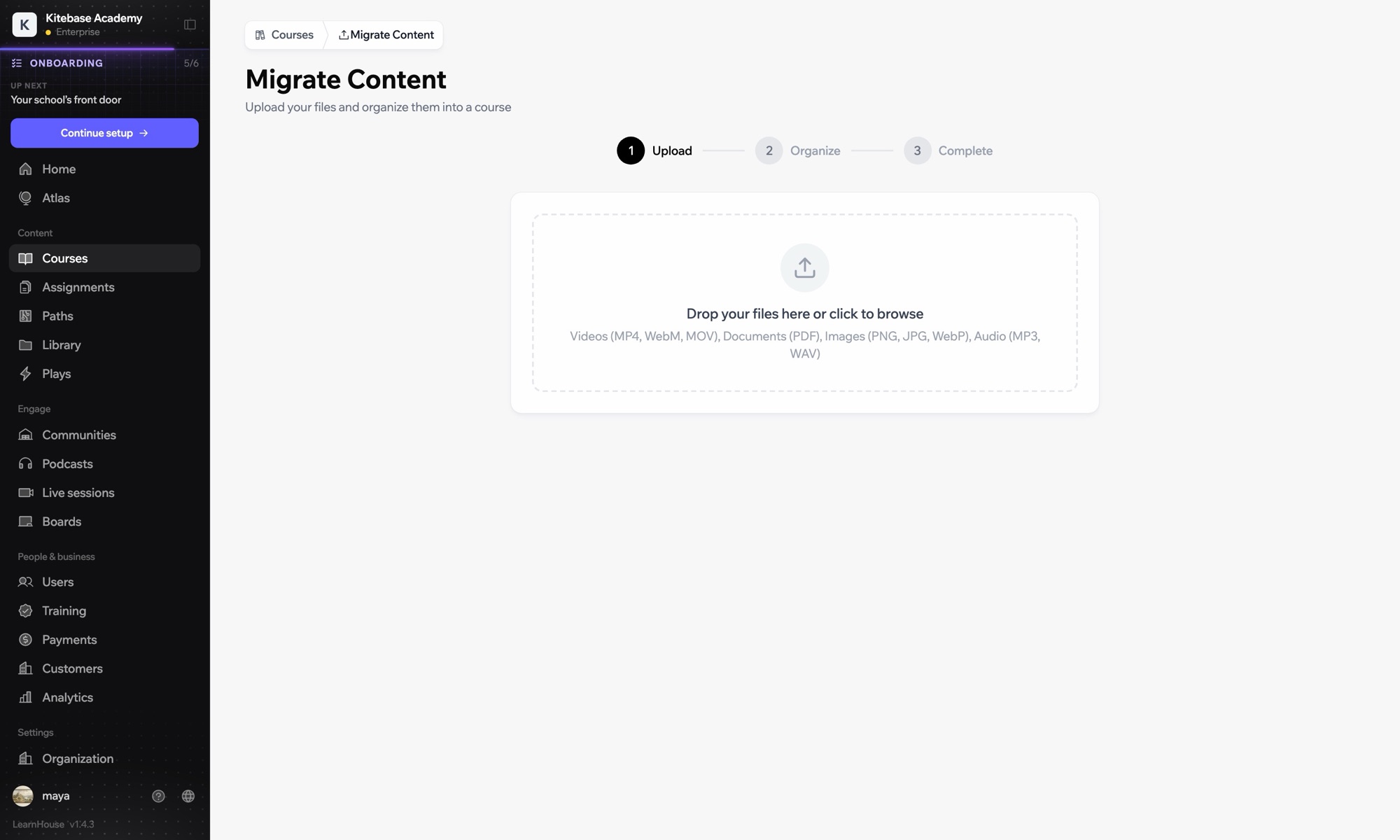
In LearnHouse, open Developers → LTI → Add manually.
In OpenOLAT, enable Module LTI 1.3 under Administration → External tools → LTI, then create a new tool with the LearnHouse URLs and keyset URL.
Edit the tool, activate deep linking and copy the Client ID, Deployment ID, issuer and endpoint URLs into LearnHouse.
Add an LTI page element, choose LearnHouse, click Select content, enable Transfer score and publish.
Có trong gói
LTI 1.3 is part of Business and Enterprise.
Yes. OpenOLAT applies the new element after you publish the course.
Yes. Create the tool once and add as many LTI page elements as you need.

Dùng thử bất kỳ gói nào miễn phí 14 ngày. Không cần thẻ tín dụng, phí nền tảng 0% và đã gồm các tích hợp.
Hoặc tự lưu trữ bản mã nguồn mở miễn phí
