Schedule a live session in LearnHouse, add your Teams meeting link, and keep reminders, attendance and the recording with the course.
14 দিন ফ্রি · ক্রেডিট কার্ড লাগবে না
Microsoft Teams works with LearnHouse live sessions by link or through a connected Microsoft 365 account. Connected, each session is an Outlook event with a Teams meeting, and attendance reports, recordings and transcripts come back.
Connect a Microsoft 365 account and each session becomes an Outlook event with a Teams meeting. People who RSVP get the invite.
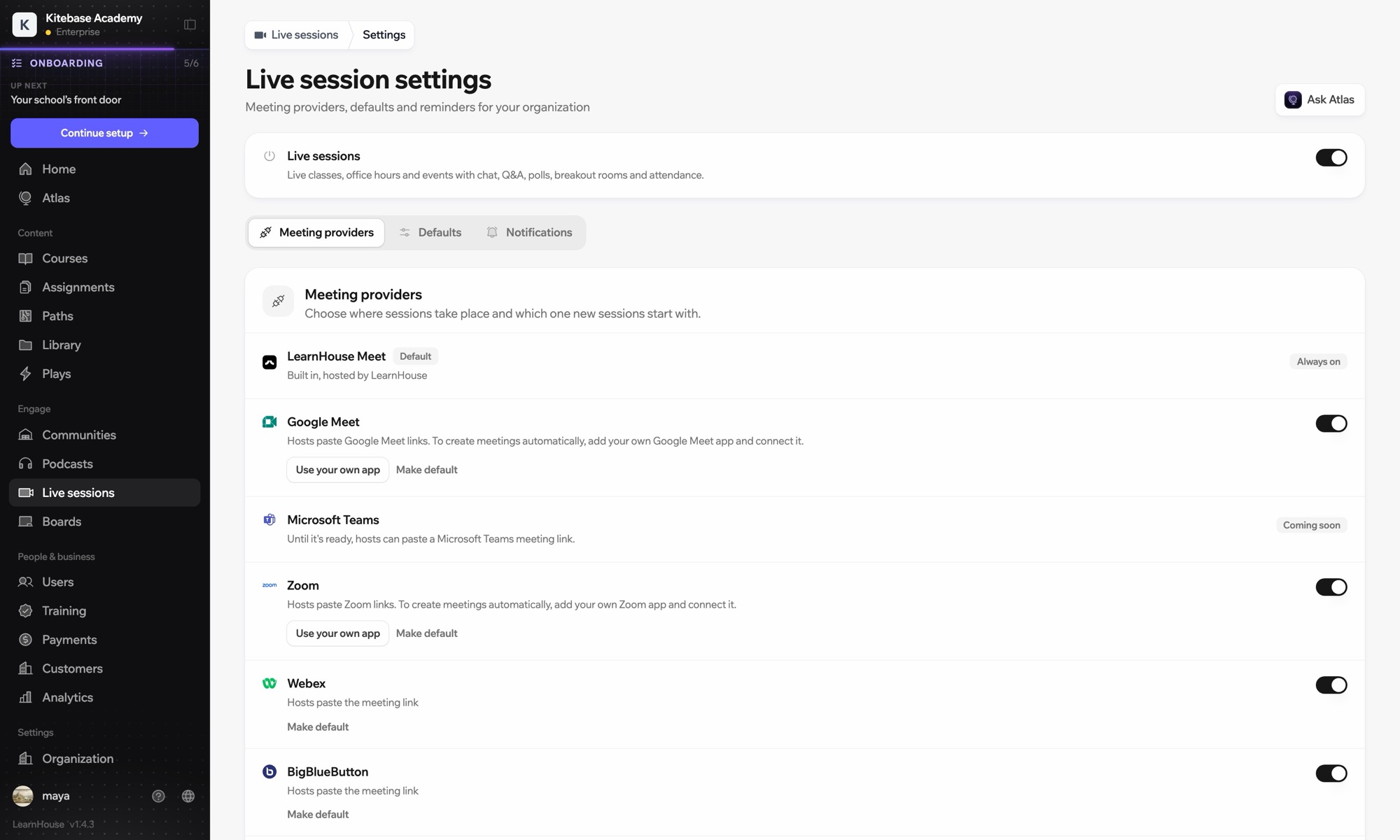
An admin opens Live sessions → Settings, adds the Microsoft app details and connects the account.
Choose Microsoft Teams; LearnHouse creates the Outlook event with the Teams link.
Learners join from the session page or the invite. Chat, Q&A and polls stay on the session page.
Attendance, recordings and transcripts sync back after the meeting.
যে প্ল্যানে আছে
Live sessions are included in Business.
Yes. Without a connected account, paste a teams.microsoft.com link; attendance and recordings then aren't imported automatically.
No. Attendees are hidden from each other on the Outlook event.
Yes. Reschedules and cancellations flow through Outlook and Teams to everyone invited.

যেকোনো প্ল্যান 14 দিন ফ্রি চালিয়ে দেখুন। ক্রেডিট কার্ড লাগবে না, প্ল্যাটফর্ম ফি 0%, আর ইন্টিগ্রেশন সবই আছে।
অথবা ওপেন সোর্স এডিশন বিনামূল্যে সেল্ফ-হোস্ট করুন
