LearnHouse
শুরু করুন
LearnHouse
AIএন্টারপ্রাইজডেভেলপারমোবাইলপ্রাইসিং
GitHub...
লগইনশুরু করুন

নতুন প্রজন্মের আধুনিক ওপেন সোর্স লার্নিং প্ল্যাটফর্ম

XGitHubLinkedInDiscord

প্রোডাক্ট

  • ক্রিয়েটর
  • শিক্ষাপ্রতিষ্ঠান
  • এন্টারপ্রাইজ
  • ডেভেলপার
  • মোবাইল অ্যাপ
  • ওপেন সোর্স
  • ডিজাইন
  • খুঁজে পাওয়া
  • প্রাইসিং

ফিচার

  • কোর্স
  • AI
  • পেমেন্ট
  • কমিউনিটি
  • পডকাস্ট
  • বোর্ড
  • Plays
  • কোড
  • অ্যানালিটিক্স
  • ভিডিও কোর্স
  • নিউজলেটার
  • লাইভ সেশন
  • লার্নিং পাথ
  • ড্রিপ কনটেন্ট
  • অ্যাসাইনমেন্ট
  • সার্টিফিকেট
  • সিনারিও
  • বাধ্যতামূলক ট্রেনিং
  • কোর্স অনুবাদ
  • ইন্টিগ্রেশন

রিসোর্স

  • ডকুমেন্টেশন
  • বিশ্ববিদ্যালয়
  • ব্লগ
  • চেঞ্জলগ
  • সেলফ-হোস্টিং
  • শব্দকোষ
  • GitHub
  • প্ল্যাটফর্ম তুলনা

কোম্পানি

  • যোগাযোগ
  • সিকিউরিটি
  • ইন্ডাস্ট্রি

কোম্পানি

  • যোগাযোগ
  • সিকিউরিটি
  • ইন্ডাস্ট্রি

LearnHouse-এর সঙ্গে তুলনা

  • Udemy
  • Moodle
  • Teachable
  • Open edX
  • Thinkific
  • Canvas
  • Kajabi
  • Skool
  • Podia
  • Coursera
  • সব তুলনা

এগুলোর বিকল্প

  • Udemy
  • Teachable
  • Thinkific
  • Kajabi
  • Skool
  • Podia
  • Coursera
  • Moodle
  • Open edX
  • Canvas LMS
  • Skillshare
  • Mighty Networks
  • LearnWorlds
  • Circle
কোনো বাগ বা সমস্যা পেয়েছেন?
Open Source Initiative

ওপেন সোর্স

AGPLv3 লাইসেন্স, সেল্ফ-হোস্ট করা যায়

GDPR মেনে চলে

EU-র ডেটা সুরক্ষা আইন মেনে চলে

G2

G2

G2-তে আমাদের রিভিউ দিন

© 2026 LearnHouse, Inc.

  • প্রাইভেসি
  • শর্তাবলি
  • কুকি পলিসি
সব ইন্টিগ্রেশন

Use OpenOLAT with LearnHouse: LTI Page ElementLearnHouse lessons as OpenOLAT course elements

Add LearnHouse as an LTI 1.3 tool once, then teachers drop an LTI page into any course and pick the content.

ফ্রি ট্রায়াল শুরু করুন

14 দিন ফ্রি · ক্রেডিট কার্ড লাগবে না

LearnHouse connects to OpenOLAT through LTI 1.3. An administrator enables Module LTI 1.3 and creates LearnHouse as an external tool. Teachers add an LTI page element to a course, select content with deep linking and can turn on score transfer.

কীভাবে যুক্ত হয়
LTI 1.3
প্ল্যান
Business ও তার উপরে
সম্পর্কিত LearnHouse পেজ
SSO ও LTI
BusinessLTI 1.3LMS ও স্ট্যান্ডার্ড
আপনি যা করতে পারবেন

OpenOLAT আপনার জন্য কী করে

কোর্স এডিটর

One element, any content

An LTI page element can open a full course, a single activity or a board.
01 / 3
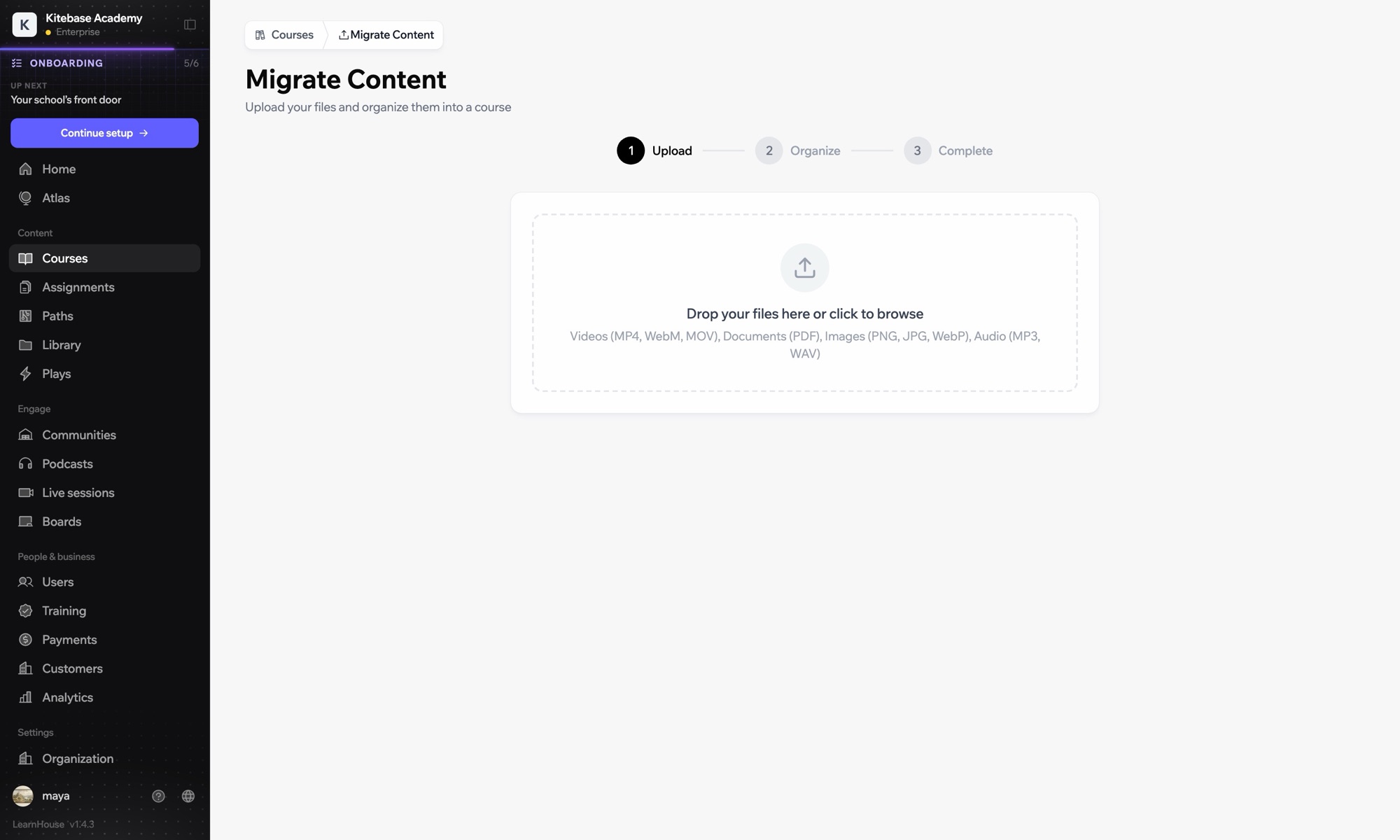
অন্য LMS থেকে কোর্স ইমপোর্ট করুন
সপ্তাহ 1 · শুরু করা
সেটআপ

মিনিটেই সেট করে নিন

  1. 1

    Add LearnHouse manually

    In LearnHouse, open Developers → LTI → Add manually.

  2. 2

    Create the tool

    In OpenOLAT, enable Module LTI 1.3 under Administration → External tools → LTI, then create a new tool with the LearnHouse URLs and keyset URL.

  3. 3

    Turn on deep linking

    Edit the tool, activate deep linking and copy the Client ID, Deployment ID, issuer and endpoint URLs into LearnHouse.

  4. 4

    Add it to a course

    Add an LTI page element, choose LearnHouse, click Select content, enable Transfer score and publish.

যে প্ল্যানে আছে

Business$319/মাস থেকে, বছরে একবার বিল

LTI 1.3 is part of Business and Enterprise.

14 দিনের ট্রায়াল শুরু করুনপ্ল্যান তুলনা করুন
FAQ

OpenOLAT নিয়ে প্রশ্ন

Do I need to publish the course again?

Yes. OpenOLAT applies the new element after you publish the course.

Can the same tool serve several courses?

Yes. Create the tool once and add as many LTI page elements as you need.

যেগুলোর সঙ্গে ভালো চলে

LTI 1.3Launch LearnHouse courses inside any LTI 1.3 LMS, with grades synced back.SakaiAdd LearnHouse content to Sakai sites with LTI 1.3 and dynamic registration.ChamiloOpen LearnHouse content from Chamilo courses through the IMS/LTI plugin.InstructureCanvas LMSImport Canvas courses and launch LearnHouse from Canvas with LTI 1.3.MoodleMoodleImport Moodle courses or launch LearnHouse inside Moodle with LTI 1.3.BlackboardImport Blackboard courses and launch LearnHouse with LTI 1.3.
প্রথম সপ্তাহেই আপনার টুলগুলো জুড়ে নিন

প্রথম সপ্তাহেই আপনার টুলগুলো জুড়ে নিন

যেকোনো প্ল্যান 14 দিন ফ্রি চালিয়ে দেখুন। ক্রেডিট কার্ড লাগবে না, প্ল্যাটফর্ম ফি 0%, আর ইন্টিগ্রেশন সবই আছে।

ফ্রি ট্রায়াল শুরু করুন

অথবা ওপেন সোর্স এডিশন বিনামূল্যে সেল্ফ-হোস্ট করুন