Add a custom OIDC application in JumpCloud and staff sign in with their directory account.
14 días gratis · Sin tarjeta
JumpCloud connects to LearnHouse for single sign-on through a custom OIDC application and the Custom OIDC provider.
People sign in with the JumpCloud account that already unlocks their laptop and apps.
In the JumpCloud admin portal, add a custom OIDC application.
Use your LearnHouse SSO callback URL and pick client secret authentication.
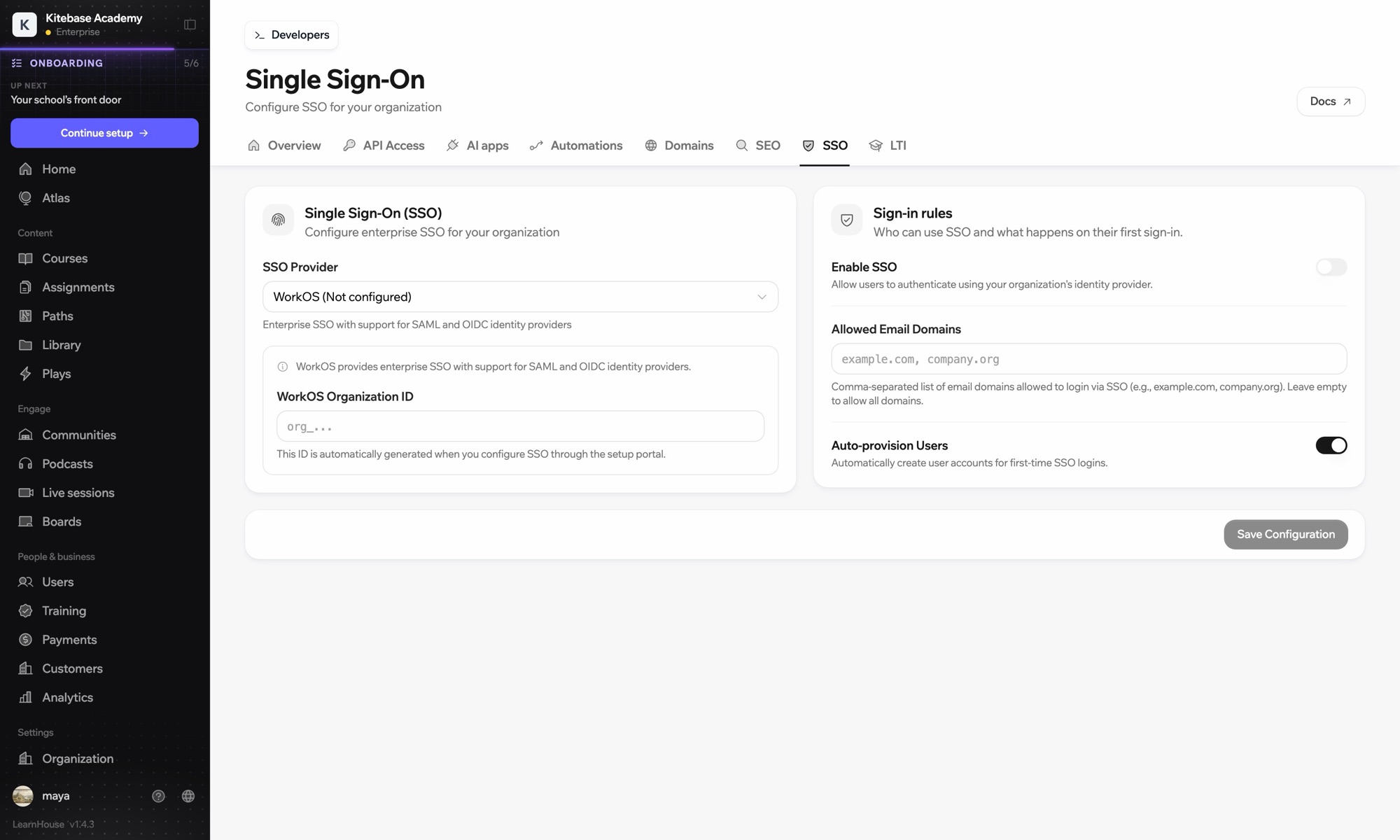
Enter the issuer URL, client ID and secret under Custom OIDC in Organization → SSO.
Incluido en
SSO is part of Business and Enterprise.
People in the JumpCloud groups bound to the application, within the email domains you allow in LearnHouse.
No. Sign-in works over OIDC; groups in LearnHouse are managed in LearnHouse.

Prueba cualquier plan gratis durante 14 días. Sin tarjeta, con 0% de comisiones y con las integraciones incluidas.
O autoaloja gratis la edición de código abierto
