Bring Canvas courses into LearnHouse with the importer, or keep Canvas and launch LearnHouse courses from it with LTI 1.3.
14 jours gratuits · Sans carte bancaire
Canvas and LearnHouse connect in two ways: the course importer turns a Canvas export into an editable LearnHouse course, and LTI 1.3 lets Canvas launch LearnHouse content with grades going back to the Canvas gradebook.
Upload a Canvas export and get lessons, quizzes and files as an editable LearnHouse course.
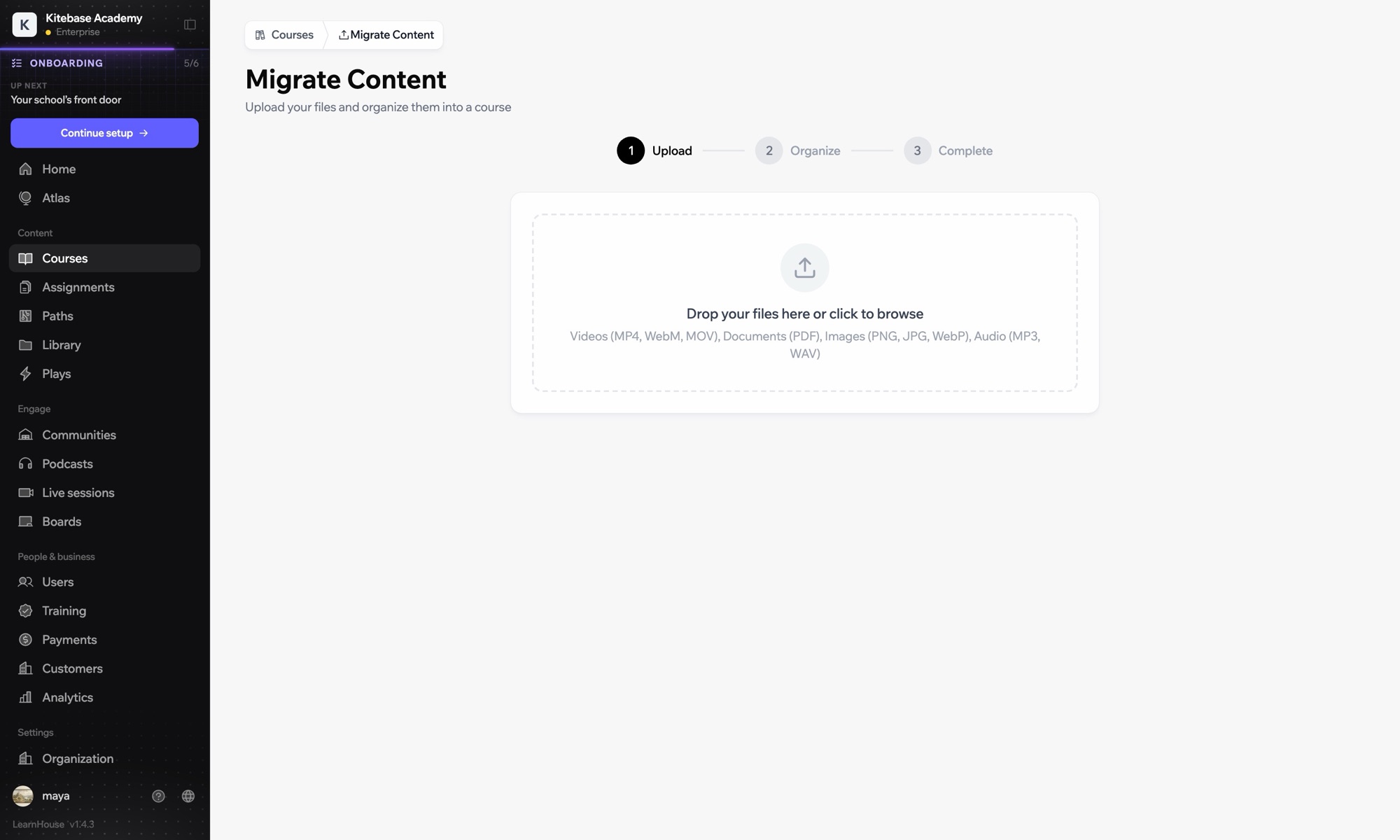

Import courses to move off Canvas, or connect with LTI to keep Canvas.
Export the course from Canvas and upload it in Courses → Import.
Register Canvas in Developers → LTI and add LearnHouse as a developer key and external tool.
Use deep linking to add LearnHouse courses to Canvas modules.
Inclus dans
Course import works on every plan; LTI 1.3 is in Business.
Yes. Progress and assignment grades go to the Canvas gradebook, and due dates come across when Canvas creates the column.
Course structure, pages, quizzes and files from a Canvas export. Review complex question types after the import.
Yes. Keep Canvas and launch LearnHouse content from it through LTI 1.3.
Yes. Connect it with a one-time registration URL from Developers → LTI.

Essayez n'importe quelle formule gratuitement pendant 14 jours. Sans carte bancaire, 0 % de frais de plateforme et intégrations incluses.
Ou auto-hébergez gratuitement l'édition open source
