Register LearnHouse in Entra ID and staff sign in with the work account they use for Outlook and Teams.
14 jours gratuits · Sans carte bancaire
Microsoft Entra ID, formerly Azure AD, connects to LearnHouse through OpenID Connect. Staff sign in with their Microsoft work account, and accounts are created the first time they do.
Staff choose single sign-on and use their Microsoft work account.
In the Entra admin center, register a new application.
Add your LearnHouse SSO callback URL as a web redirect URI and create a client secret.
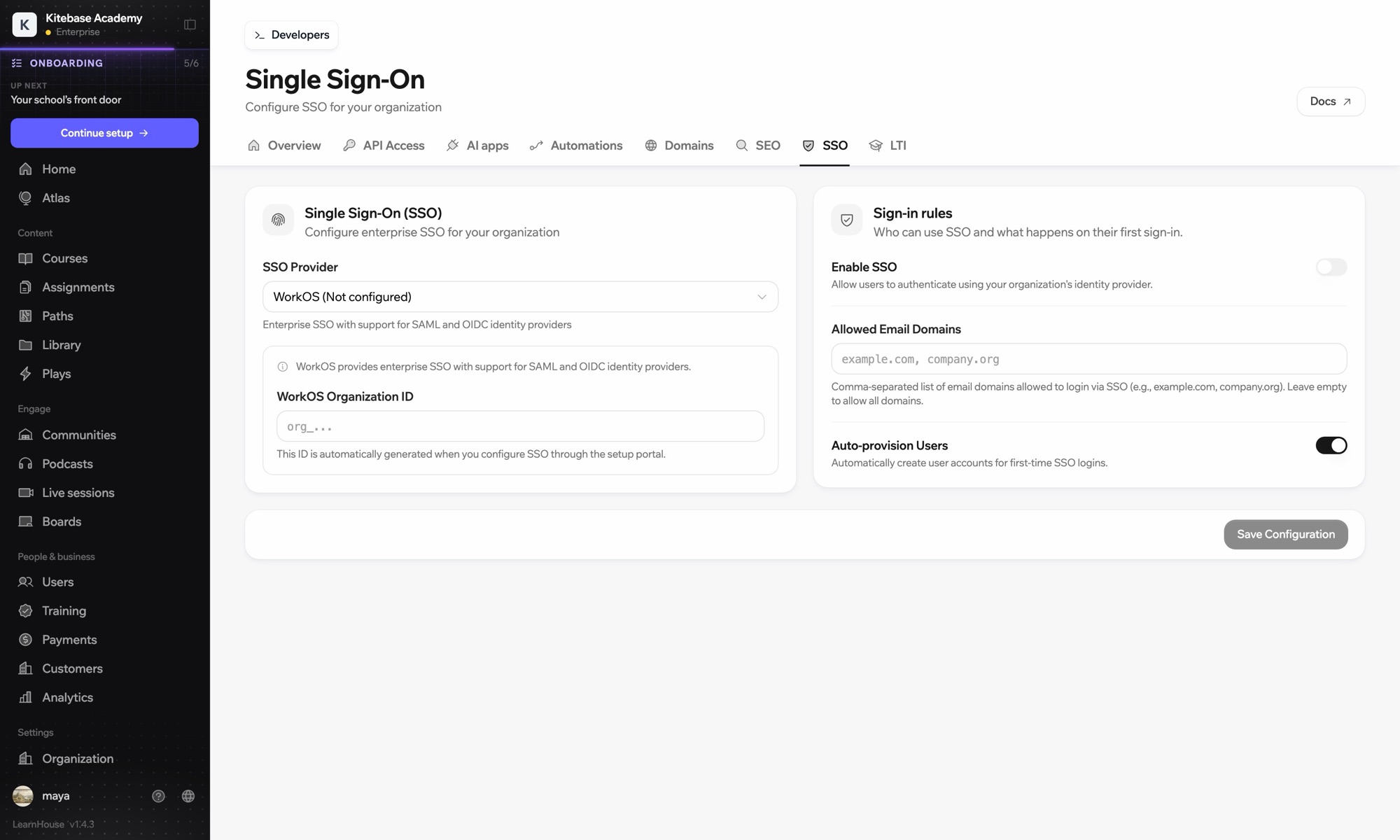
In Organization → SSO, choose Custom OIDC and enter https://login.microsoftonline.com/{tenant-id}/v2.0 with the client ID and secret.
Inclus dans
SSO is part of Business and Enterprise.
Yes. Microsoft renamed Azure AD to Microsoft Entra ID. The setup is the same.
https://login.microsoftonline.com/ followed by your tenant ID and /v2.0.
That depends on how you register the app in Entra ID. Limit SSO to your email domains in LearnHouse as well.

Essayez n'importe quelle formule gratuitement pendant 14 jours. Sans carte bancaire, 0 % de frais de plateforme et intégrations incluses.
Ou auto-hébergez gratuitement l'édition open source
