LearnHouse
시작하기
LearnHouse
AI엔터프라이즈개발자모바일요금제
GitHub...
로그인시작하기

새로운 세대를 위한 모던 오픈소스 학습 플랫폼

XGitHubLinkedInDiscord

제품

  • 크리에이터
  • 교육기관
  • 엔터프라이즈
  • 개발자
  • 모바일 앱
  • 오픈소스
  • 디자인
  • 검색 노출
  • 요금제

기능

  • 강좌
  • AI
  • 결제
  • 커뮤니티
  • 팟캐스트
  • 보드
  • Plays
  • 코드
  • 분석
  • 동영상 강좌
  • 뉴스레터
  • 라이브 세션
  • 학습 경로
  • 순차 공개
  • 과제
  • 수료증
  • 시나리오
  • 필수 교육
  • 강좌 번역
  • 연동

리소스

  • 문서
  • 유니버시티
  • 블로그
  • 업데이트 내역
  • 셀프 호스팅
  • 용어집
  • GitHub
  • 플랫폼 비교

회사

  • 문의
  • 보안
  • 산업별

회사

  • 문의
  • 보안
  • 산업별

LearnHouse 비교

  • Udemy
  • Moodle
  • Teachable
  • Open edX
  • Thinkific
  • Canvas
  • Kajabi
  • Skool
  • Podia
  • Coursera
  • 전체 비교

대안

  • Udemy
  • Teachable
  • Thinkific
  • Kajabi
  • Skool
  • Podia
  • Coursera
  • Moodle
  • Open edX
  • Canvas LMS
  • Skillshare
  • Mighty Networks
  • LearnWorlds
  • Circle
버그나 문제를 발견하셨나요?
Open Source Initiative

오픈소스

AGPLv3 라이선스, 셀프호스팅 가능

GDPR 대응

EU 데이터 보호 규정 준수

G2

G2

G2에서 리뷰 남기기

© 2026 LearnHouse, Inc.

  • 개인정보처리방침
  • 이용약관
  • 쿠키 정책
전체 연동

Use Chamilo with LearnHouse: IMS/LTI PluginAdd LearnHouse to Chamilo with the IMS/LTI plugin

Chamilo's IMS/LTI plugin connects in LTI 1.3 mode, so teachers can pick LearnHouse content and see grades in their course.

무료 체험 시작

14일 무료 · 카드 등록 불필요

LearnHouse connects to Chamilo through LTI 1.3, using Chamilo's IMS/LTI client plugin. You add LearnHouse as an external tool with an RSA public key, then copy Chamilo's platform values back. Deep linking, grade passback and the class list work once the course gradebook exists.

연결 방식
LTI 1.3
플랜
Business 이상
관련 LearnHouse 페이지
SSO 및 LTI
BusinessLTI 1.3LMS 및 표준
할 수 있는 일

Chamilo 활용법

강의 에디터

Configure per course

Teachers open IMS/LTI in their course and click Configure on LearnHouse to pick what to show.
01 / 3
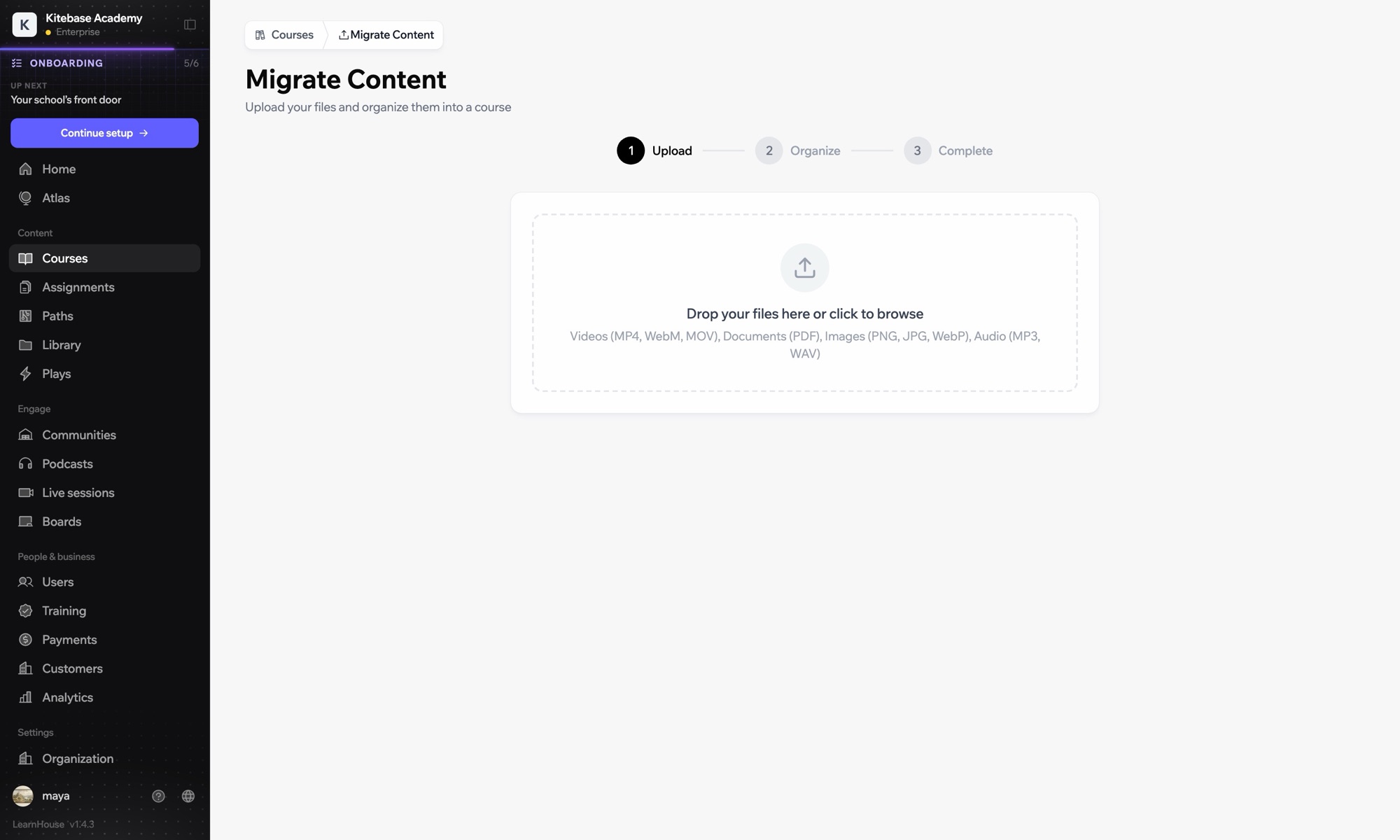
다른 LMS에서 강의 가져오기
1주차 · 시작하기
설정

몇 분이면 설정 끝

  1. 1

    Add LearnHouse manually

    In LearnHouse, open Developers → LTI → Add manually and keep the public key at hand.

  2. 2

    Enable the plugin

    In Chamilo, enable the IMS/LTI client plugin under Administration → Plugins.

  3. 3

    Add the external tool

    Choose LTI 1.3, paste the launch, login and redirect URLs, set the key type to RSA key and paste the LearnHouse public key.

  4. 4

    Copy the values back

    Copy the Platform ID, Client ID, Deployment ID and the auth, token and keyset URLs into LearnHouse.

포함된 플랜

Business연간 결제 시 월 $319부터

LTI 1.3 is part of Business and Enterprise.

14일 체험 시작플랜 비교
자주 묻는 질문

Chamilo 관련 질문

Why paste the key instead of a keyset URL?

Chamilo 1.11 ignores the keyset URL when it receives deep links, so it needs the public key itself.

Grades are not saving. Why?

Chamilo needs the course gradebook to exist first. Open the course's Assessments tool once before learners start.

함께 쓰기 좋은 도구

LTI 1.3Launch LearnHouse courses inside any LTI 1.3 LMS, with grades synced back.ILIASUse LearnHouse as an LTI 1.3 provider inside ILIAS courses.MoodleMoodleImport Moodle courses or launch LearnHouse inside Moodle with LTI 1.3.OpenOLATPlace LearnHouse content in OpenOLAT courses with an LTI page element.InstructureCanvas LMSImport Canvas courses and launch LearnHouse from Canvas with LTI 1.3.BlackboardImport Blackboard courses and launch LearnHouse with LTI 1.3.
첫 주에 쓰던 도구를 연결하세요

첫 주에 쓰던 도구를 연결하세요

어떤 플랜이든 14일 동안 무료로 써 보세요. 카드 등록 없이, 플랫폼 수수료 0%, 연동도 모두 포함돼요.

무료 체험 시작

또는 오픈소스 에디션을 무료로 셀프호스팅하세요