LearnHouse
Aan de slag
LearnHouse
AIEnterpriseOntwikkelaarsMobielPrijzen
GitHub...
InloggenAan de slag

Het moderne open-source leerplatform

XGitHubLinkedInDiscord

Product

  • Makers
  • Onderwijs
  • Enterprise
  • Ontwikkelaars
  • Mobiele app
  • Open source
  • Ontwerp
  • Vindbaarheid
  • Prijzen

Functies

  • Cursussen
  • AI
  • Betalingen
  • Community's
  • Podcasts
  • Borden
  • Plays
  • Code
  • Analyses
  • Videocursussen
  • Nieuwsbrief
  • Livesessies
  • Leerpaden
  • Gefaseerde content
  • Opdrachten
  • Certificaten
  • Scenario's
  • Verplichte trainingen
  • Cursusvertaling
  • Integraties

Hulpbronnen

  • Documentatie
  • Universiteit
  • Blog
  • Changelog
  • Zelf hosten
  • Woordenlijst
  • GitHub
  • Platforms vergelijken

Bedrijf

  • Contact
  • Beveiliging
  • Branches

Bedrijf

  • Contact
  • Beveiliging
  • Branches

Vergelijk LearnHouse met

  • Udemy
  • Moodle
  • Teachable
  • Open edX
  • Thinkific
  • Canvas
  • Kajabi
  • Skool
  • Podia
  • Coursera
  • Alle vergelijkingen

Alternatieven voor

  • Udemy
  • Teachable
  • Thinkific
  • Kajabi
  • Skool
  • Podia
  • Coursera
  • Moodle
  • Open edX
  • Canvas LMS
  • Skillshare
  • Mighty Networks
  • LearnWorlds
  • Circle
Een bug of probleem gevonden?
Open Source Initiative

Open source

AGPLv3-licentie, zelf te hosten

AVG-proof

Voldoet aan de EU-regels voor gegevensbescherming

G2

G2

Beoordeel ons op G2

© 2026 LearnHouse, Inc.

  • Privacy
  • Voorwaarden
  • Cookiebeleid
Alle integraties
Google Slides

Use Google Slides with LearnHouse: DecksDecks that stay up to date

Embed Google Slides presentations in lessons.

Start gratis proefperiode

14 dagen gratis · Geen creditcard

Google Slides decks embed in LearnHouse lessons through the link from File → Share → Publish to web; LearnHouse also turns a Slides link into its preview.

Hoe het koppelt
Insluitblok in een les
Abonnement
Standard en hoger
Bijbehorende LearnHouse-pagina
Cursuseditor
StandardInsluitblok in een lesProductiviteitEmbeds
Wat je ermee kunt doen

Wat Google Slides voor jou doet

Cursuseditor

Decks inside lessons

Show the slides you teach from, next to your notes.
01 / 3
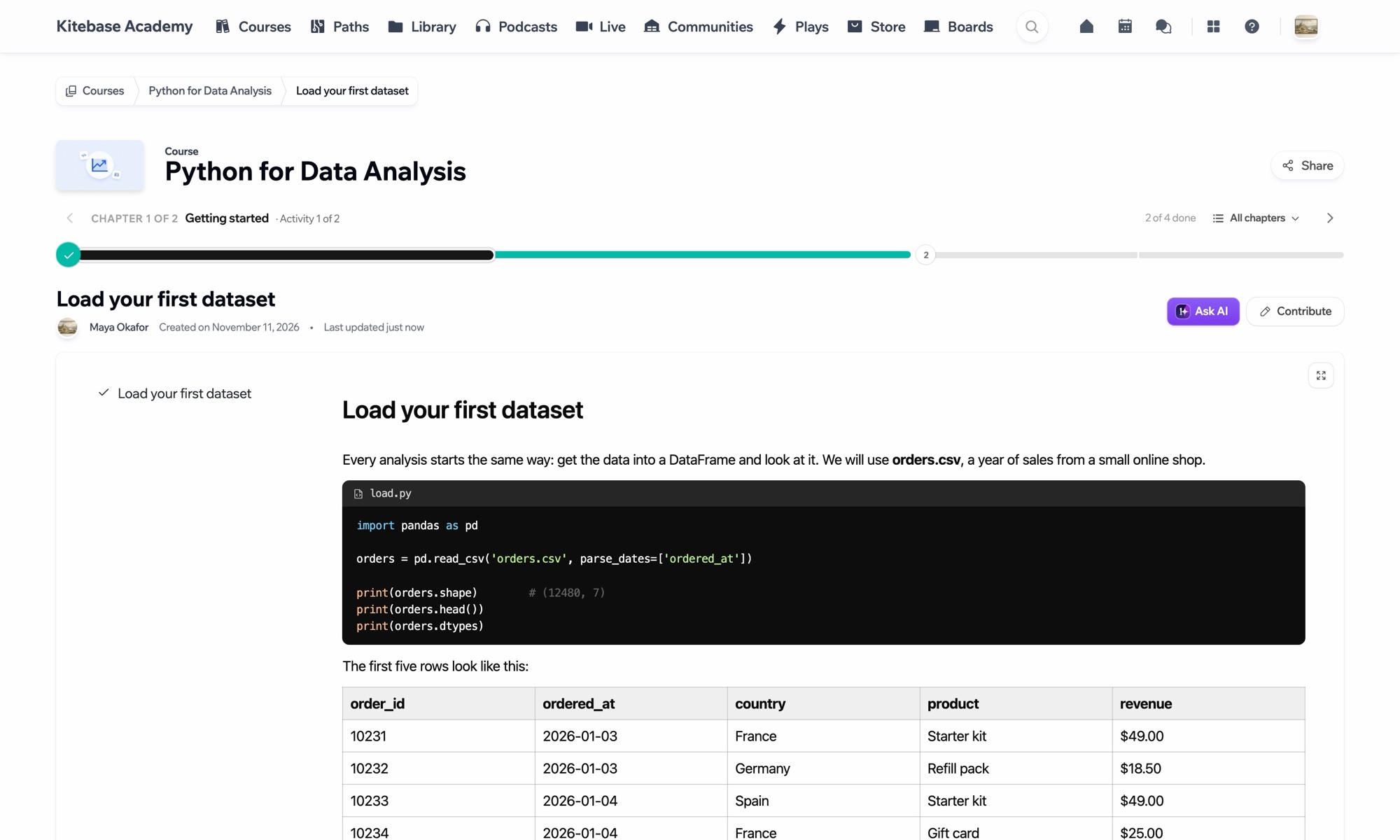
Les met code en een datatabel
Week 1 · Aan de slag
Instellen

In een paar minuten ingesteld

  1. 1

    Publish to the web

    In Slides, choose File → Share → Publish to web and copy the embed link.

  2. 2

    Add an Embed block

    Add it to the lesson.

  3. 3

    Paste the link

    The deck shows with its own controls.

Inbegrepen bij

Standardvanaf $47/mnd, jaarlijks gefactureerd

Embeds work on every plan, starting with Standard.

Start de proefperiode van 14 dagenAbonnementen vergelijken
Veelgestelde vragen

Vragen over Google Slides

Does it update when I edit the deck?

Published decks update after you change them.

Can I set the slide timing?

Yes, in Google's publish options.

Past goed bij

NotionNotionEmbed Notion pages and databases for supplemental content.AirtableAirtableEmbed Airtable bases for structured data and trackers.ClickUpClickUpEmbed ClickUp views for project and task management.GitBookGitbookEmbed GitBook documentation and knowledge bases.CalendlyCalendlyEmbed scheduling links for office hours and mentoring sessions.Google CalendarGoogle CalendarEmbed calendars for course schedules and live session planning.
Koppel je tools in je eerste week

Koppel je tools in je eerste week

Probeer elk abonnement 14 dagen gratis. Geen creditcard, 0% platformkosten en integraties inbegrepen.

Start gratis proefperiode

Of host de open-source editie gratis zelf