LearnHouse
Zacznij
LearnHouse
AIEnterpriseProgramiściMobilneCennik
GitHub...
Zaloguj sięZacznij

Platforma edukacyjna open source nowej generacji

XGitHubLinkedInDiscord

Produkt

  • Twórcy
  • Edukacja
  • Enterprise
  • Programiści
  • Aplikacja mobilna
  • Open source
  • Design
  • Widoczność
  • Cennik

Funkcje

  • Kursy
  • AI
  • Płatności
  • Społeczności
  • Podcasty
  • Tablice
  • Plays
  • Kod
  • Analityka
  • Kursy wideo
  • Newsletter
  • Zajęcia na żywo
  • Ścieżki nauki
  • Dawkowanie treści
  • Zadania
  • Certyfikaty
  • Scenariusze
  • Szkolenia obowiązkowe
  • Tłumaczenie kursów
  • Integracje

Zasoby

  • Dokumentacja
  • Uniwersytet
  • Blog
  • Historia zmian
  • Własny hosting
  • Słowniczek
  • GitHub
  • Porównaj platformy

Firma

  • Kontakt
  • Bezpieczeństwo
  • Branże

Firma

  • Kontakt
  • Bezpieczeństwo
  • Branże

Porównaj LearnHouse z

  • Udemy
  • Moodle
  • Teachable
  • Open edX
  • Thinkific
  • Canvas
  • Kajabi
  • Skool
  • Podia
  • Coursera
  • Wszystkie porównania

Alternatywy dla

  • Udemy
  • Teachable
  • Thinkific
  • Kajabi
  • Skool
  • Podia
  • Coursera
  • Moodle
  • Open edX
  • Canvas LMS
  • Skillshare
  • Mighty Networks
  • LearnWorlds
  • Circle
Widzisz błąd lub problem?
Open Source Initiative

Open Source

Licencja AGPLv3, możesz hostować u siebie

Zgodność z RODO

Zgodność z unijnymi przepisami o ochronie danych

G2

G2

Oceń nas na G2

© 2026 LearnHouse, Inc.

  • Prywatność
  • Regulamin
  • Polityka plików cookie
Wszystkie integracje
MinIO

Use MinIO with Self-Hosted LearnHouseFiles that never leave your network

Run MinIO next to LearnHouse and keep uploads on hardware you control.

Przeczytaj przewodnik self-hosting

A self-hosted LearnHouse can store uploads in MinIO, the S3-compatible object store you run yourself. Set the S3 variables to your MinIO endpoint and bucket, and restart. This suits teams that host everything on their own infrastructure.

Jak się łączy
Konfiguracja self-hosted
Plan
Każda edycja self-hosted, także darmowa Community Edition
Powiązana strona LearnHouse
Self-hosting
Self-hostedKonfiguracja self-hostedPrzechowywanie danychSelf-hosting
Co możesz zrobić

Co daje Ci MinIO

Self-hosting

All on your hardware

Course videos, files and images stay inside your network.
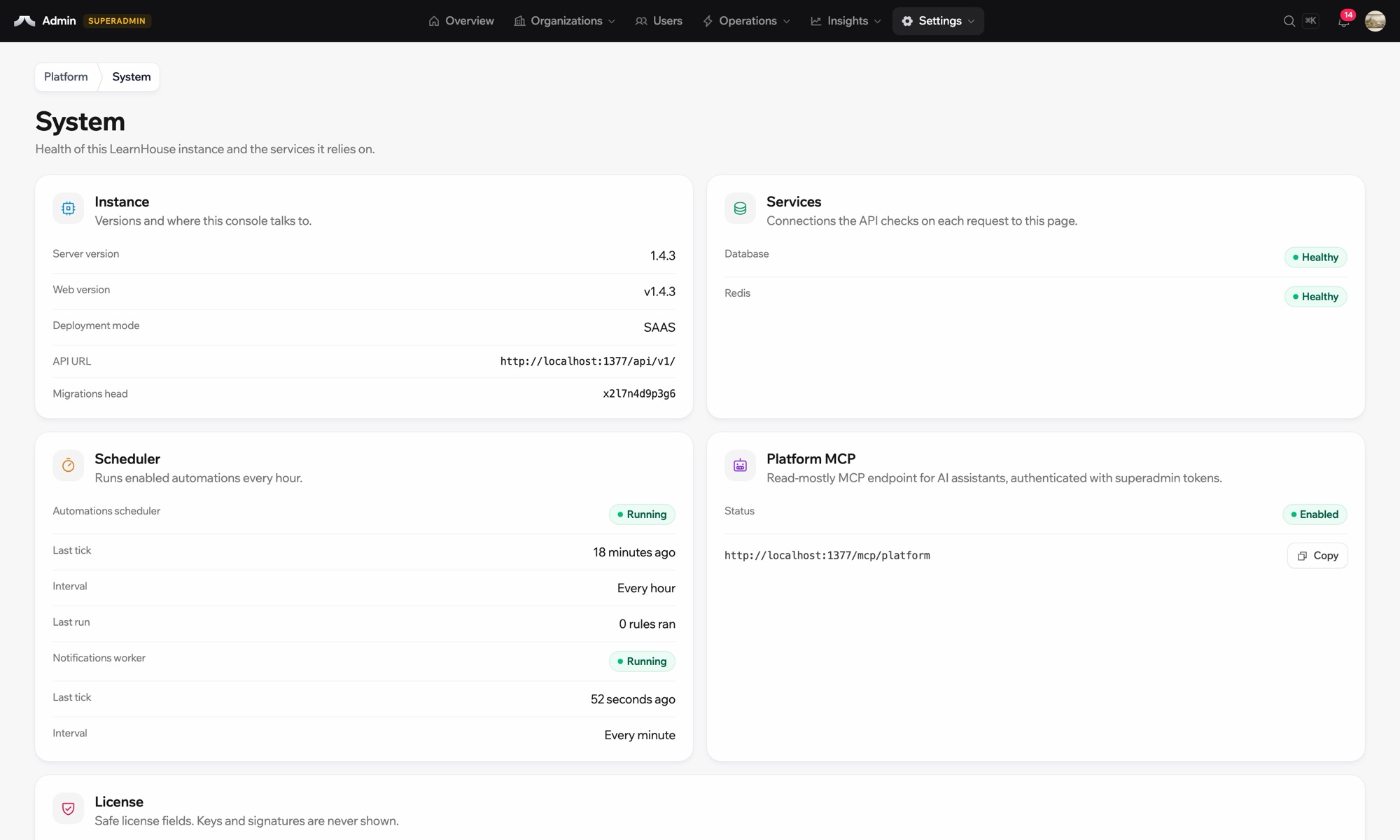
01 / 3
Stan systemu w wersji self-hosted
your-server
$ npx learnhouse setup
✓ database · ✓ storage · ✓ ssl
Academy running on academy.yourdomain.com
Twoje dane, Twoje serwery
Konfiguracja

Skonfiguruj w kilka minut

  1. 1

    Run MinIO

    Start a MinIO server and create a bucket for LearnHouse.

  2. 2

    Set the variables

    Set LEARNHOUSE_CONTENT_DELIVERY_TYPE=s3api, the bucket name and LEARNHOUSE_S3_API_ENDPOINT_URL to your MinIO address.

  3. 3

    Restart

    Run learnhouse stop and learnhouse start.

W planie

Self-hosted

This is a setting of self-hosted LearnHouse and works with the free Community Edition.

Przeczytaj przewodnik self-hostingPorównaj plany
FAQ

Pytania o MinIO

Can MinIO run on the same machine?

It can, though a separate machine or disk makes backups and growth easier.

Do backups include MinIO files?

learnhouse backup covers filesystem content. Back up the MinIO bucket with your MinIO tooling.

Dobrze współpracuje z

Amazon S3Amazon S3Store course files in an Amazon S3 bucket when you self-host LearnHouse.CloudflareCloudflare R2Use Cloudflare R2 as the S3-compatible file store of a self-hosted LearnHouse.KeycloakKeycloakOpen-source SSO with Keycloak over OpenID Connect.Google DriveGoogle DriveEmbed Google Drive files: docs, slides, and sheets.ResendResendSend the emails of a self-hosted LearnHouse through Resend.Amazon Simple Email ServiceAmazon SESDeliver a self-hosted LearnHouse’s emails through Amazon SES over SMTP.
Połącz swoje narzędzia już w pierwszym tygodniu

Połącz swoje narzędzia już w pierwszym tygodniu

Wypróbuj dowolny plan przez 14 dni za darmo. Bez karty kredytowej, 0% prowizji platformy, a integracje w cenie.

Zacznij darmowy okres próbny

Albo hostuj wersję open source u siebie, za darmo