Add LearnHouse as an LTI 1.3 tool once, then teachers drop an LTI page into any course and pick the content.
14 дней бесплатно · Без банковской карты
LearnHouse connects to OpenOLAT through LTI 1.3. An administrator enables Module LTI 1.3 and creates LearnHouse as an external tool. Teachers add an LTI page element to a course, select content with deep linking and can turn on score transfer.
An LTI page element can open a full course, a single activity or a board.
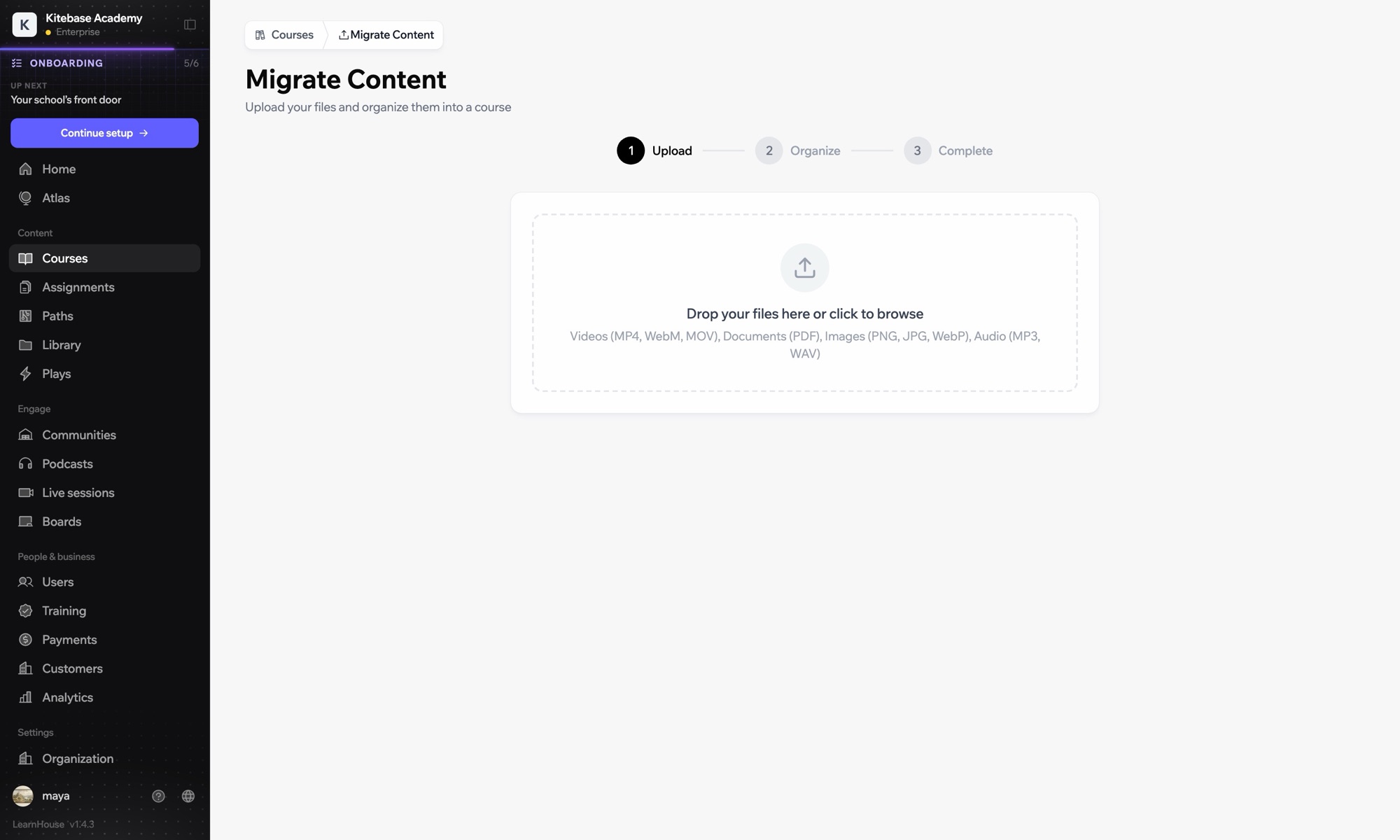
In LearnHouse, open Developers → LTI → Add manually.
In OpenOLAT, enable Module LTI 1.3 under Administration → External tools → LTI, then create a new tool with the LearnHouse URLs and keyset URL.
Edit the tool, activate deep linking and copy the Client ID, Deployment ID, issuer and endpoint URLs into LearnHouse.
Add an LTI page element, choose LearnHouse, click Select content, enable Transfer score and publish.
Входит в
LTI 1.3 is part of Business and Enterprise.
Yes. OpenOLAT applies the new element after you publish the course.
Yes. Create the tool once and add as many LTI page elements as you need.

Попробуйте любой тариф бесплатно 14 дней. Без банковской карты, 0% комиссии платформы, интеграции включены.
Или бесплатно разверните версию с открытым кодом у себя
