Paste a room link when you schedule. LearnHouse handles the session page, reminders and attendance around it.
Miễn phí 14 ngày · Không cần thẻ tín dụng
LearnHouse connects to BigBlueButton in link mode: the host pastes the room link when scheduling a live session, and learners join from the session page. LearnHouse keeps chat, Q&A, polls and attendance on that page and sends the reminders. There is no account to connect.
Schools that already run BigBlueButton keep their rooms and add LearnHouse scheduling around them.
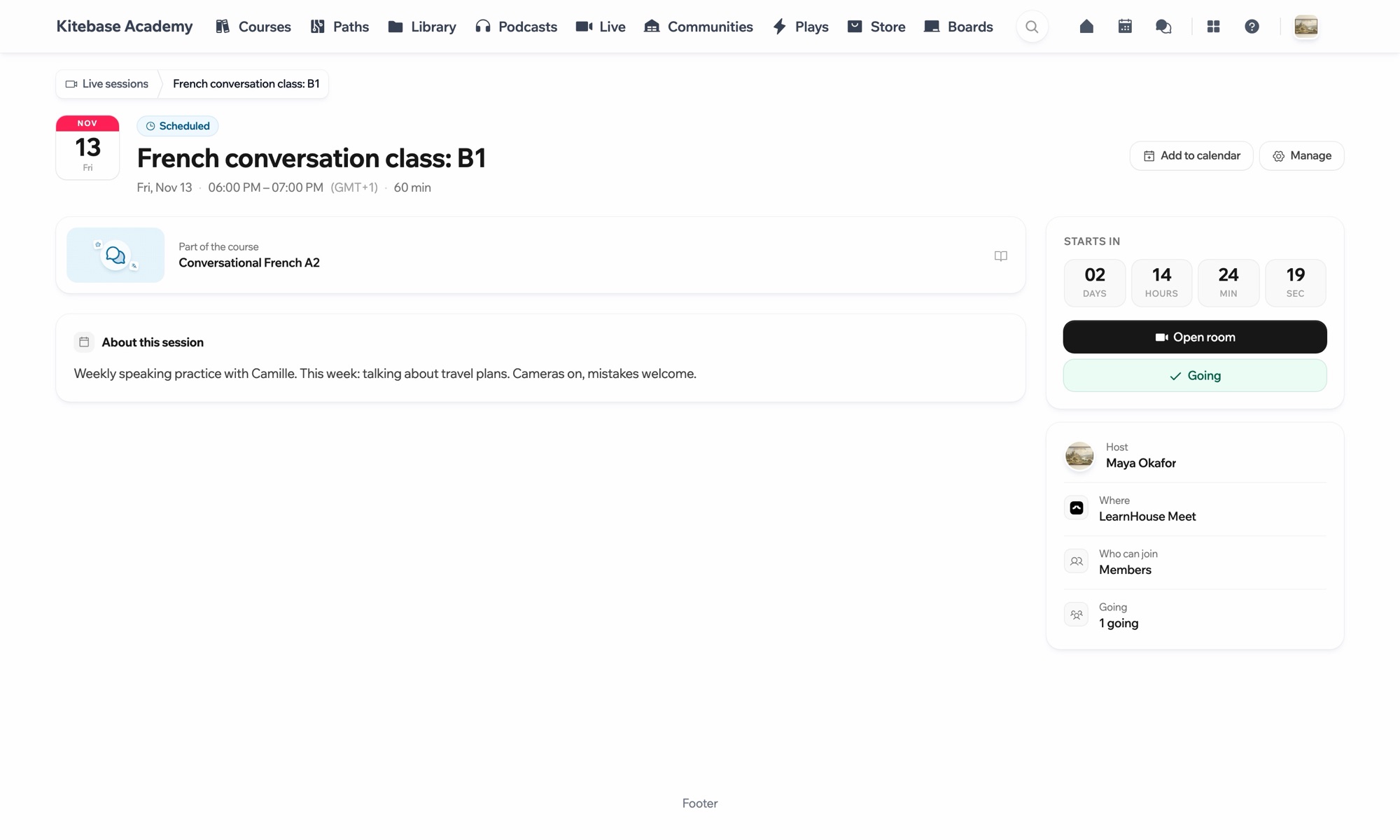
Set up a room on your BigBlueButton server and copy its link.
Create a live session in LearnHouse and choose BigBlueButton.
Learners join from the session page when it starts.
Có trong gói
Live sessions are part of Business and Enterprise.
No. BigBlueButton works in link mode, so you bring the room link.
Yes. LearnHouse Meet is the built-in option and needs no link at all.

Dùng thử bất kỳ gói nào miễn phí 14 ngày. Không cần thẻ tín dụng, phí nền tảng 0% và đã gồm các tích hợp.
Hoặc tự lưu trữ bản mã nguồn mở miễn phí
