Import from D2L or launch LearnHouse inside Brightspace.
免费试用 14 天,无需信用卡
Brightspace connects to LearnHouse in two ways: Brightspace course exports can be imported, and LearnHouse can be added as an LTI 1.3 tool with the manual setup.
Export a course from Brightspace and import it as an editable LearnHouse course.
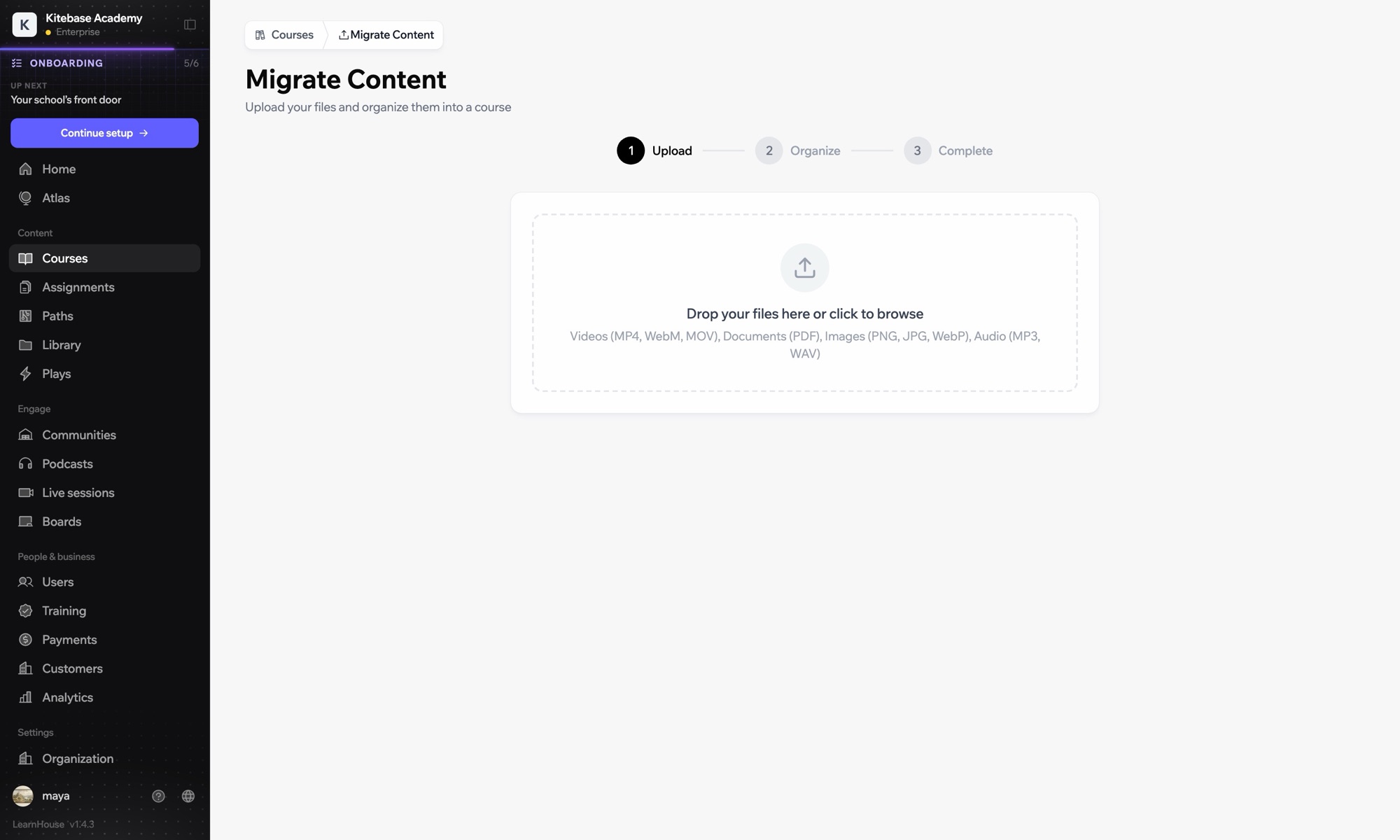

Import to move courses, or connect LTI to keep Brightspace.
Export the course from Brightspace and upload it in Courses → Import.
In Developers → LTI choose Add manually and register LearnHouse as an LTI 1.3 tool in Brightspace.
Brightspace uses the generic manual LTI 1.3 setup: LearnHouse shows the URLs and key, and you copy back the platform values.
Yes. Import some courses and launch others from Brightspace through LTI.

