LearnHouse
开始使用
LearnHouse
AI企业版开发者移动端定价
GitHub...
登录开始使用

新一代开源学习平台

XGitHubLinkedInDiscord

产品

  • 创作者
  • 学术机构
  • 企业版
  • 开发者
  • 移动应用
  • 开源
  • 设计
  • 可发现性
  • 定价

功能

  • 课程
  • AI
  • 支付
  • 社区
  • 播客
  • 白板
  • Plays
  • 代码
  • 分析
  • 视频课程
  • 邮件通讯
  • 直播课
  • 学习路径
  • 定时解锁
  • 作业
  • 证书
  • 情景演练
  • 必修培训
  • 课程翻译
  • 集成

资源

  • 文档
  • 学院
  • 博客
  • 更新日志
  • 自托管
  • 术语表
  • GitHub
  • 平台对比

公司

  • 联系我们
  • 安全
  • 行业

公司

  • 联系我们
  • 安全
  • 行业

LearnHouse 对比

  • Udemy
  • Moodle
  • Teachable
  • Open edX
  • Thinkific
  • Canvas
  • Kajabi
  • Skool
  • Podia
  • Coursera
  • 全部对比

替代方案:

  • Udemy
  • Teachable
  • Thinkific
  • Kajabi
  • Skool
  • Podia
  • Coursera
  • Moodle
  • Open edX
  • Canvas LMS
  • Skillshare
  • Mighty Networks
  • LearnWorlds
  • Circle
发现了 Bug 或问题?
Open Source Initiative

开源

AGPLv3 许可,可自托管

符合 GDPR

遵守欧盟数据保护法规

G2

G2

在 G2 上评价我们

© 2026 LearnHouse, Inc.

  • 隐私政策
  • 服务条款
  • Cookie 政策
全部集成

Use OpenOLAT with LearnHouse: LTI Page ElementLearnHouse lessons as OpenOLAT course elements

Add LearnHouse as an LTI 1.3 tool once, then teachers drop an LTI page into any course and pick the content.

免费试用

免费试用 14 天,无需信用卡

LearnHouse connects to OpenOLAT through LTI 1.3. An administrator enables Module LTI 1.3 and creates LearnHouse as an external tool. Teachers add an LTI page element to a course, select content with deep linking and can turn on score transfer.

连接方式
LTI 1.3
套餐
Business 及以上
相关 LearnHouse 页面
SSO 和 LTI
BusinessLTI 1.3LMS 与标准
你能用它做什么

OpenOLAT 能为你做什么

课程编辑器

One element, any content

An LTI page element can open a full course, a single activity or a board.
01 / 3
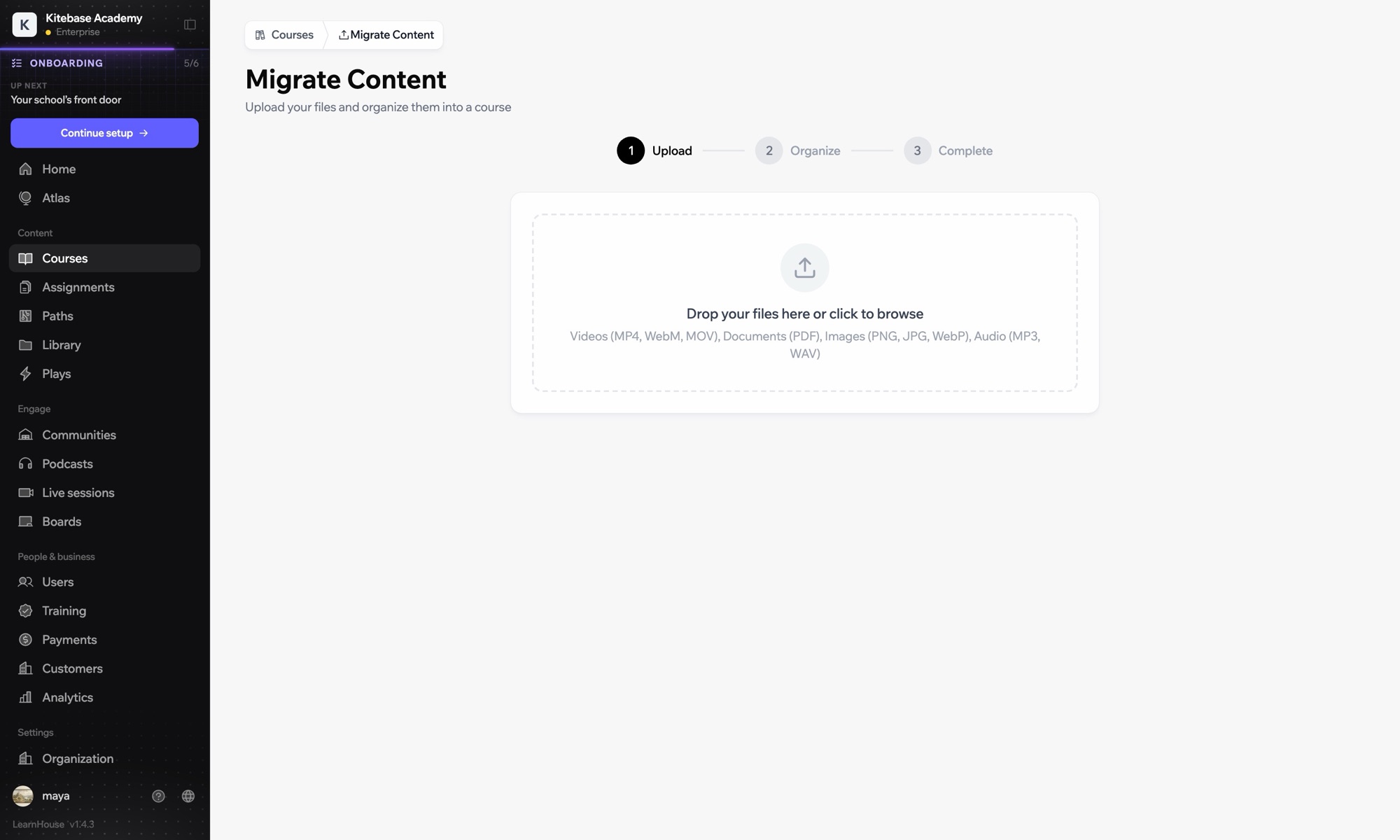
从其他 LMS 导入课程
第 1 周 · 入门
设置

几分钟就能设置好

  1. 1

    Add LearnHouse manually

    In LearnHouse, open Developers → LTI → Add manually.

  2. 2

    Create the tool

    In OpenOLAT, enable Module LTI 1.3 under Administration → External tools → LTI, then create a new tool with the LearnHouse URLs and keyset URL.

  3. 3

    Turn on deep linking

    Edit the tool, activate deep linking and copy the Client ID, Deployment ID, issuer and endpoint URLs into LearnHouse.

  4. 4

    Add it to a course

    Add an LTI page element, choose LearnHouse, click Select content, enable Transfer score and publish.

包含于

Business按年付费,每月 $319 起

LTI 1.3 is part of Business and Enterprise.

开始 14 天试用对比套餐
常见问题

关于 OpenOLAT 的常见问题

Do I need to publish the course again?

Yes. OpenOLAT applies the new element after you publish the course.

Can the same tool serve several courses?

Yes. Create the tool once and add as many LTI page elements as you need.

搭配使用效果更好

LTI 1.3Launch LearnHouse courses inside any LTI 1.3 LMS, with grades synced back.SakaiAdd LearnHouse content to Sakai sites with LTI 1.3 and dynamic registration.ChamiloOpen LearnHouse content from Chamilo courses through the IMS/LTI plugin.InstructureCanvas LMSImport Canvas courses and launch LearnHouse from Canvas with LTI 1.3.MoodleMoodleImport Moodle courses or launch LearnHouse inside Moodle with LTI 1.3.BlackboardImport Blackboard courses and launch LearnHouse with LTI 1.3.
第一周就把你的工具连起来

第一周就把你的工具连起来

任意套餐免费试用 14 天。无需信用卡,平台手续费 0%,集成功能一应俱全。

免费试用

也可以免费自托管开源版