LearnHouse
Loslegen
LearnHouse
KIEnterpriseEntwicklerMobilPreise
GitHub...
AnmeldenLoslegen

Die moderne Open-Source-Lernplattform

XGitHubLinkedInDiscord

Produkt

  • Creator
  • Lehre
  • Enterprise
  • Entwickler
  • Mobile App
  • Open Source
  • Design
  • Auffindbarkeit
  • Preise

Funktionen

  • Kurse
  • KI
  • Zahlungen
  • Communities
  • Podcasts
  • Boards
  • Plays
  • Code
  • Analysen
  • Videokurse
  • Newsletter
  • Live-Sessions
  • Lernpfade
  • Zeitgesteuerte Inhalte
  • Aufgaben
  • Zertifikate
  • Szenarien
  • Pflichtschulungen
  • Kursübersetzung
  • Integrationen

Ressourcen

  • Dokumentation
  • University
  • Blog
  • Änderungsprotokoll
  • Self-Hosting
  • Glossar
  • GitHub
  • Plattformen vergleichen

Unternehmen

  • Kontakt
  • Sicherheit
  • Branchen

Unternehmen

  • Kontakt
  • Sicherheit
  • Branchen

LearnHouse im Vergleich mit

  • Udemy
  • Moodle
  • Teachable
  • Open edX
  • Thinkific
  • Canvas
  • Kajabi
  • Skool
  • Podia
  • Coursera
  • Alle Vergleiche

Alternativen zu

  • Udemy
  • Teachable
  • Thinkific
  • Kajabi
  • Skool
  • Podia
  • Coursera
  • Moodle
  • Open edX
  • Canvas LMS
  • Skillshare
  • Mighty Networks
  • LearnWorlds
  • Circle
Fehler oder Problem gefunden?
Open Source Initiative

Open Source

AGPLv3-Lizenz, selbst hostbar

DSGVO-konform

Erfüllt den EU-Datenschutz

G2

G2

Bewerten Sie uns auf G2

© 2026 LearnHouse, Inc.

  • Datenschutz
  • Nutzungsbedingungen
  • Cookie-Richtlinie
Alle Integrationen
Amazon Simple Email Service

Use Amazon SES with Self-Hosted LearnHouseSend academy email through SES

Use the SMTP provider with your SES SMTP endpoint and credentials.

Self-Hosting-Anleitung lesen

A self-hosted LearnHouse sends email through Amazon SES by using its SMTP provider. You set the provider to smtp and enter the SES SMTP host, port, username and password. The self-hosting docs name SES as one of the SMTP services that work.

So wird verbunden
Self-Hosting-Konfiguration
Tarif
Jede selbst gehostete Edition, auch die kostenlose Community Edition
Passende LearnHouse-Seite
Selbsthosting
Selbst gehostetSelf-Hosting-KonfigurationKommunikationSelf-Hosting
Was Sie damit tun können

Das bringt Ihnen Amazon SES

Selbsthosting

Same AWS account as the rest

Keep email next to the S3 bucket and servers you already run on AWS.
01 / 3
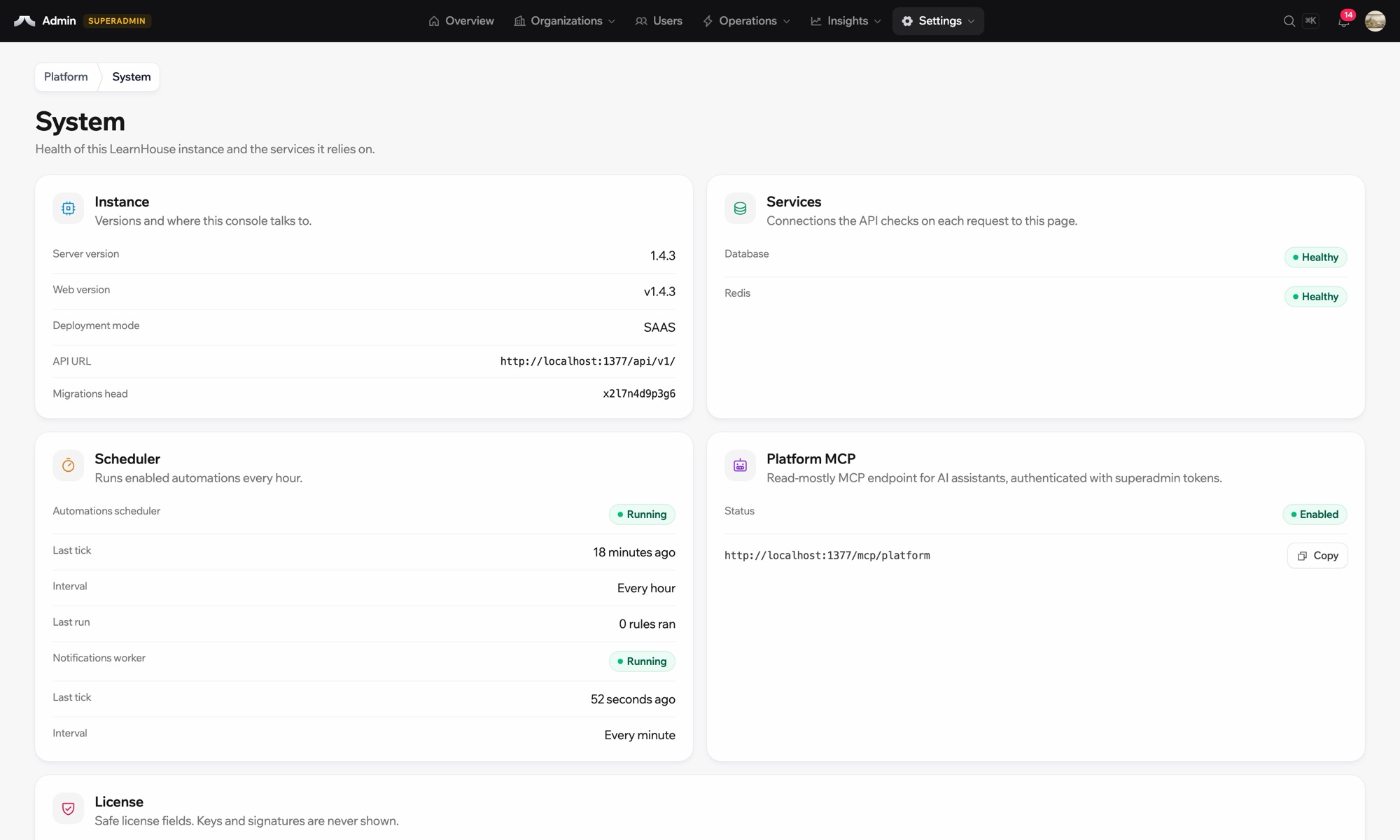
Systemstatus der selbst gehosteten Instanz
your-server
$ npx learnhouse setup
✓ database · ✓ storage · ✓ ssl
Academy running on academy.yourdomain.com
deine Daten, deine Server
Einrichtung

In wenigen Minuten eingerichtet

  1. 1

    Create SMTP credentials

    In SES, verify your domain and create SMTP credentials.

  2. 2

    Set the SMTP variables

    Set LEARNHOUSE_EMAIL_PROVIDER=smtp, the SES host, port 587, username, password and the system email address.

  3. 3

    Restart

    Restart LearnHouse.

Enthalten in

Selbst gehostet

This is a setting of self-hosted LearnHouse and works with the free Community Edition.

Self-Hosting-Anleitung lesenTarife vergleichen
FAQ

Fragen zu Amazon SES

Are SES SMTP credentials my AWS keys?

No. SES gives separate SMTP credentials for this.

Which port should I use?

The default 587 with TLS works for most setups.

Passt gut zusammen mit

Amazon S3Amazon S3Store course files in an Amazon S3 bucket when you self-host LearnHouse.ResendResendSend the emails of a self-hosted LearnHouse through Resend.MailgunMailgunSend a self-hosted LearnHouse’s emails through Mailgun SMTP.ZendeskZendeskAdd Zendesk support widgets and chat to your platform.LiveChatLiveChatReal-time chat support for your learners.SlackSlackPost course completions and new sign-ups to Slack through the LearnHouse Zapier app.
Verbinden Sie Ihre Tools schon in der ersten Woche

Verbinden Sie Ihre Tools schon in der ersten Woche

Testen Sie jeden Tarif 14 Tage kostenlos. Ohne Kreditkarte, mit 0 % Plattformgebühr und inklusive Integrationen.

Kostenlos testen

Oder hosten Sie die Open-Source-Edition kostenlos selbst