An administrator adds LearnHouse as a global LTI provider, and teachers place courses or activities with deep linking.
14 jours gratuits · Sans carte bancaire
LearnHouse connects to ILIAS through LTI 1.3, with ILIAS acting as the LTI consumer. The setup is manual: you copy a few URLs from LearnHouse into ILIAS and copy the platform values back. Teachers can then pick content with deep linking, and grades return through the Assignment and Grade Services.
ILIAS sends the learner's email address, so existing LearnHouse accounts in your organization are linked on first launch.
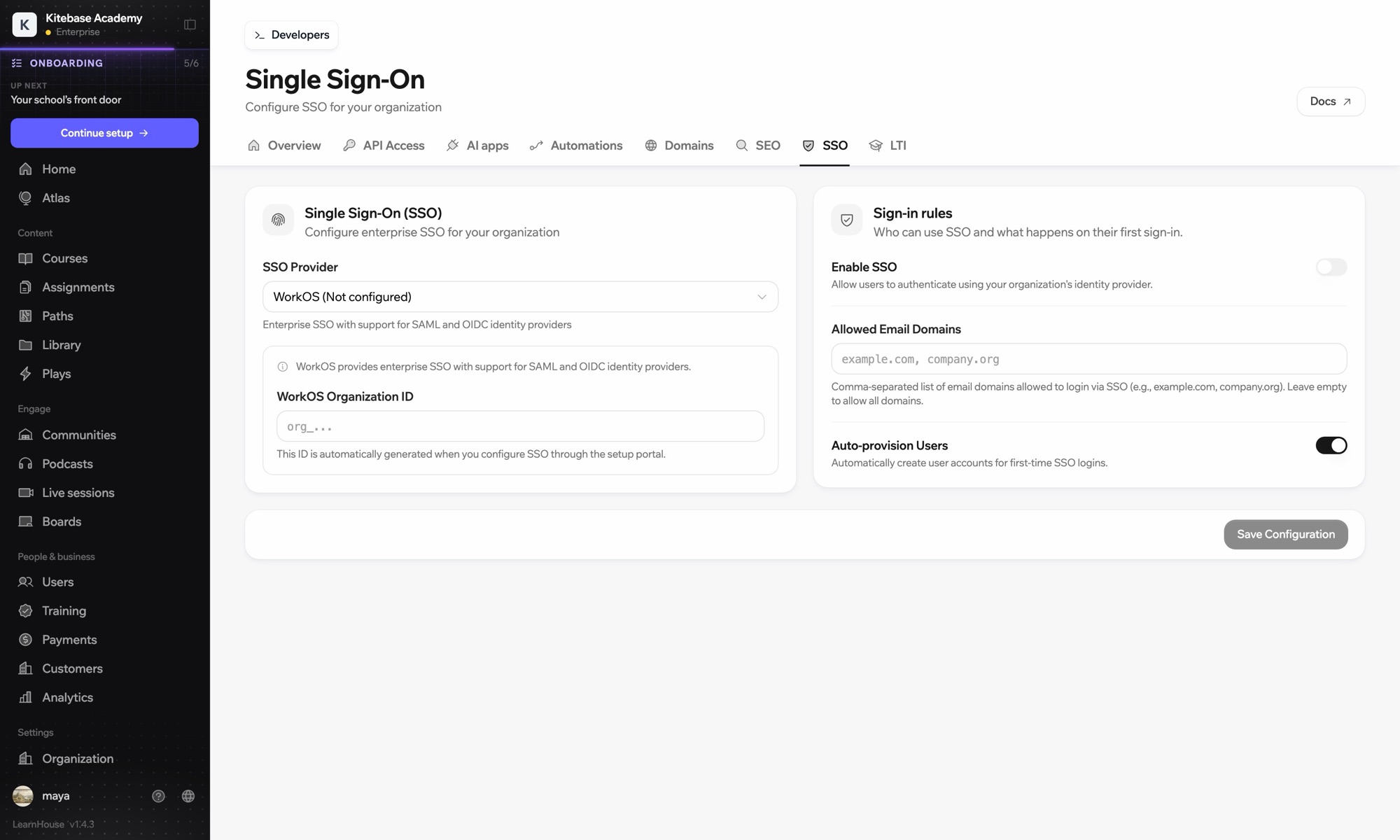
In LearnHouse, open Developers → LTI and choose Add manually to see the URLs and keyset.
In ILIAS, go to Administration → LTI → ILIAS as LTI Consumer → Add Global Provider for all Users, with LTI version 1.3.
Enter the launch, login and redirect URLs, the keyset URL, the deep linking content URL, and turn on grade services.
Save, reopen the provider and copy the Platform ID, Client ID, Deployment ID and endpoint URLs into LearnHouse.
Inclus dans
LTI 1.3 is part of Business and Enterprise.
ILIAS 11 does. Older versions use the manual setup described on this page.
Use E-Mail Address and the entire name, so LearnHouse can match people to existing accounts.

Essayez n'importe quelle formule gratuitement pendant 14 jours. Sans carte bancaire, 0 % de frais de plateforme et intégrations incluses.
Ou auto-hébergez gratuitement l'édition open source
