Register LearnHouse once with a URL, then teachers add courses or single activities from Lessons and grades land in the Sakai gradebook.
Gratis 14 hari · Tanpa kartu kredit
LearnHouse connects to Sakai as an LTI 1.3 tool. Sakai supports dynamic registration, so an administrator pastes one URL from LearnHouse and both sides configure themselves. Teachers then pick LearnHouse content with deep linking, and progress and assignment grades go back to Sakai.
Students click the activity in their Sakai site and open it in LearnHouse without a second login.
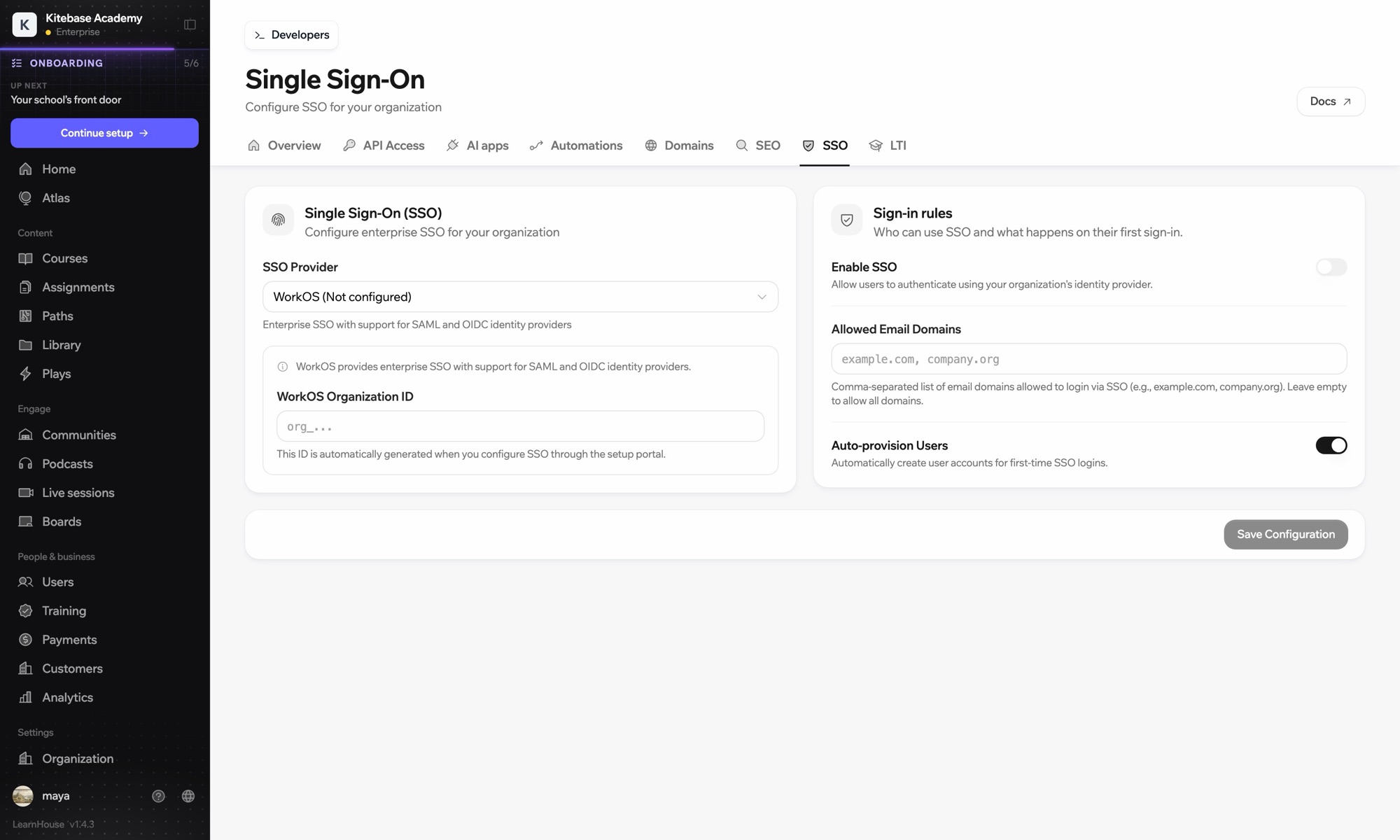
In LearnHouse, open Developers → LTI and choose Connect with a registration URL. It works once and expires after 24 hours.
In the Administration Workspace, go to External Tools → Install LTI Tool, choose LTI Dynamic Registration and paste the URL.
Tick LTI 1.3, deep linking, the placements you want, names and emails, grades and the roster, then save.
Teachers use Lessons → Add Content → Add Learning App to pick LearnHouse content.
Termasuk di
LTI 1.3 is part of Business and Enterprise.
Sakai merges gradebook columns that share a label, so LearnHouse names assignment columns differently from placements.
Yes. When a teacher picks an assignment, LearnHouse passes its due date, which Sakai uses for the graded item.
Yes. An existing account in your organization with the same email is linked on the first launch.

Coba paket mana pun gratis selama 14 hari. Tanpa kartu kredit, biaya platform 0%, dan integrasi sudah termasuk.
Atau self-host edisi open source secara gratis
