Every live session has an Outlook link, and a connected Microsoft 365 account sends real invites that update when you move a class.
14일 무료 · 카드 등록 불필요
LearnHouse connects to Outlook in two ways. Every live session offers Add to calendar links for Outlook.com and Office 365. When an admin connects a Microsoft 365 account for Teams, each session becomes an Outlook event, so people who RSVP get invites that follow reschedules and cancellations.
Learners choose Add to calendar, then Outlook or Office 365, and the event opens with the time and link filled in.
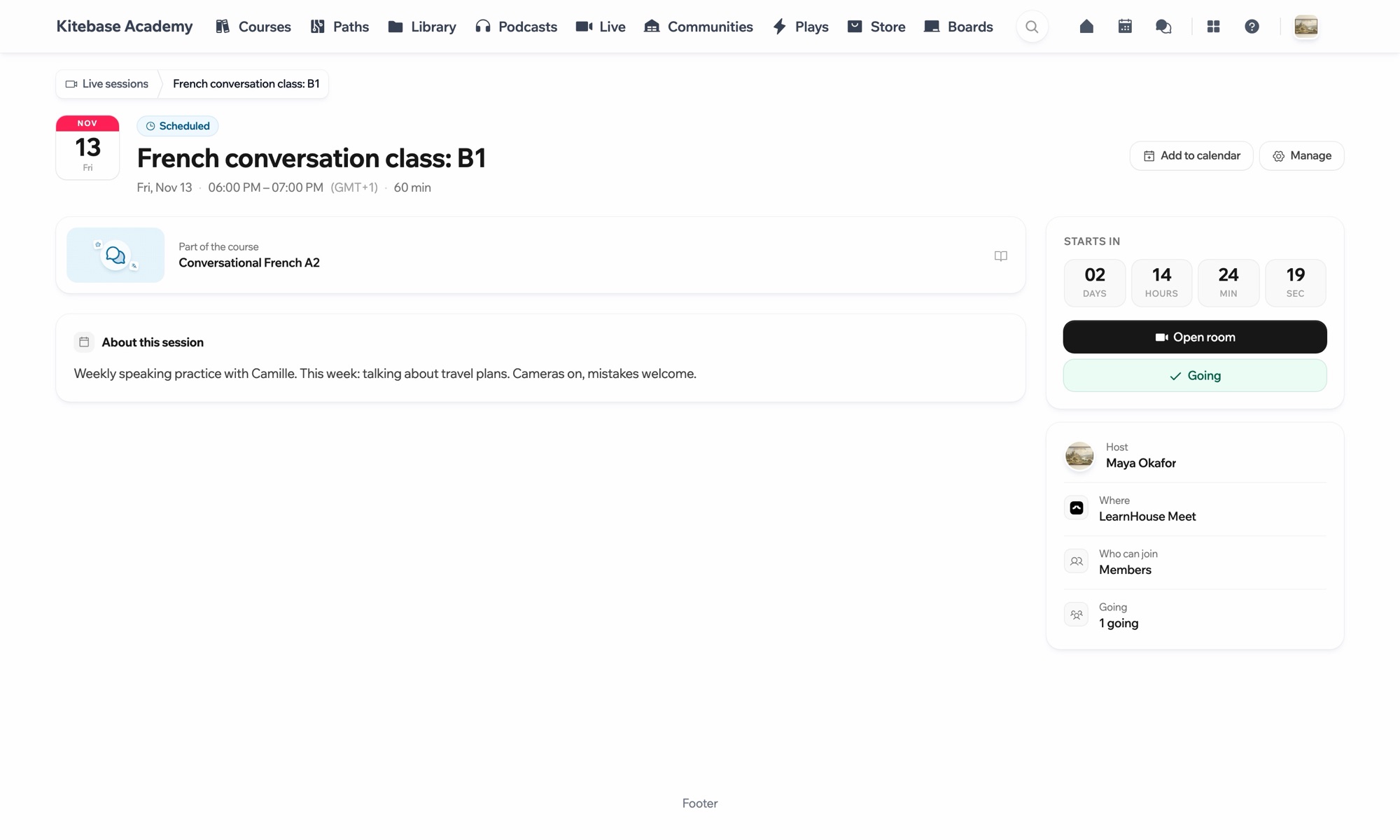
Go to a scheduled live session.
Choose Add to calendar, then Outlook or Office 365.
An admin connects Microsoft Teams under Live sessions → Settings to send invites from Outlook.
No. The Outlook.com link works with a free Outlook account, and the .ics file works with any calendar app.
The connected Microsoft 365 account, through Outlook.

어떤 플랜이든 14일 동안 무료로 써 보세요. 카드 등록 없이, 플랫폼 수수료 0%, 연동도 모두 포함돼요.
또는 오픈소스 에디션을 무료로 셀프호스팅하세요
