Add LearnHouse as an OIDC app in Okta so staff open their training with the account they use every day.
14 dagen gratis · Geen creditcard
LearnHouse connects to Okta for single sign-on through OpenID Connect, with the Custom OIDC provider. Staff sign in with their Okta account and LearnHouse creates their account on the first sign-in.
People open the academy and sign in with Okta, with no extra password.
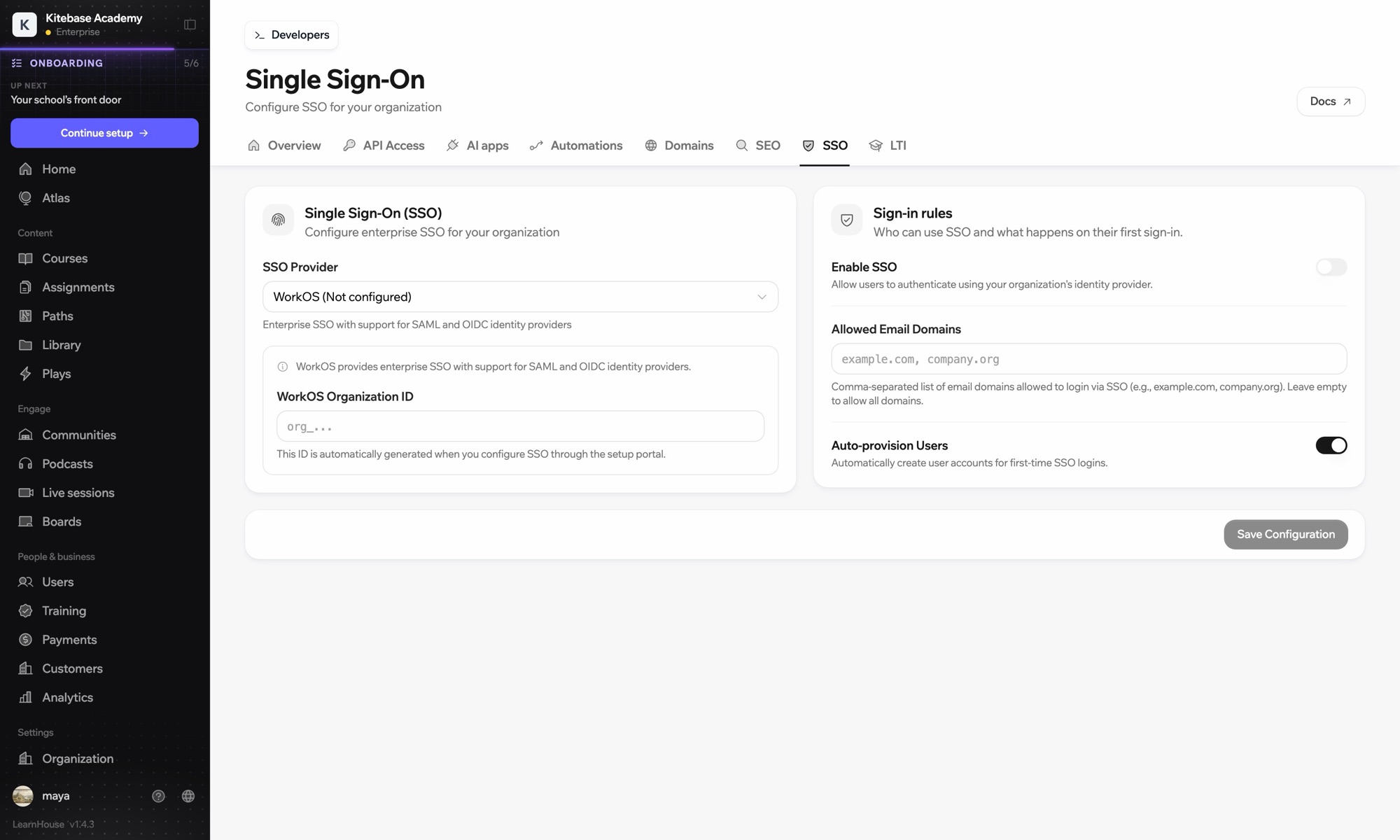
Use Okta's app integration wizard and choose OIDC with a web application.
Set your LearnHouse SSO callback URL as the sign-in redirect URI.
In Organization → SSO, choose Custom OIDC and enter https://your-domain.okta.com, the client ID and the secret.
Sign in with a test account before turning SSO on for everyone.
Inbegrepen bij
SSO is part of Business and Enterprise.
Directly, LearnHouse uses OpenID Connect. For SAML, use the WorkOS provider.
No. LearnHouse creates the account the first time someone signs in through Okta, with the default role you set.
They can no longer sign in through Okta. LearnHouse does not offer SCIM, so remove the account in Users if you want it gone.

Probeer elk abonnement 14 dagen gratis. Geen creditcard, 0% platformkosten en integraties inbegrepen.
Of host de open-source editie gratis zelf
