LearnHouse
Aan de slag
LearnHouse
AIEnterpriseOntwikkelaarsMobielPrijzen
GitHub...
InloggenAan de slag

Het moderne open-source leerplatform

XGitHubLinkedInDiscord

Product

  • Makers
  • Onderwijs
  • Enterprise
  • Ontwikkelaars
  • Mobiele app
  • Open source
  • Ontwerp
  • Vindbaarheid
  • Prijzen

Functies

  • Cursussen
  • AI
  • Betalingen
  • Community's
  • Podcasts
  • Borden
  • Plays
  • Code
  • Analyses
  • Videocursussen
  • Nieuwsbrief
  • Livesessies
  • Leerpaden
  • Gefaseerde content
  • Opdrachten
  • Certificaten
  • Scenario's
  • Verplichte trainingen
  • Cursusvertaling
  • Integraties

Hulpbronnen

  • Documentatie
  • Universiteit
  • Blog
  • Changelog
  • Zelf hosten
  • Woordenlijst
  • GitHub
  • Platforms vergelijken

Bedrijf

  • Contact
  • Beveiliging
  • Branches

Bedrijf

  • Contact
  • Beveiliging
  • Branches

Vergelijk LearnHouse met

  • Udemy
  • Moodle
  • Teachable
  • Open edX
  • Thinkific
  • Canvas
  • Kajabi
  • Skool
  • Podia
  • Coursera
  • Alle vergelijkingen

Alternatieven voor

  • Udemy
  • Teachable
  • Thinkific
  • Kajabi
  • Skool
  • Podia
  • Coursera
  • Moodle
  • Open edX
  • Canvas LMS
  • Skillshare
  • Mighty Networks
  • LearnWorlds
  • Circle
Een bug of probleem gevonden?
Open Source Initiative

Open source

AGPLv3-licentie, zelf te hosten

AVG-proof

Voldoet aan de EU-regels voor gegevensbescherming

G2

G2

Beoordeel ons op G2

© 2026 LearnHouse, Inc.

  • Privacy
  • Voorwaarden
  • Cookiebeleid
Alle integraties

Use OpenOLAT with LearnHouse: LTI Page ElementLearnHouse lessons as OpenOLAT course elements

Add LearnHouse as an LTI 1.3 tool once, then teachers drop an LTI page into any course and pick the content.

Start gratis proefperiode

14 dagen gratis · Geen creditcard

LearnHouse connects to OpenOLAT through LTI 1.3. An administrator enables Module LTI 1.3 and creates LearnHouse as an external tool. Teachers add an LTI page element to a course, select content with deep linking and can turn on score transfer.

Hoe het koppelt
LTI 1.3
Abonnement
Business en hoger
Bijbehorende LearnHouse-pagina
SSO & LTI
BusinessLTI 1.3LMS & standaarden
Wat je ermee kunt doen

Wat OpenOLAT voor jou doet

Cursuseditor

One element, any content

An LTI page element can open a full course, a single activity or a board.
01 / 3
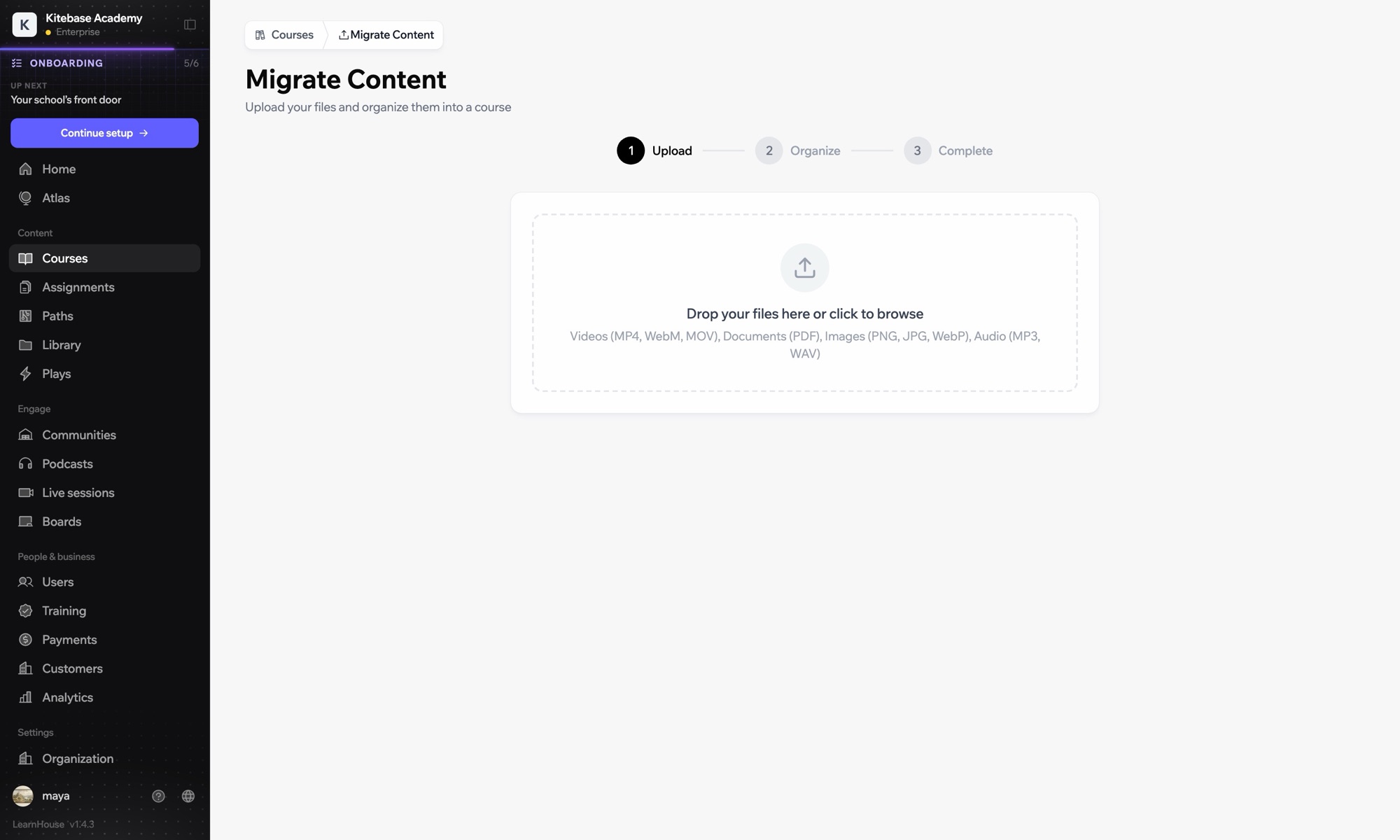
Cursussen importeren uit een ander LMS
Week 1 · Aan de slag
Instellen

In een paar minuten ingesteld

  1. 1

    Add LearnHouse manually

    In LearnHouse, open Developers → LTI → Add manually.

  2. 2

    Create the tool

    In OpenOLAT, enable Module LTI 1.3 under Administration → External tools → LTI, then create a new tool with the LearnHouse URLs and keyset URL.

  3. 3

    Turn on deep linking

    Edit the tool, activate deep linking and copy the Client ID, Deployment ID, issuer and endpoint URLs into LearnHouse.

  4. 4

    Add it to a course

    Add an LTI page element, choose LearnHouse, click Select content, enable Transfer score and publish.

Inbegrepen bij

Businessvanaf $319/mnd, jaarlijks gefactureerd

LTI 1.3 is part of Business and Enterprise.

Start de proefperiode van 14 dagenAbonnementen vergelijken
Veelgestelde vragen

Vragen over OpenOLAT

Do I need to publish the course again?

Yes. OpenOLAT applies the new element after you publish the course.

Can the same tool serve several courses?

Yes. Create the tool once and add as many LTI page elements as you need.

Past goed bij

LTI 1.3Launch LearnHouse courses inside any LTI 1.3 LMS, with grades synced back.SakaiAdd LearnHouse content to Sakai sites with LTI 1.3 and dynamic registration.ChamiloOpen LearnHouse content from Chamilo courses through the IMS/LTI plugin.InstructureCanvas LMSImport Canvas courses and launch LearnHouse from Canvas with LTI 1.3.MoodleMoodleImport Moodle courses or launch LearnHouse inside Moodle with LTI 1.3.BlackboardImport Blackboard courses and launch LearnHouse with LTI 1.3.
Koppel je tools in je eerste week

Koppel je tools in je eerste week

Probeer elk abonnement 14 dagen gratis. Geen creditcard, 0% platformkosten en integraties inbegrepen.

Start gratis proefperiode

Of host de open-source editie gratis zelf