Schedule live sessions in LearnHouse with your Webex link, so reminders, attendance and recordings sit with the course.
Gratis 14 hari · Tanpa kartu kredit
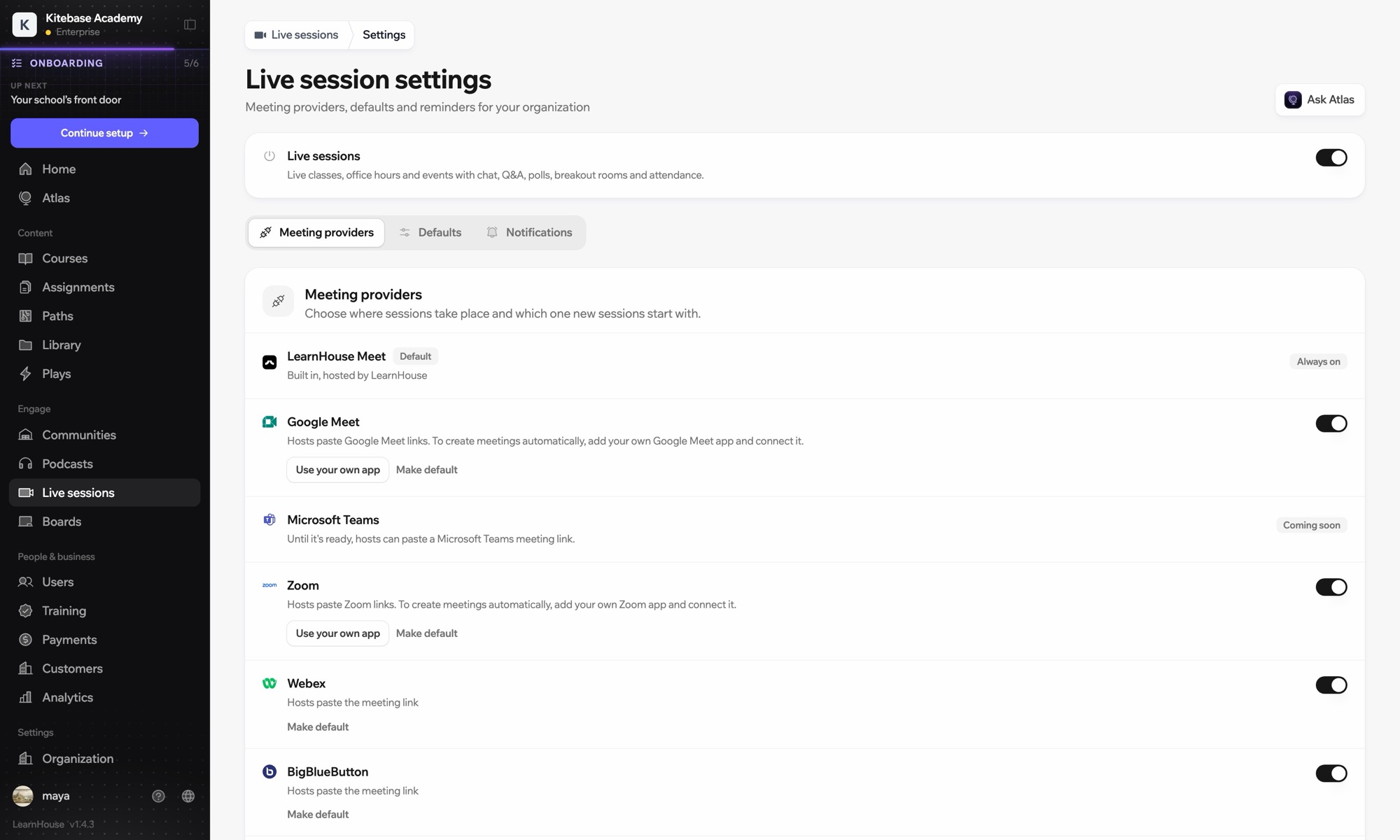
Webex works with LearnHouse live sessions in link mode. The host pastes the Webex link, and LearnHouse provides the session page with reminders, chat, Q&A, polls and attendance around it.
Webex works in link mode: paste the meeting link and learners join from the session page.
Schedule the meeting in Webex and copy its link.
Create a live session, choose Webex and paste the link. No account connection is needed.
Learners get reminders, and you add the recording to the session after class.
Termasuk di
Live sessions are included in Business.
No. Webex is link mode only; Zoom, Google Meet and Teams can create meetings when connected.
Yes. Each session picks its own: LearnHouse Meet, Zoom, Google Meet, Teams, Webex, BigBlueButton or a custom link.

Coba paket mana pun gratis selama 14 hari. Tanpa kartu kredit, biaya platform 0%, dan integrasi sudah termasuk.
Atau self-host edisi open source secara gratis
