LearnHouse
はじめる
LearnHouse
AIエンタープライズ開発者モバイル料金
GitHub...
ログインはじめる

これからの学びのためのオープンソース学習プラットフォーム

XGitHubLinkedInDiscord

製品

  • クリエイター
  • 教育機関
  • エンタープライズ
  • 開発者
  • モバイルアプリ
  • オープンソース
  • デザイン
  • 検索での見つけやすさ
  • 料金

機能

  • コース
  • AI
  • 決済
  • コミュニティ
  • ポッドキャスト
  • ボード
  • Plays
  • コード
  • 分析
  • 動画コース
  • ニュースレター
  • ライブセッション
  • ラーニングパス
  • ドリップ配信
  • 課題
  • 修了証
  • シナリオ
  • 必須研修
  • コース翻訳
  • 連携

リソース

  • ドキュメント
  • ユニバーシティ
  • ブログ
  • 変更履歴
  • セルフホスト
  • 用語集
  • GitHub
  • プラットフォームを比較

会社情報

  • お問い合わせ
  • セキュリティ
  • 業界

会社情報

  • お問い合わせ
  • セキュリティ
  • 業界

LearnHouseと比較

  • Udemy
  • Moodle
  • Teachable
  • Open edX
  • Thinkific
  • Canvas
  • Kajabi
  • Skool
  • Podia
  • Coursera
  • すべての比較

他サービスからの乗り換え

  • Udemy
  • Teachable
  • Thinkific
  • Kajabi
  • Skool
  • Podia
  • Coursera
  • Moodle
  • Open edX
  • Canvas LMS
  • Skillshare
  • Mighty Networks
  • LearnWorlds
  • Circle
バグや不具合を見つけたら
Open Source Initiative

オープンソース

AGPLv3ライセンス、セルフホスト可能

GDPR対応

EUのデータ保護規則に準拠

G2

G2

G2でレビューする

© 2026 LearnHouse, Inc.

  • プライバシー
  • 利用規約
  • Cookieポリシー
すべての連携
Amazon S3

Use Amazon S3 with Self-Hosted LearnHouseKeep course files in your own S3 bucket

Switch a self-hosted LearnHouse from local storage to S3 with three settings and a restart.

セルフホストのガイドを読む

A self-hosted LearnHouse can store uploaded files in Amazon S3 through its S3-compatible storage option. You set the content delivery type to s3api, name the bucket and endpoint in the .env file, and restart. AWS credentials come from the standard AWS environment variables or an instance role.

接続方法
セルフホストの設定
プラン
無料の Community Edition を含む、すべてのセルフホスト版
関連する LearnHouse のページ
セルフホスト
セルフホストセルフホストの設定ストレージセルフホスト
できること

Amazon S3でできること

セルフホスト

Storage that grows with you

Move video and file uploads off the server disk and into a bucket.
01 / 3
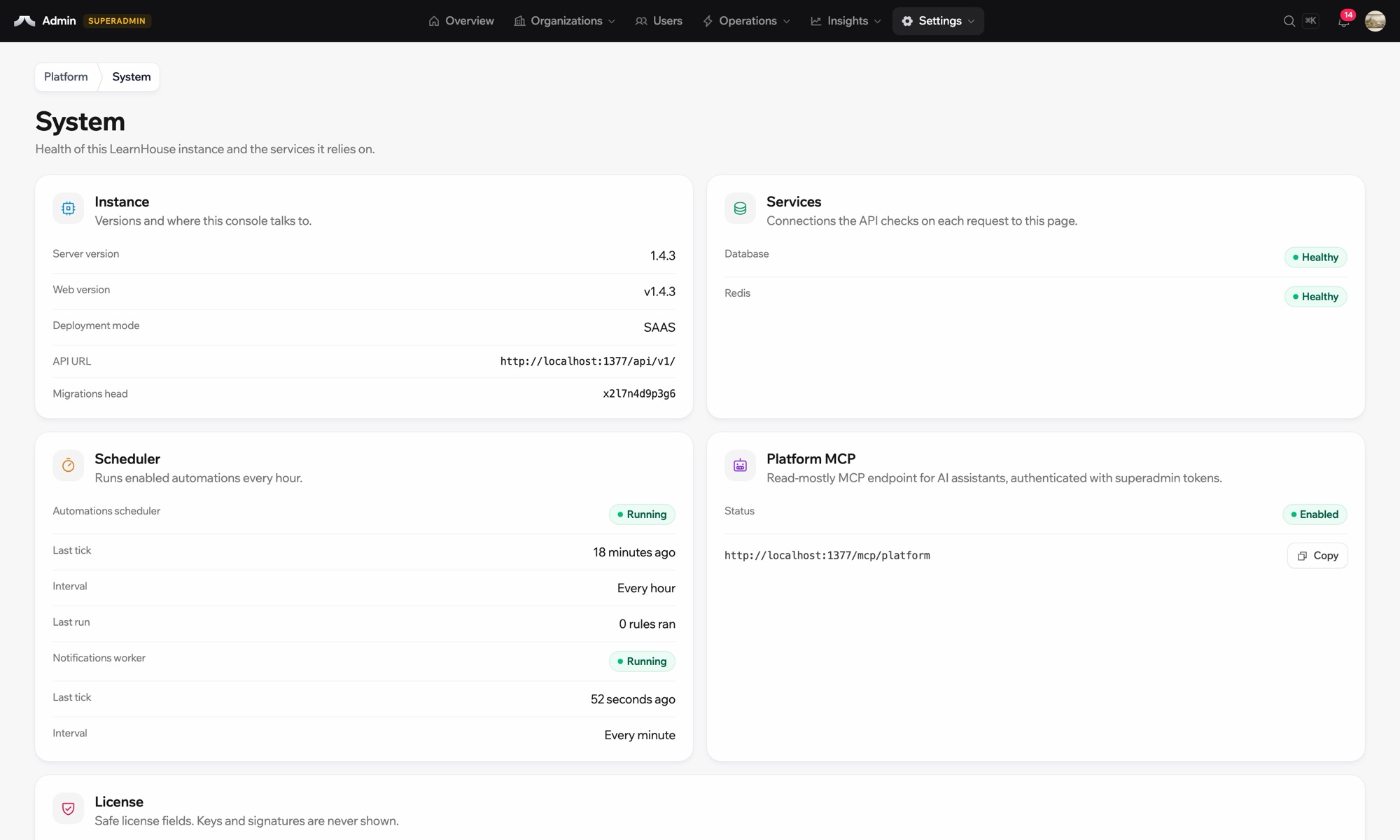
セルフホスト環境のシステムステータス
your-server
$ npx learnhouse setup
✓ database · ✓ storage · ✓ ssl
Academy running on academy.yourdomain.com
あなたのデータ、あなたのサーバー
セットアップ

数分で設定できます

  1. 1

    Create the bucket

    Create an S3 bucket and give LearnHouse read and write access, with keys or an instance role.

  2. 2

    Set the variables

    In .env, set LEARNHOUSE_CONTENT_DELIVERY_TYPE=s3api, LEARNHOUSE_S3_API_BUCKET_NAME and LEARNHOUSE_S3_API_ENDPOINT_URL.

  3. 3

    Restart

    Run learnhouse stop, then learnhouse start.

対象プラン

セルフホスト

This is a setting of self-hosted LearnHouse and works with the free Community Edition. LearnHouse Cloud handles storage for you.

セルフホストのガイドを読むプランを比較
よくある質問

Amazon S3についてのよくある質問

Do I need this on LearnHouse Cloud?

No. Cloud stores files for you. This page is about self-hosting.

Does the bucket have to exist first?

Yes. Create it and check the credentials can read and write before restarting.

相性のよいツール

CloudflareCloudflare R2Use Cloudflare R2 as the S3-compatible file store of a self-hosted LearnHouse.MinIOMinIOKeep every uploaded file on your own servers with MinIO object storage.Amazon Simple Email ServiceAmazon SESDeliver a self-hosted LearnHouse’s emails through Amazon SES over SMTP.Google DriveGoogle DriveEmbed Google Drive files: docs, slides, and sheets.ResendResendSend the emails of a self-hosted LearnHouse through Resend.MailgunMailgunSend a self-hosted LearnHouse’s emails through Mailgun SMTP.
最初の1週間で、ツールをつなげましょう

最初の1週間で、ツールをつなげましょう

どのプランも14日間無料でお試しいただけます。クレジットカード不要、プラットフォーム手数料0%、連携機能も含まれます。

無料トライアルを始める

オープンソース版を無料でセルフホストすることもできます