LearnHouse
はじめる
LearnHouse
AIエンタープライズ開発者モバイル料金
GitHub...
ログインはじめる

これからの学びのためのオープンソース学習プラットフォーム

XGitHubLinkedInDiscord

製品

  • クリエイター
  • 教育機関
  • エンタープライズ
  • 開発者
  • モバイルアプリ
  • オープンソース
  • デザイン
  • 検索での見つけやすさ
  • 料金

機能

  • コース
  • AI
  • 決済
  • コミュニティ
  • ポッドキャスト
  • ボード
  • Plays
  • コード
  • 分析
  • 動画コース
  • ニュースレター
  • ライブセッション
  • ラーニングパス
  • ドリップ配信
  • 課題
  • 修了証
  • シナリオ
  • 必須研修
  • コース翻訳
  • 連携

リソース

  • ドキュメント
  • ユニバーシティ
  • ブログ
  • 変更履歴
  • セルフホスト
  • 用語集
  • GitHub
  • プラットフォームを比較

会社情報

  • お問い合わせ
  • セキュリティ
  • 業界

会社情報

  • お問い合わせ
  • セキュリティ
  • 業界

LearnHouseと比較

  • Udemy
  • Moodle
  • Teachable
  • Open edX
  • Thinkific
  • Canvas
  • Kajabi
  • Skool
  • Podia
  • Coursera
  • すべての比較

他サービスからの乗り換え

  • Udemy
  • Teachable
  • Thinkific
  • Kajabi
  • Skool
  • Podia
  • Coursera
  • Moodle
  • Open edX
  • Canvas LMS
  • Skillshare
  • Mighty Networks
  • LearnWorlds
  • Circle
バグや不具合を見つけたら
Open Source Initiative

オープンソース

AGPLv3ライセンス、セルフホスト可能

GDPR対応

EUのデータ保護規則に準拠

G2

G2

G2でレビューする

© 2026 LearnHouse, Inc.

  • プライバシー
  • 利用規約
  • Cookieポリシー
すべての連携
Instructure

Use Canvas with LearnHouse: Import or LTI 1.3Leave Canvas or level it up, your call

Bring Canvas courses into LearnHouse with the importer, or keep Canvas and launch LearnHouse courses from it with LTI 1.3.

無料トライアルを始める

14日間無料・クレジットカード不要

Canvas and LearnHouse connect in two ways: the course importer turns a Canvas export into an editable LearnHouse course, and LTI 1.3 lets Canvas launch LearnHouse content with grades going back to the Canvas gradebook.

接続方法
LTI 1.3
プラン
Business 以上
関連する LearnHouse のページ
SSO と LTI
BusinessLTI 1.3LMSと標準規格
できること

Canvas LMSでできること

LMSインポート

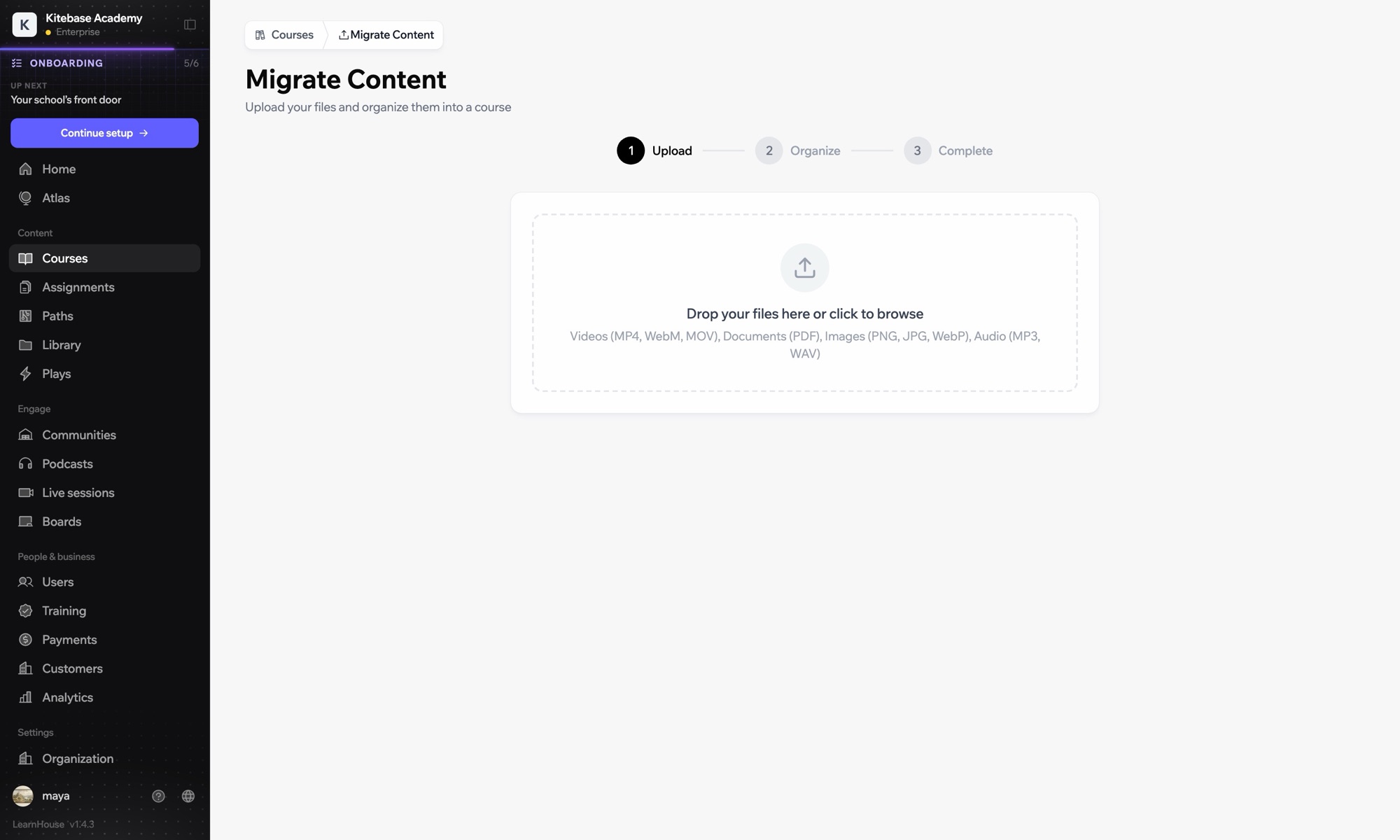
Import a Canvas course

Upload a Canvas export and get lessons, quizzes and files as an editable LearnHouse course.
01 / 4
他のLMSから講座をインポート
Moodle
Canvas
Blackboard
Open edX
0
講座をインポート済み
セットアップ

数分で設定できます

  1. 1

    Choose your path

    Import courses to move off Canvas, or connect with LTI to keep Canvas.

  2. 2

    Import

    Export the course from Canvas and upload it in Courses → Import.

  3. 3

    Or connect LTI

    Register Canvas in Developers → LTI and add LearnHouse as a developer key and external tool.

  4. 4

    Place content

    Use deep linking to add LearnHouse courses to Canvas modules.

対象プラン

Business年払いで月額$319から

Course import works on every plan; LTI 1.3 is in Business.

14日間のトライアルを始めるプランを比較
よくある質問

Canvas LMSについてのよくある質問

Do grades sync back to Canvas?

Yes. Progress and assignment grades go to the Canvas gradebook, and due dates come across when Canvas creates the column.

What gets imported from Canvas?

Course structure, pages, quizzes and files from a Canvas export. Review complex question types after the import.

Can we use Canvas and LearnHouse at the same time?

Yes. Keep Canvas and launch LearnHouse content from it through LTI 1.3.

Does Canvas support dynamic registration?

Yes. Connect it with a one-time registration URL from Developers → LTI.

相性のよいツール

LTI 1.3Launch LearnHouse courses inside any LTI 1.3 LMS, with grades synced back.MoodleMoodleImport Moodle courses or launch LearnHouse inside Moodle with LTI 1.3.BlackboardImport Blackboard courses and launch LearnHouse with LTI 1.3.Brightspace (D2L)Import Brightspace courses and connect D2L with LTI 1.3.Open edXImport Open edX courses and launch LearnHouse from Open edX with LTI 1.3.Common CartridgeImport IMS Common Cartridge packages into LearnHouse courses.
最初の1週間で、ツールをつなげましょう

最初の1週間で、ツールをつなげましょう

どのプランも14日間無料でお試しいただけます。クレジットカード不要、プラットフォーム手数料0%、連携機能も含まれます。

無料トライアルを始める

オープンソース版を無料でセルフホストすることもできます