Add a custom OIDC application in JumpCloud and staff sign in with their directory account.
14일 무료 · 카드 등록 불필요
JumpCloud connects to LearnHouse for single sign-on through a custom OIDC application and the Custom OIDC provider.
People sign in with the JumpCloud account that already unlocks their laptop and apps.
In the JumpCloud admin portal, add a custom OIDC application.
Use your LearnHouse SSO callback URL and pick client secret authentication.
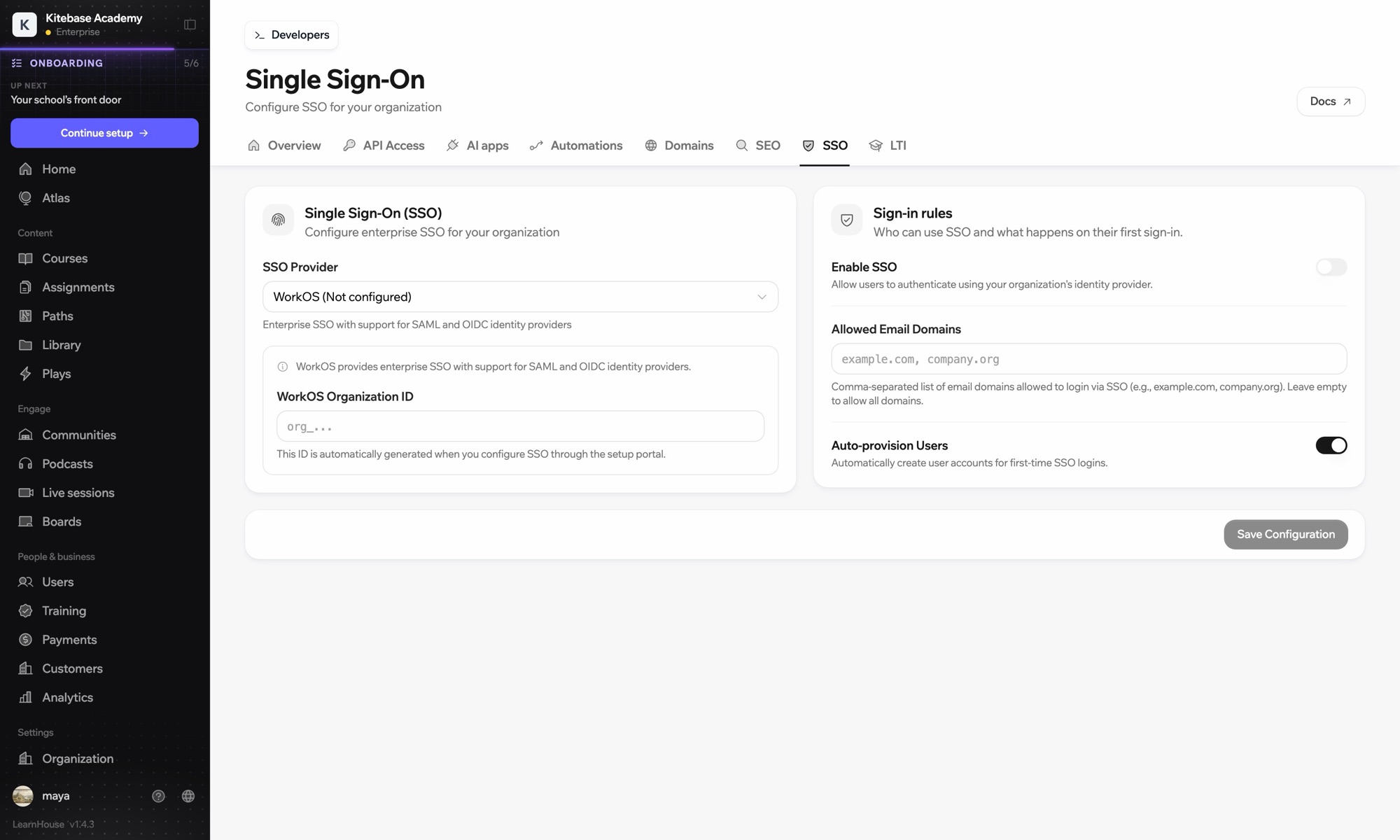
Enter the issuer URL, client ID and secret under Custom OIDC in Organization → SSO.
People in the JumpCloud groups bound to the application, within the email domains you allow in LearnHouse.
No. Sign-in works over OIDC; groups in LearnHouse are managed in LearnHouse.

어떤 플랜이든 14일 동안 무료로 써 보세요. 카드 등록 없이, 플랫폼 수수료 0%, 연동도 모두 포함돼요.
또는 오픈소스 에디션을 무료로 셀프호스팅하세요
