Register LearnHouse in Entra ID and staff sign in with the work account they use for Outlook and Teams.
14일 무료 · 카드 등록 불필요
Microsoft Entra ID, formerly Azure AD, connects to LearnHouse through OpenID Connect. Staff sign in with their Microsoft work account, and accounts are created the first time they do.
Staff choose single sign-on and use their Microsoft work account.
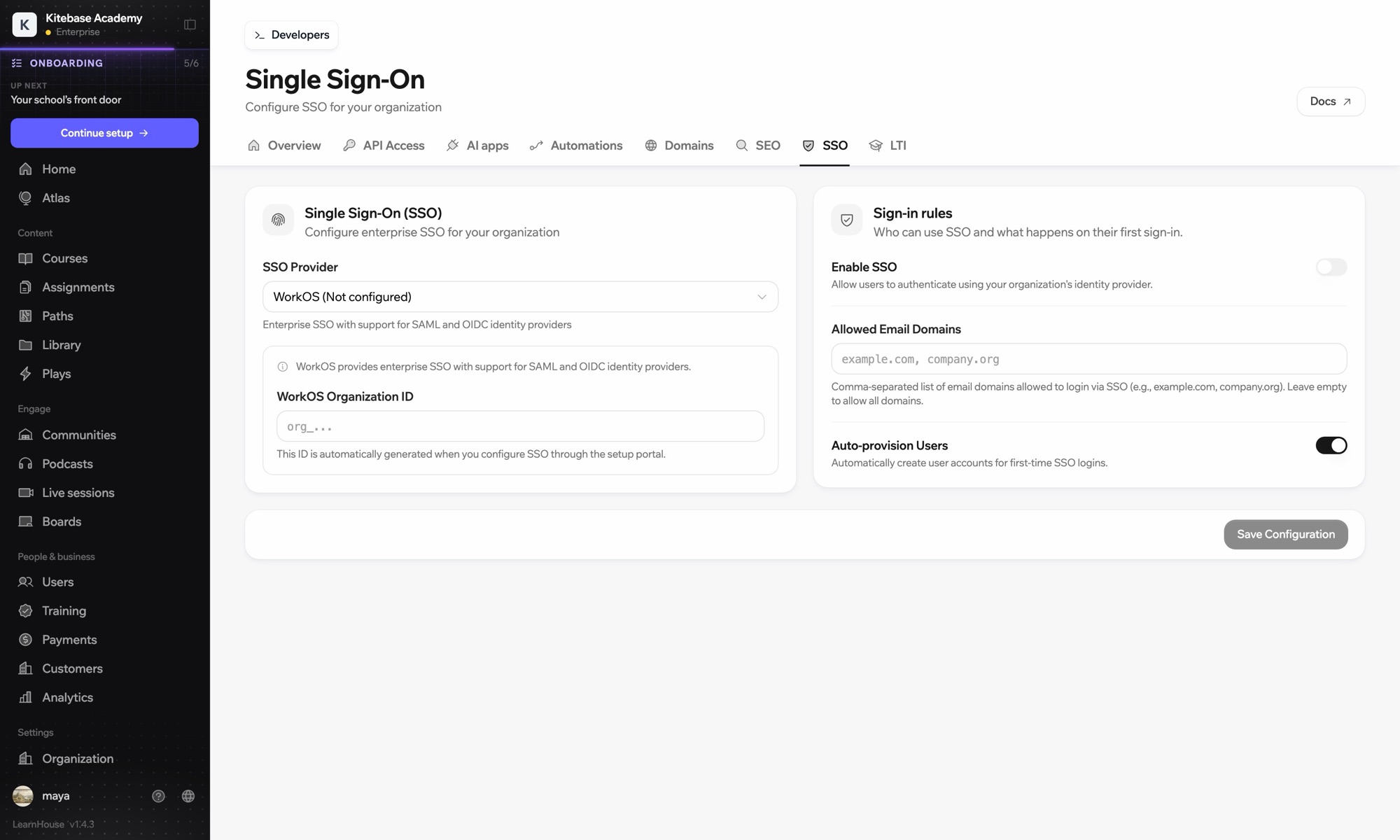
In the Entra admin center, register a new application.
Add your LearnHouse SSO callback URL as a web redirect URI and create a client secret.
In Organization → SSO, choose Custom OIDC and enter https://login.microsoftonline.com/{tenant-id}/v2.0 with the client ID and secret.
Yes. Microsoft renamed Azure AD to Microsoft Entra ID. The setup is the same.
https://login.microsoftonline.com/ followed by your tenant ID and /v2.0.
That depends on how you register the app in Entra ID. Limit SSO to your email domains in LearnHouse as well.

어떤 플랜이든 14일 동안 무료로 써 보세요. 카드 등록 없이, 플랫폼 수수료 0%, 연동도 모두 포함돼요.
또는 오픈소스 에디션을 무료로 셀프호스팅하세요
