VS Code talks to LearnHouse over MCP, so the chat panel can read and change your academy while you work on code next to it.
ฟรี 14 วัน · ไม่ต้องใช้บัตรเครดิต
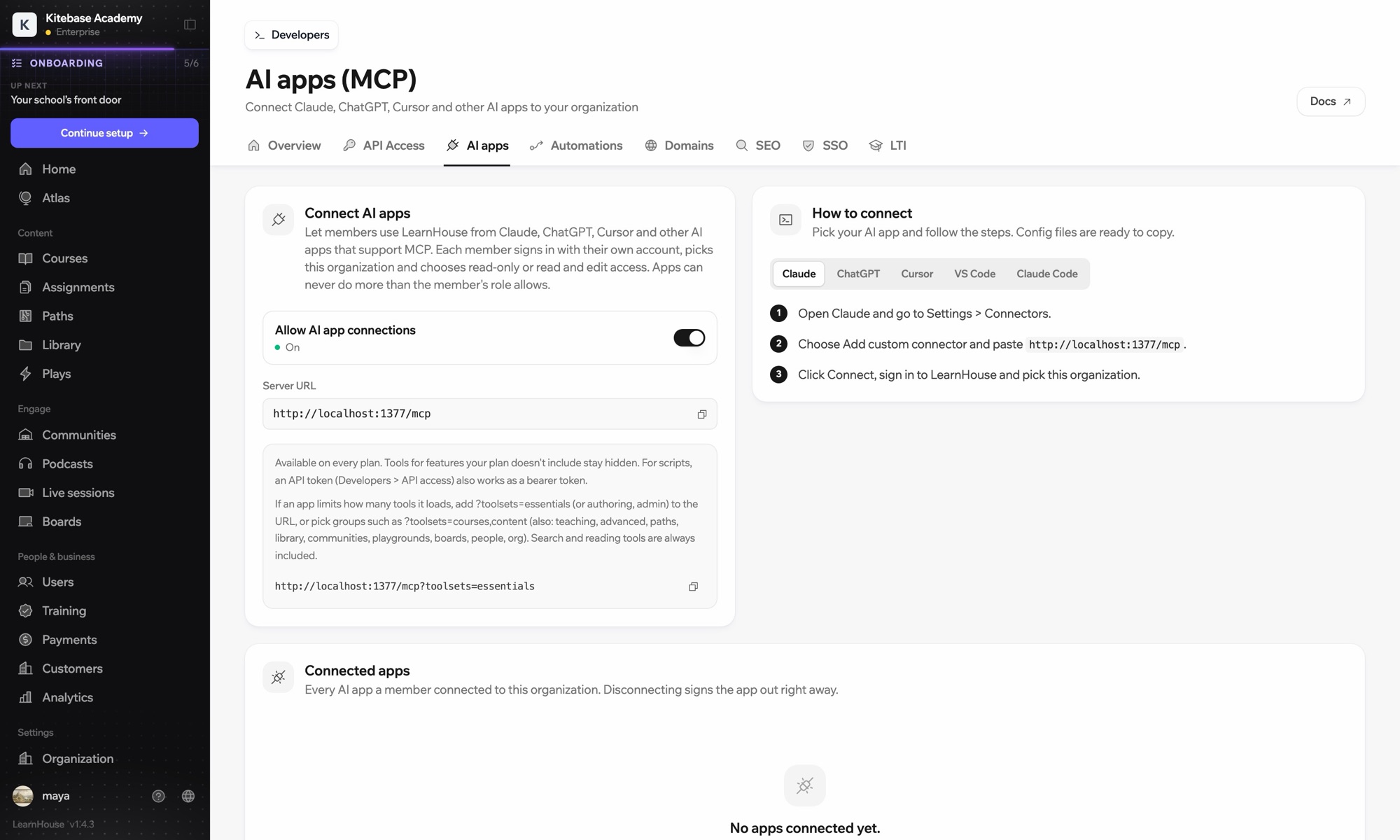
LearnHouse connects to VS Code through its MCP server, added in VS Code as an HTTP server. Once you sign in, the AI chat in VS Code can look up courses, edit lessons and read learner progress, limited to what your LearnHouse role allows.
Ask the chat to update the lesson that explains a function you just changed in the code beside it.
Run the command MCP: Add Server and choose HTTP.
Use the server URL shown under Connect AI apps in your LearnHouse dashboard and give it a name.
Start the server. VS Code opens LearnHouse so you can sign in and pick the organization.
รวมอยู่ในแผน
The API and MCP server come with Pro on LearnHouse Cloud.
No. It signs in through your browser. An API token also works as a bearer token if you prefer scripts.
It can only do what your LearnHouse role allows, and you choose read-only or read and edit access when you connect.
Add ?toolsets=essentials to the server URL, or name the groups you need, such as ?toolsets=courses,content.

ลองแผนไหนก็ได้ฟรี 14 วัน ไม่ต้องใช้บัตรเครดิต ค่าธรรมเนียมแพลตฟอร์ม 0% และมีการเชื่อมต่อให้ครบ
หรือโฮสต์เอดิชันโอเพนซอร์สเองได้ฟรี
