Each live session downloads as an iCalendar file that Apple Calendar opens with the time and join link.
14日間無料・クレジットカード不要
LearnHouse supports Apple Calendar through standard iCalendar (.ics) files. Every live session can be downloaded as an .ics file from Add to calendar, and Apple Calendar on Mac, iPhone and iPad opens it. There is no account to connect.
Learners tap Add to calendar on their phone and the session lands in Apple Calendar.
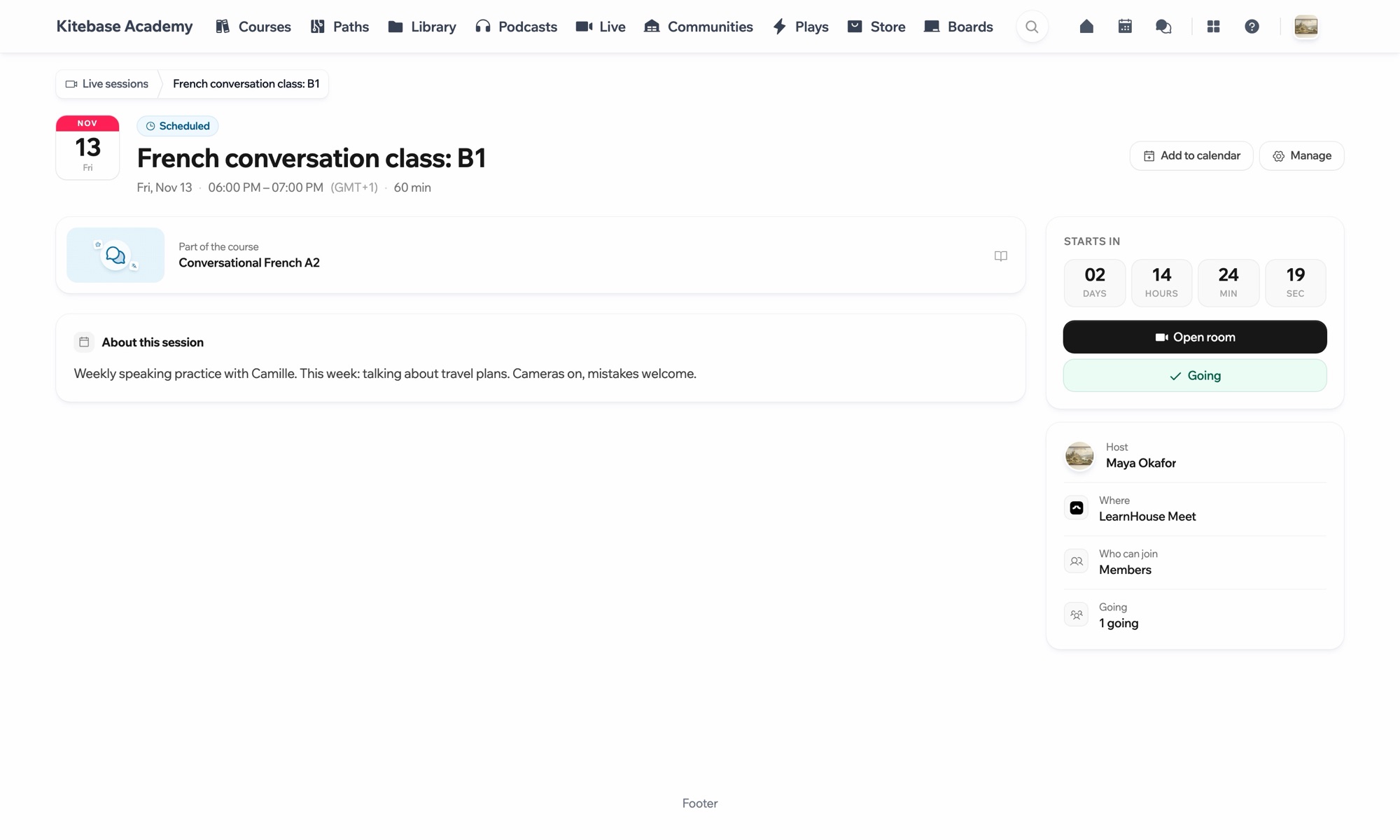
Go to the live session page.
Choose Add to calendar and pick the .ics file.
Apple Calendar adds the event.
対象プラン
Live sessions are part of Business and Enterprise.
A downloaded file is a copy. If a session moves, download it again, or rely on the reminder email.
Yes. Most calendar apps open .ics files.

どのプランも14日間無料でお試しいただけます。クレジットカード不要、プラットフォーム手数料0%、連携機能も含まれます。
オープンソース版を無料でセルフホストすることもできます
