Build an assignment from quiz questions, short answers, file uploads and code tasks. Submissions come back to one list, and you grade each one beside the learner's answers.
14 days free, no card needed.
Geography quiz
Tomás Ruiz
What is the capital of France?
Paris
The paper is a drawing. The panel on it is the real grading screen.
Mix them in one assignment.
Drawings of each task type, marked the way a teacher would.
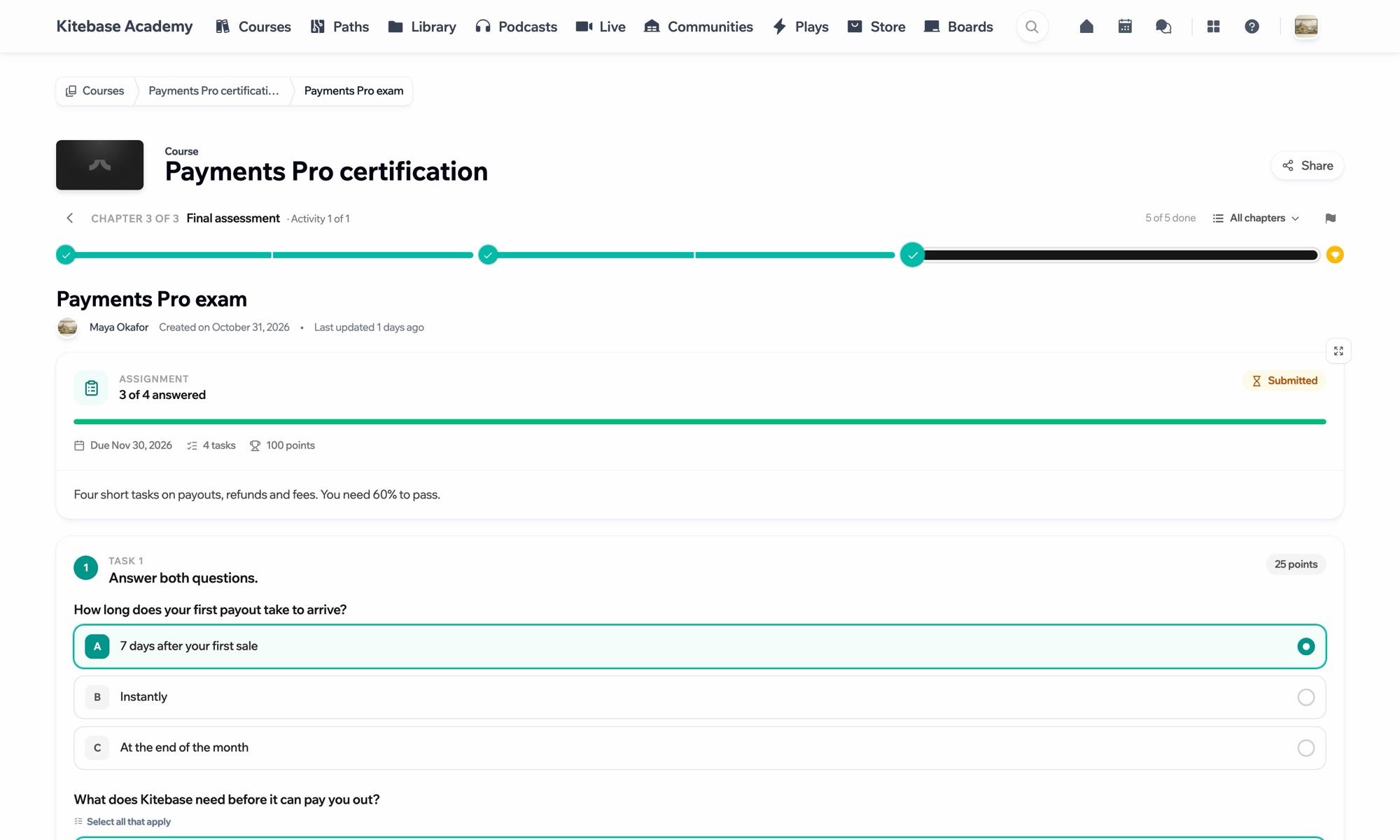
An assignment sits in the lesson flow with its due date, its points and the mark needed to pass. Learners see how many tasks they have answered before they hand it in.
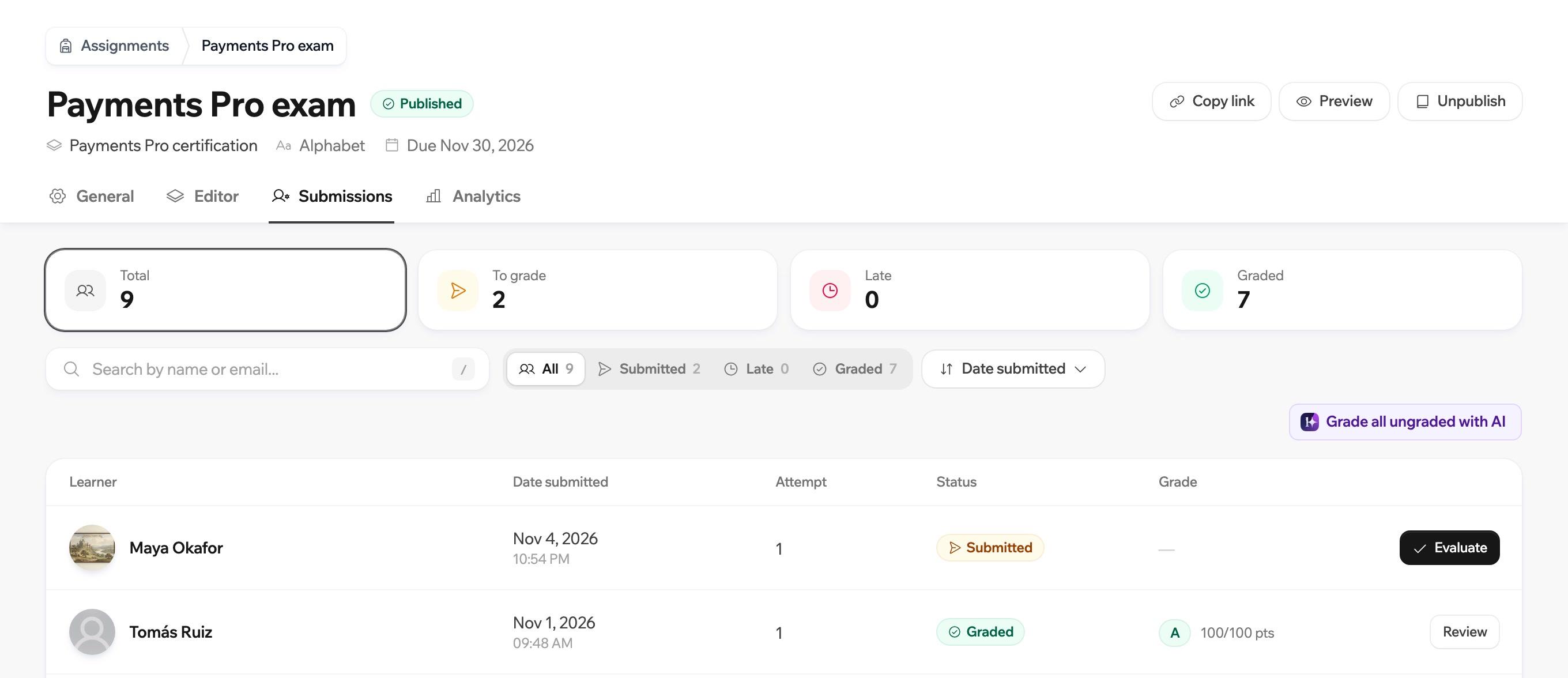
See who has submitted, who is late and what still needs a grade. Filter by status and open the next one.
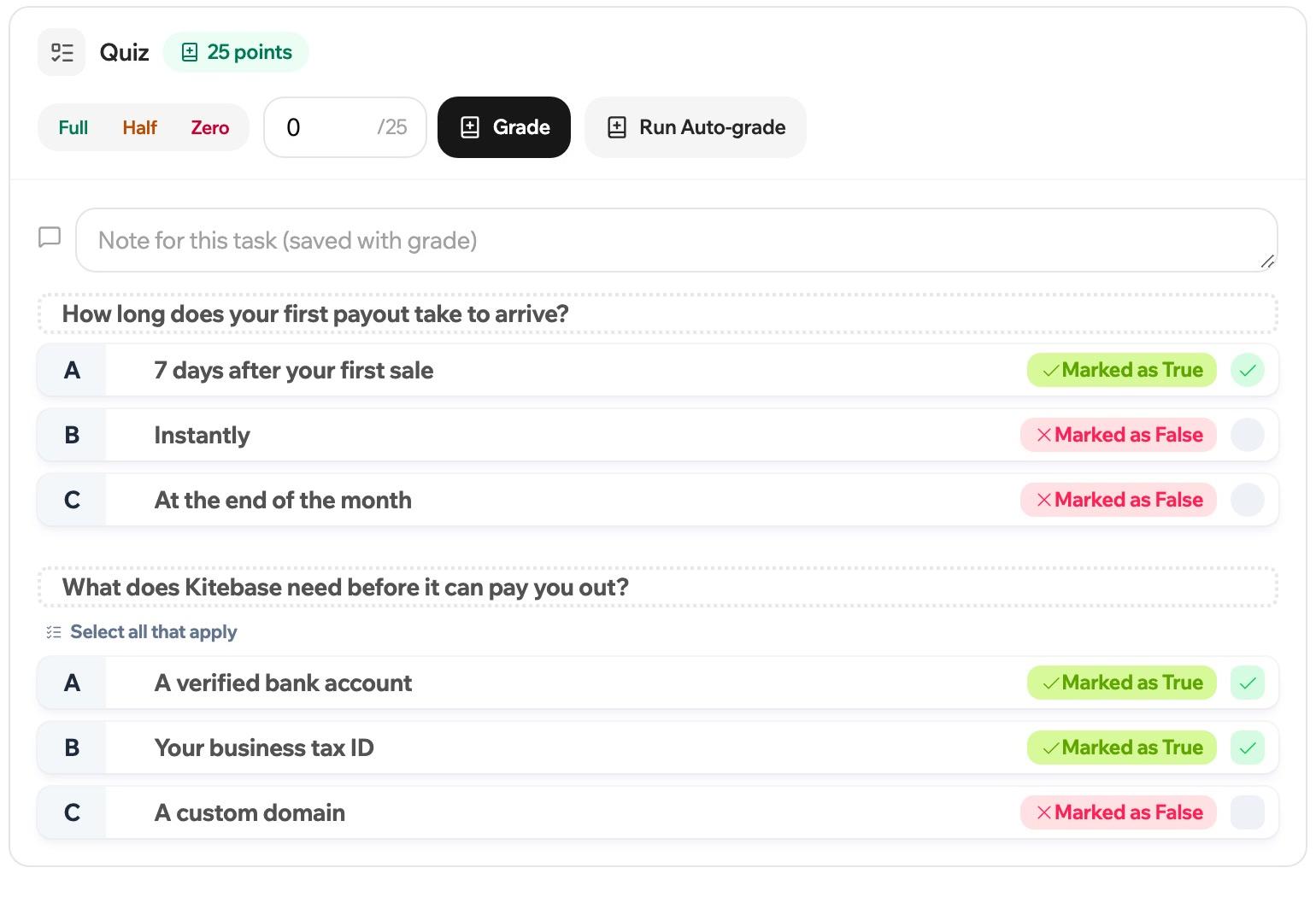
The learner's work is on the left and the grade on the right. Give full, half or zero marks in a click, let auto-grading handle questions that have an answer key, or have AI draft a grade for you to review.
Capitals
25 points
Full marks for the task.
Three buttons sit above every task. Try them.
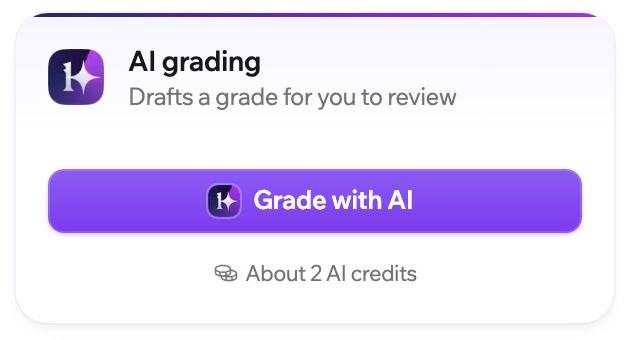
Write a rubric for the assignment, and a line for any single task. AI reads the learner's work against it and drafts a grade. Nothing counts until you accept it or change it.
Rubric
Why do leaves change colour in autumn?
The days get shorter, so the green fades and the other colours show.
Not graded yet.
A drawing of the flow.
Assignments and grading are on every plan, and in the open source edition when you self-host. AI drafts are paid for with your plan's AI credits.
Compare plansQuestions with an answer key are graded automatically. For open answers you can run AI grading, which drafts a score for you to check before it counts.
A task can be a quiz, a form, a short written answer, a number, a file upload or code.
You can grade as a percentage, as a number or with letters.

Start a 14-day trial and set some work.
14 days free, no card needed.
