LearnHouse
Get Started
LearnHouse
AIEnterpriseDevelopersMobilePricing
GitHub...
LoginGet Started

The next gen modern open source learning platform

XGitHubLinkedInDiscord

Product

  • Creators
  • Academia
  • Enterprise
  • Developers
  • Mobile app
  • Open source
  • Design
  • Discoverability
  • Pricing

Features

  • Courses
  • AI
  • Payments
  • Communities
  • Podcasts
  • Boards
  • Plays
  • Code
  • Analytics
  • Video courses
  • Newsletter
  • Live sessions
  • Learning paths
  • Drip content
  • Assignments
  • Certificates
  • Scenarios
  • Required training
  • Course translation
  • Integrations

Resources

  • Documentation
  • University
  • Blog
  • Changelog
  • Self-hosting
  • Glossary
  • GitHub
  • Compare platforms

Company

  • Contact
  • Security
  • Industries

Company

  • Contact
  • Security
  • Industries

Compare LearnHouse with

  • Udemy
  • Moodle
  • Teachable
  • Open edX
  • Thinkific
  • Canvas
  • Kajabi
  • Skool
  • Podia
  • Coursera
  • All comparisons

Alternatives to

  • Udemy
  • Teachable
  • Thinkific
  • Kajabi
  • Skool
  • Podia
  • Coursera
  • Moodle
  • Open edX
  • Canvas LMS
  • Skillshare
  • Mighty Networks
  • LearnWorlds
  • Circle
Found a bug or issue?
Open Source Initiative

Open Source

AGPLv3 licensed, self-hostable

GDPR Ready

EU data protection compliant

G2

G2

Review us on G2

© 2026 LearnHouse, Inc.

  • Privacy
  • Terms
  • Cookie Policy

LearnHouse MobileiOS · iPadOS · Android

Your whole academy,
in their pocket.

The mobile app built for education platforms. Learners get your brand, every lesson, offline downloads, community and AI on their phone.

Download on the App StoreGet it on Google Play

Included in every plan. Works with LearnHouse Cloud and self-hosted servers.

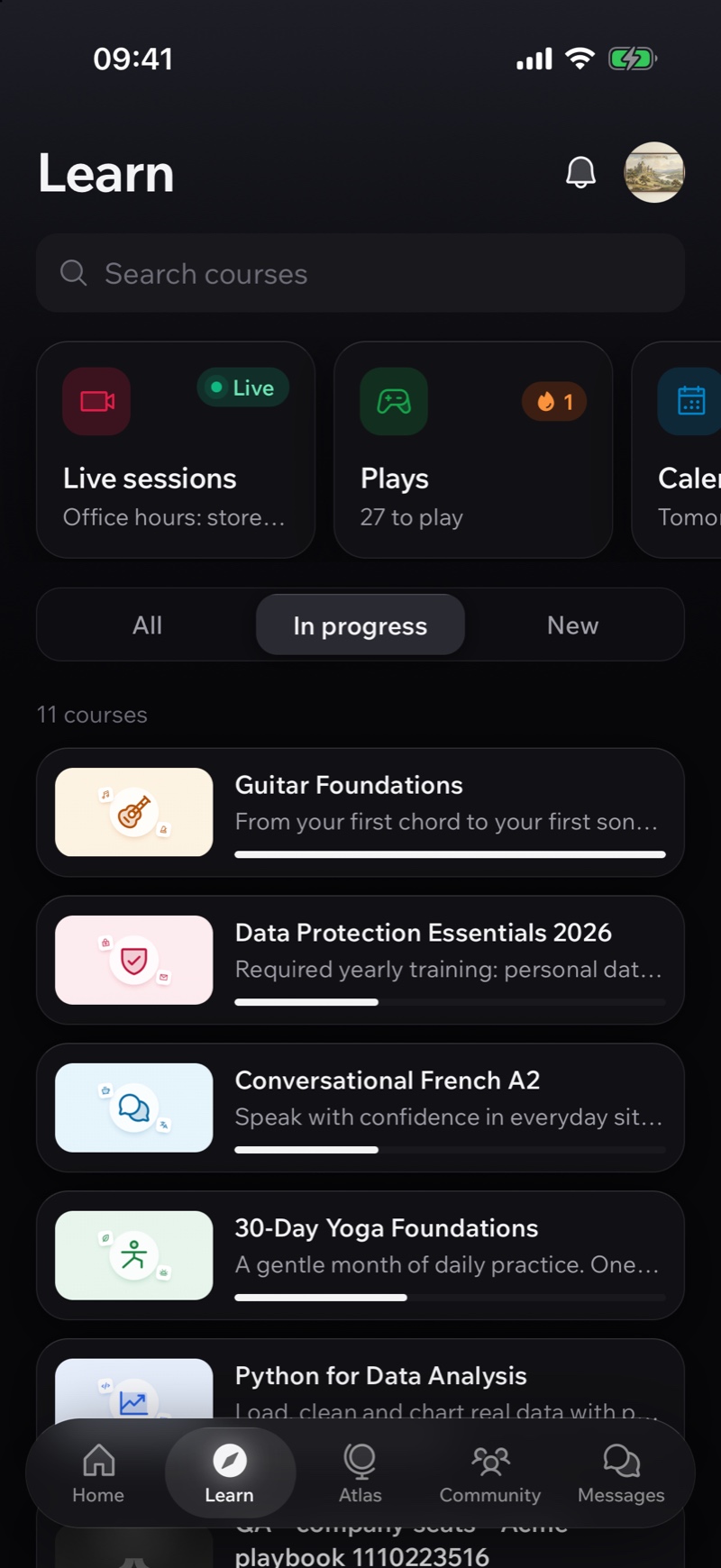
Courses in progress with progress bars in the LearnHouse mobile app
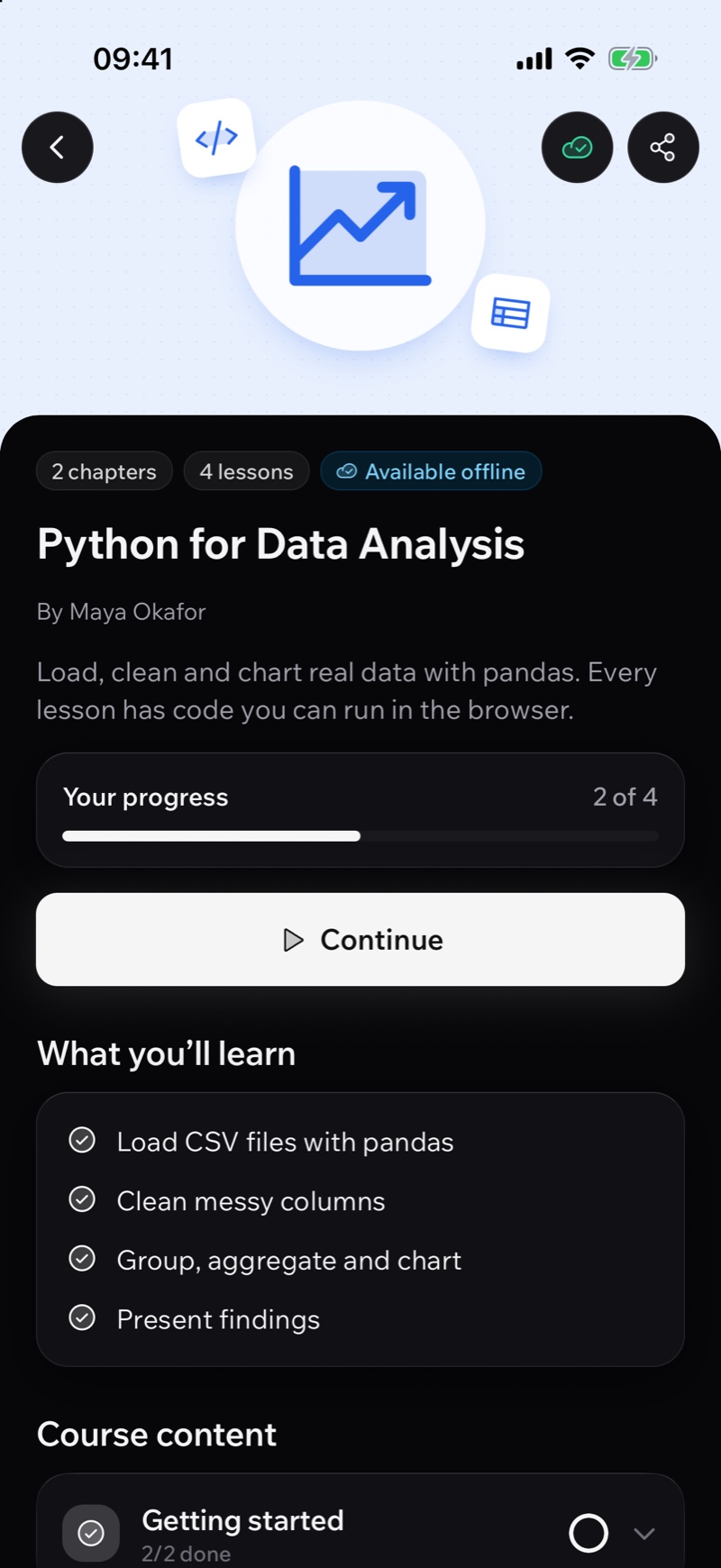
The Python for Data Analysis course page with progress and Available offline in the LearnHouse mobile app
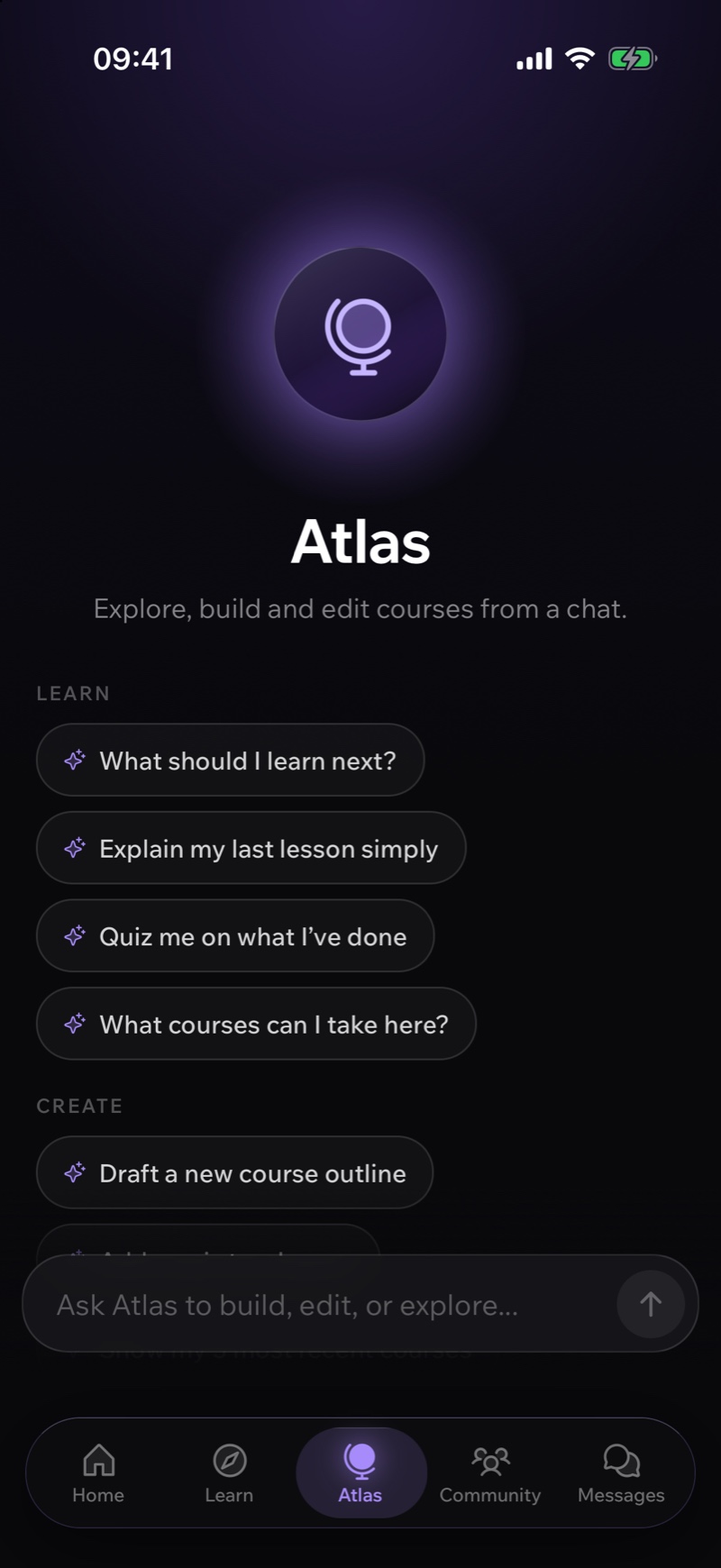
Atlas AI start screen with suggested prompts in the LearnHouse mobile app
Platforms
iPhone, iPad, Android
Servers
Cloud and self-hosted
Offline
Downloads, sync on reconnect
Lessons
Every block, same engine as web
Theme
Light and dark, your brand
Price
Included in every plan

What the app does

Everything your academy does, rebuilt for the phone.

Every screen below is a recording of the real app, running a real school.

Lessons

Every lesson block works. All of them.

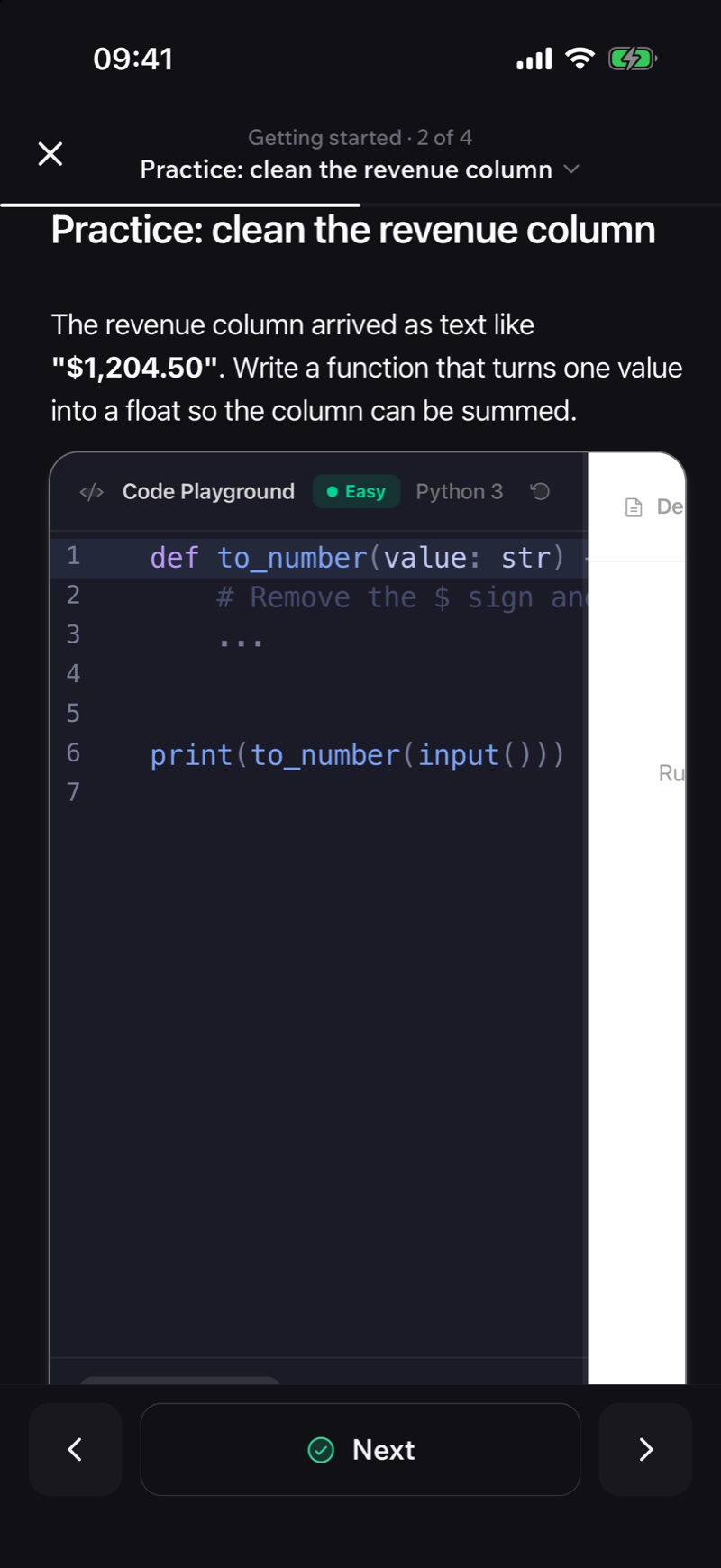
Quizzes, branching role-plays, code playgrounds, flashcards, H5P and math run on the phone exactly like on the web. It's the same lesson engine.
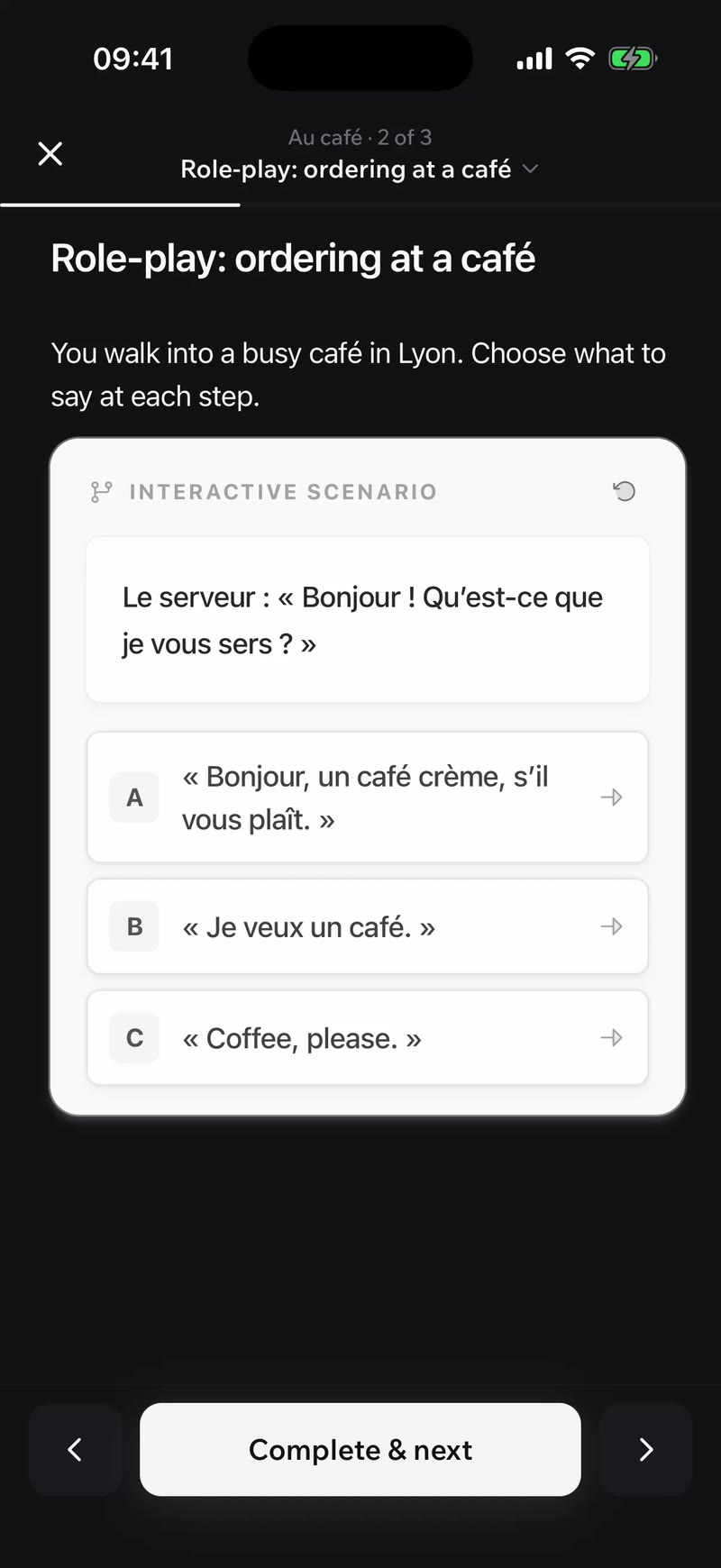
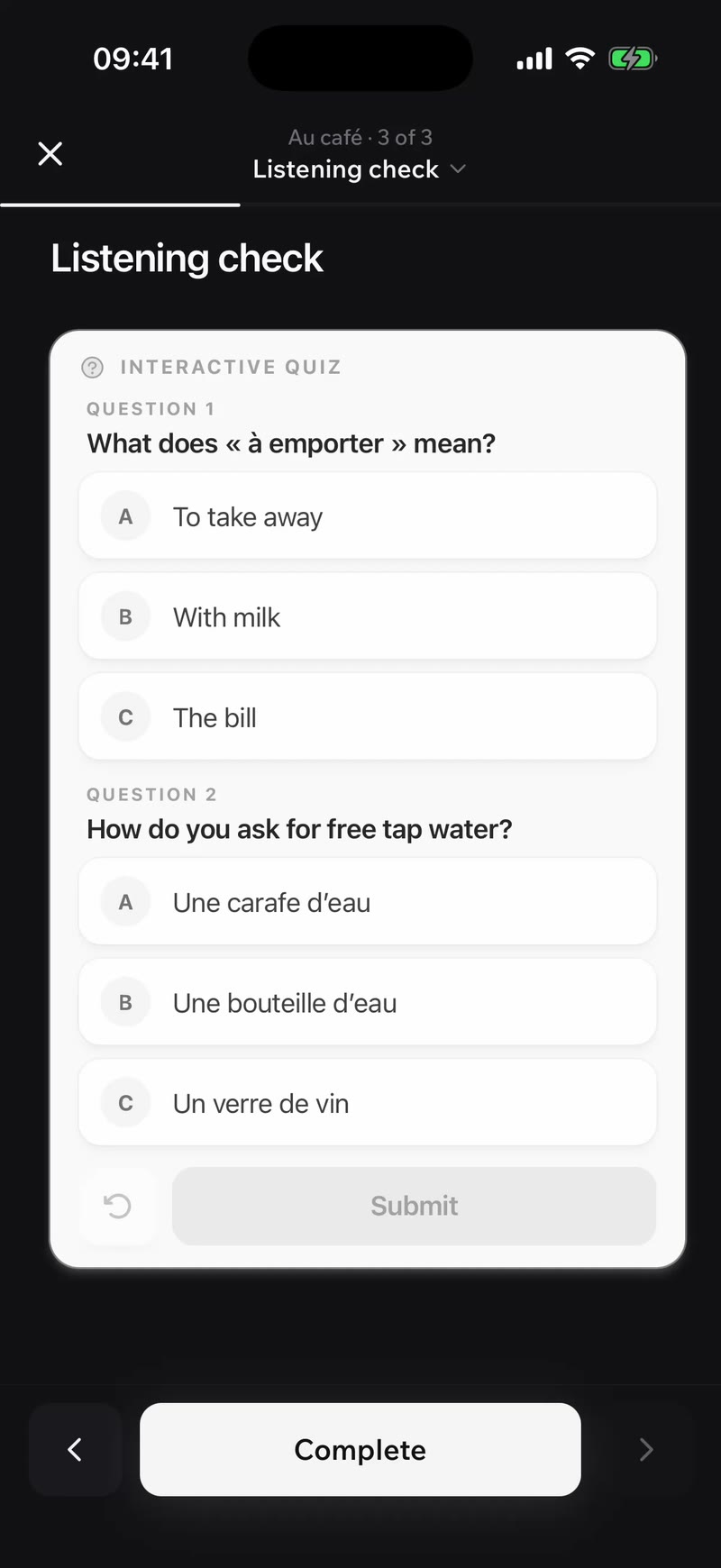
An interactive role-play scenario lesson in the LearnHouse mobile appAn interactive quiz inside a lesson in the LearnHouse mobile appA Python code playground inside a lesson in the LearnHouse mobile app

Offline

Train, plane, underground.

One tap saves a course. Lessons open with no connection and completions sync when the phone is back online. Videos still stream.
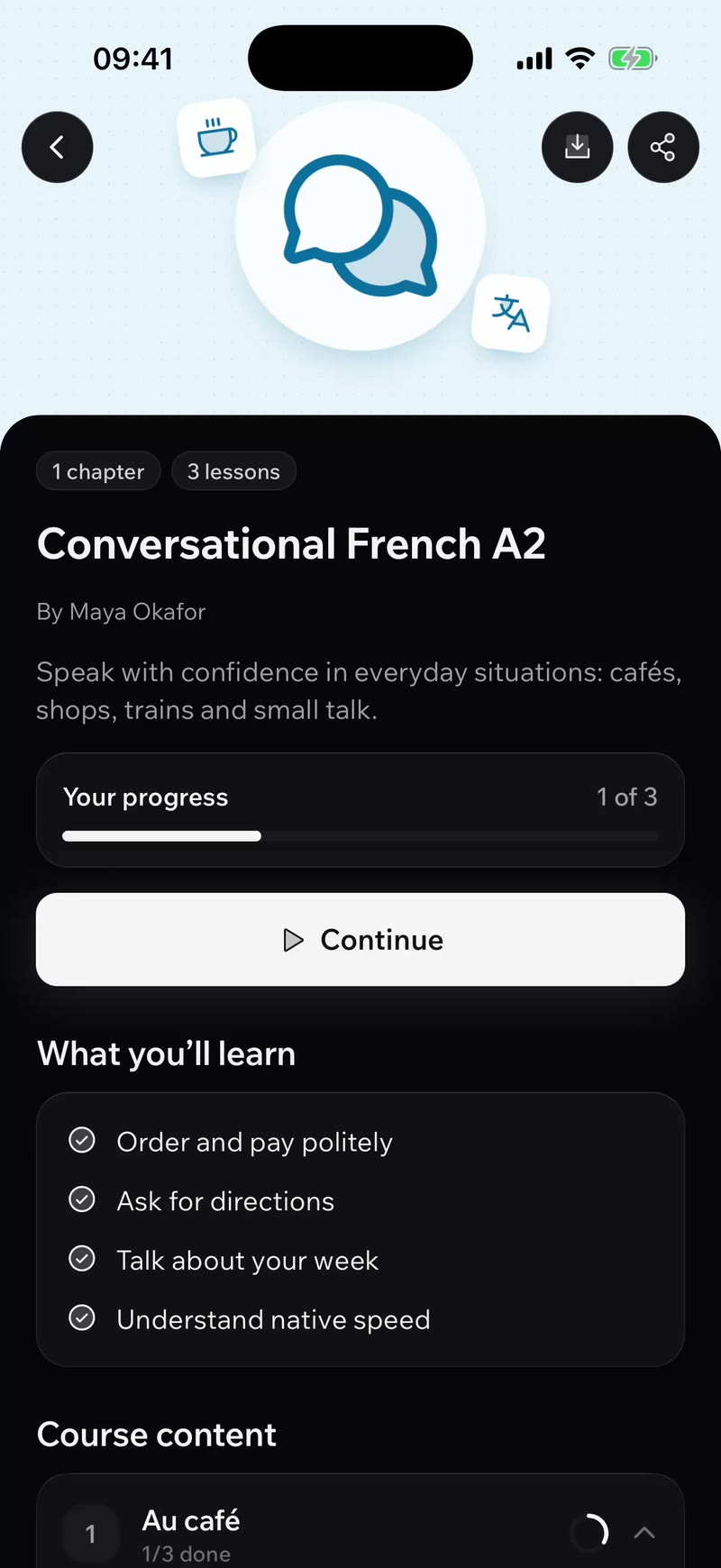
A downloaded course marked Available offline, then the Downloads list, in the LearnHouse mobile app
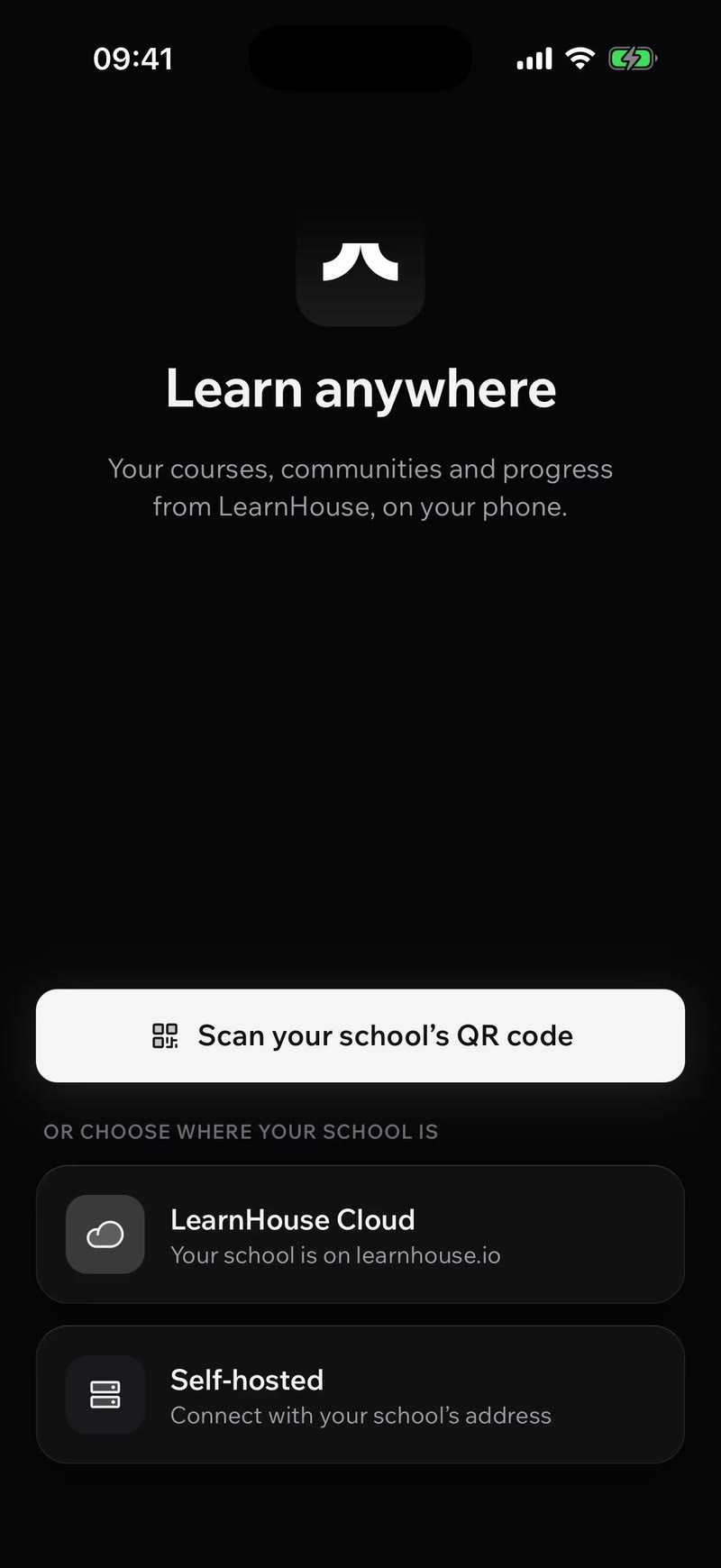
LearnHouse app welcome screen with Scan your school's QR code, LearnHouse Cloud and Self-hosted options, then the school's sign-in and branded home

One app, every school

In before the kettle boils.

Learners scan your QR code, tap your link or type your address. No app for you to build, no store review to wait for.

Your brand

Looks like your school, not ours.

Your home page, logo, colours and fonts carry over from the web, in light and dark.
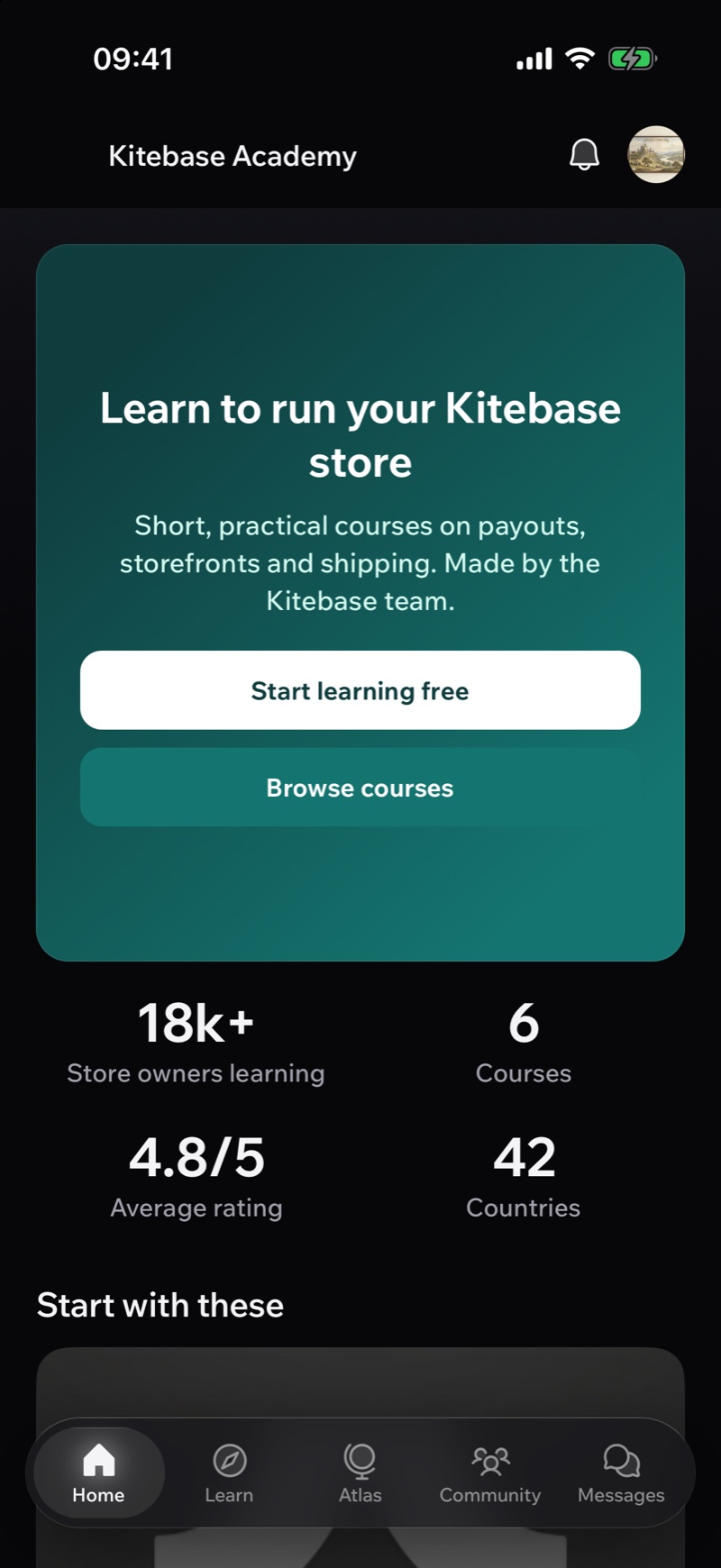
A school's branded home page inside the LearnHouse mobile app
Courses in progress with progress bars in the LearnHouse mobile app

Courses

Pick up where they left off.

Every course they can access, with progress in sync with the web. Search, filter, and jump back in.

Atlas AI

An AI tutor that knows the course.

What should I learn next? Explain my last lesson. Quiz me on what I've done.
Atlas AI start screen with suggested prompts in the LearnHouse mobile app
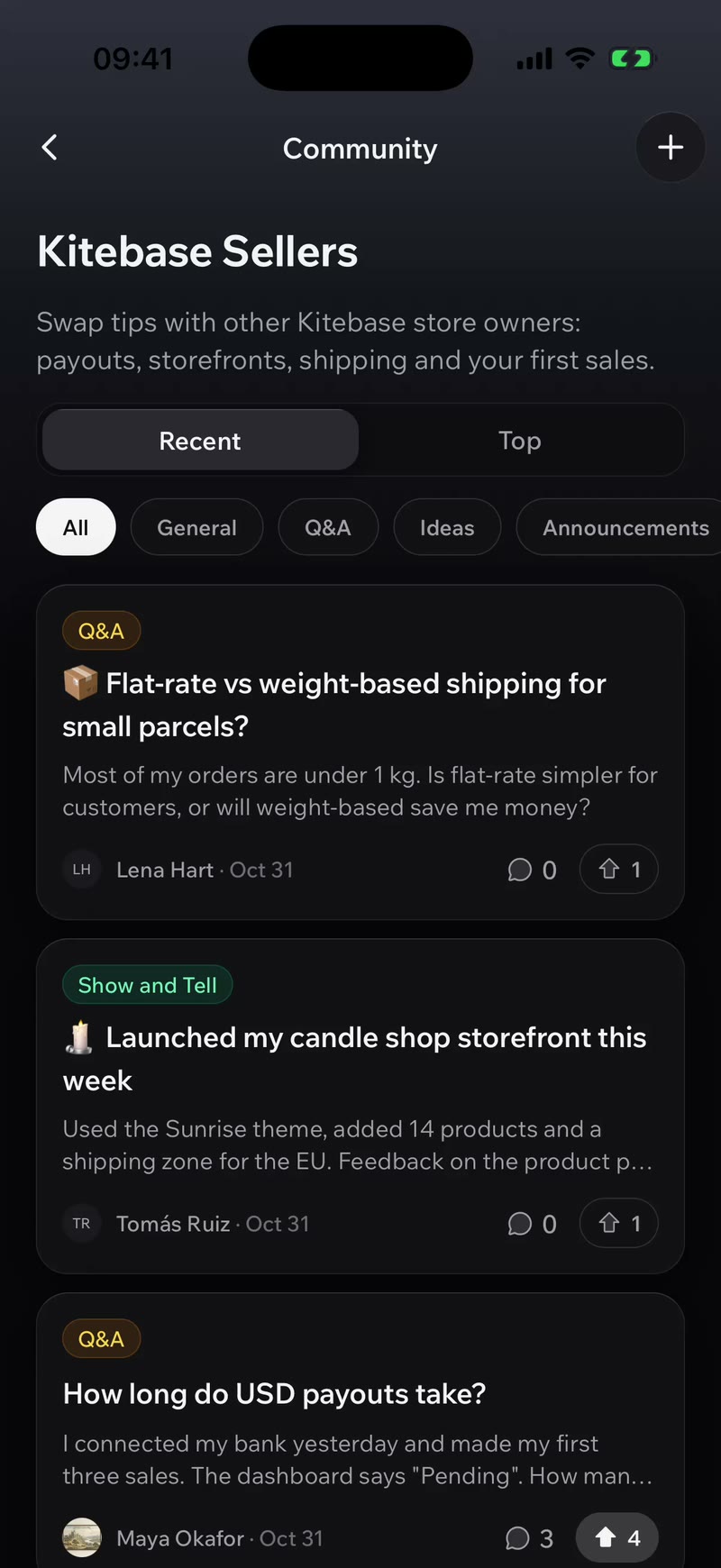
A community feed with discussions and upvotes in the LearnHouse mobile app

Community

The conversation comes along.

Discussions, replies, upvotes and direct messages, a tab away.

Assignments

Hand in work from anywhere.

Tasks, points and due dates. Learners answer on the phone and attach photos and files.
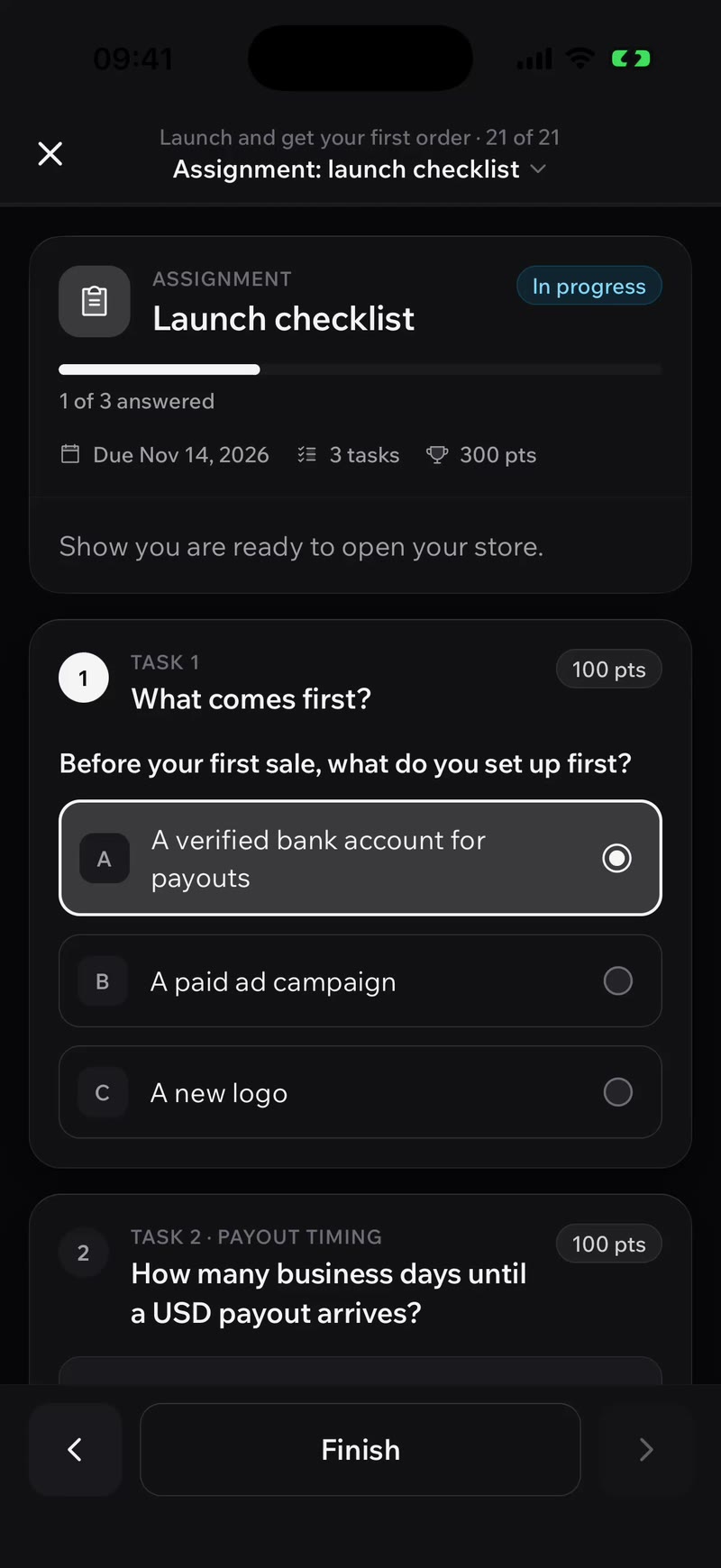
An assignment with tasks, points and a due date in the LearnHouse mobile app

Plays

Practice that feels like a game.

Short challenges with steps, XP, streaks and badges to earn. Two minutes on the bus still counts.
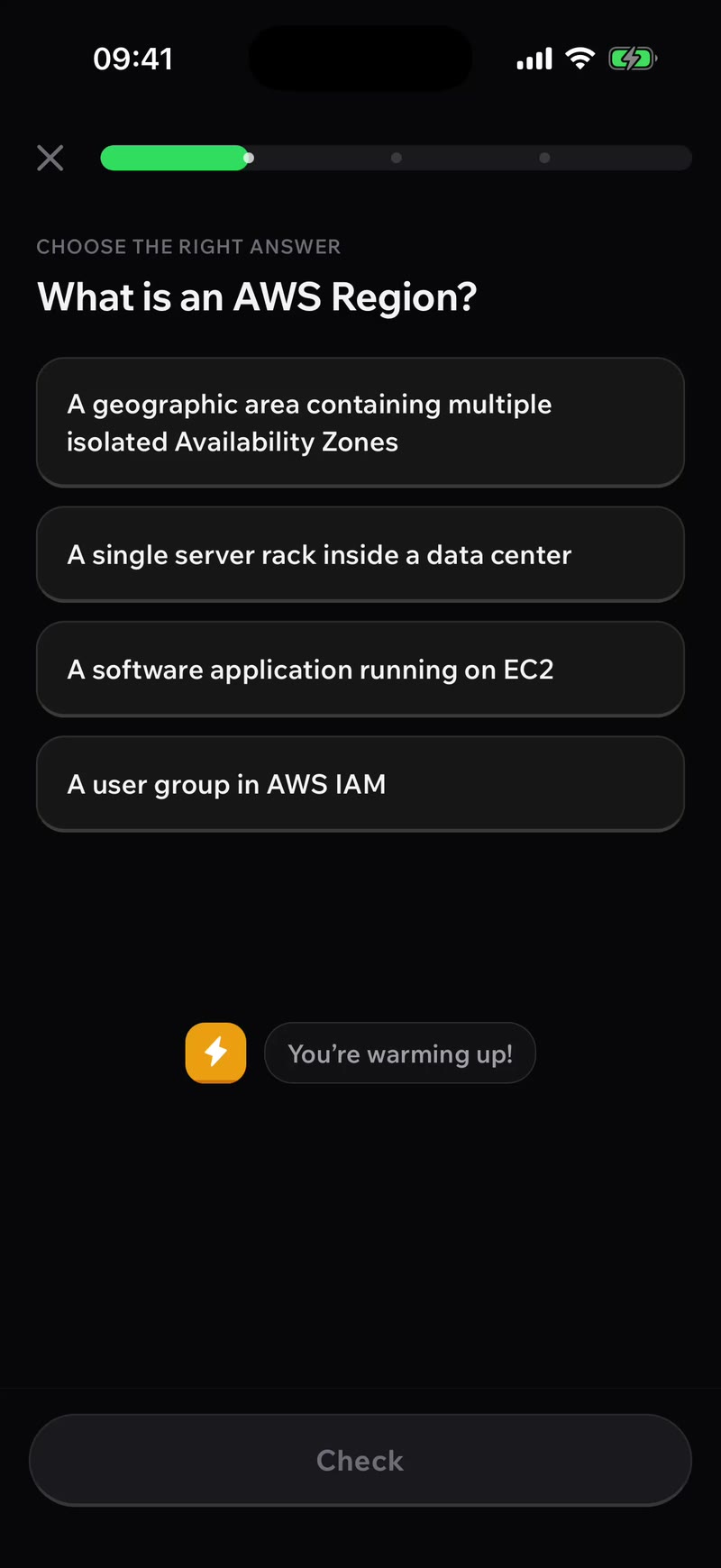
A Play with steps, XP, a streak and a badge to earn in the LearnHouse mobile app

Live sessions

Join class from the phone.

See what's live and what's coming up, say you're going, add it to the calendar and join the session in the app.
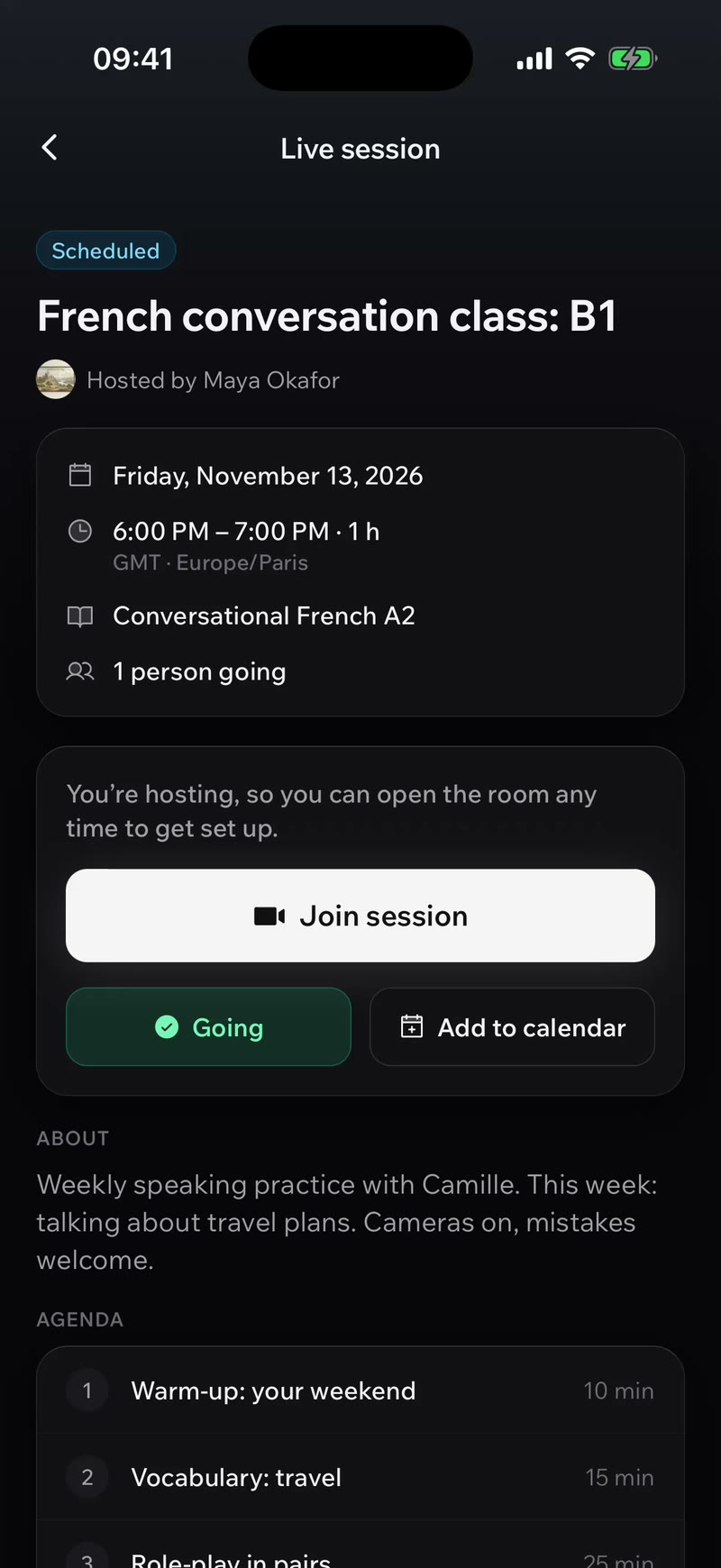
A scheduled live session with Join session, Going and Add to calendar in the LearnHouse mobile app

Runs where your learners are.

One app for every device and every kind of LearnHouse school.

  • iPhone

    Native tab bar, gestures and dark mode.

  • iPad

    The same app, on the bigger screen.

  • Android

    Phones and tablets from Google Play.

  • LearnHouse Cloud

    Every hosted school, on every plan.

  • Self-hosted

    Point it at your own server, Community Edition included.

No add-on

Included in every plan.

Some platforms sell their mobile app as a paid extra. The LearnHouse app comes with Standard, Pro, Business and Enterprise, and it works with self-hosted schools too.

Start free trialSee pricing

Questions about the app

Is the mobile app included in my plan?

Yes. The LearnHouse app for iOS and Android is included in every plan: Standard, Pro, Business and Enterprise. There is no add-on or per-app fee.

Do I need to build or publish my own app?

No. There is one LearnHouse app. Learners install it, then find your school by scanning your QR code, opening your link or typing your school's address. Your home page, logo, colours and fonts show up inside it.

Does the LearnHouse app work offline?

Yes. Learners can download a course to their device and open its lessons without a connection. Lessons completed offline are synced when the device is back online. Videos still need a connection because they stream.

Do all lesson types work on mobile?

Yes. The app uses the same lesson engine as the web, so quizzes, role-play scenarios, code playgrounds, flashcards, H5P, math and embeds look and work the same on a phone.

Does the app have a dark mode?

Yes. The app follows the phone's setting, or learners can pick light or dark themselves. Your school's colours apply in both.

Does it work with a self-hosted LearnHouse?

Yes. The app connects to LearnHouse Cloud or to any self-hosted server, including the open-source Community Edition. Learners choose Self-hosted and enter the school's address, or scan its QR code.

Can learners buy courses inside the app?

No. The app does not sell anything in-app. Learners buy on your website, and what they own appears in the app as usual.

Which devices are supported?

iPhone, iPad and Android phones and tablets.

The app your learners will actually open.

Start a 14-day trial, publish a course and open it on your phone today.

Download on the App StoreGet it on Google Play
Start free trial

No credit card needed

Apple, the Apple logo, iPhone and iPad are trademarks of Apple Inc. App Store is a service mark of Apple Inc. Google Play and the Google Play logo are trademarks of Google LLC.