When someone finishes a course or a path, they get a certificate with their name, the date and a credential ID. Anyone with the link can check that it is real.
14 days free, no card needed.
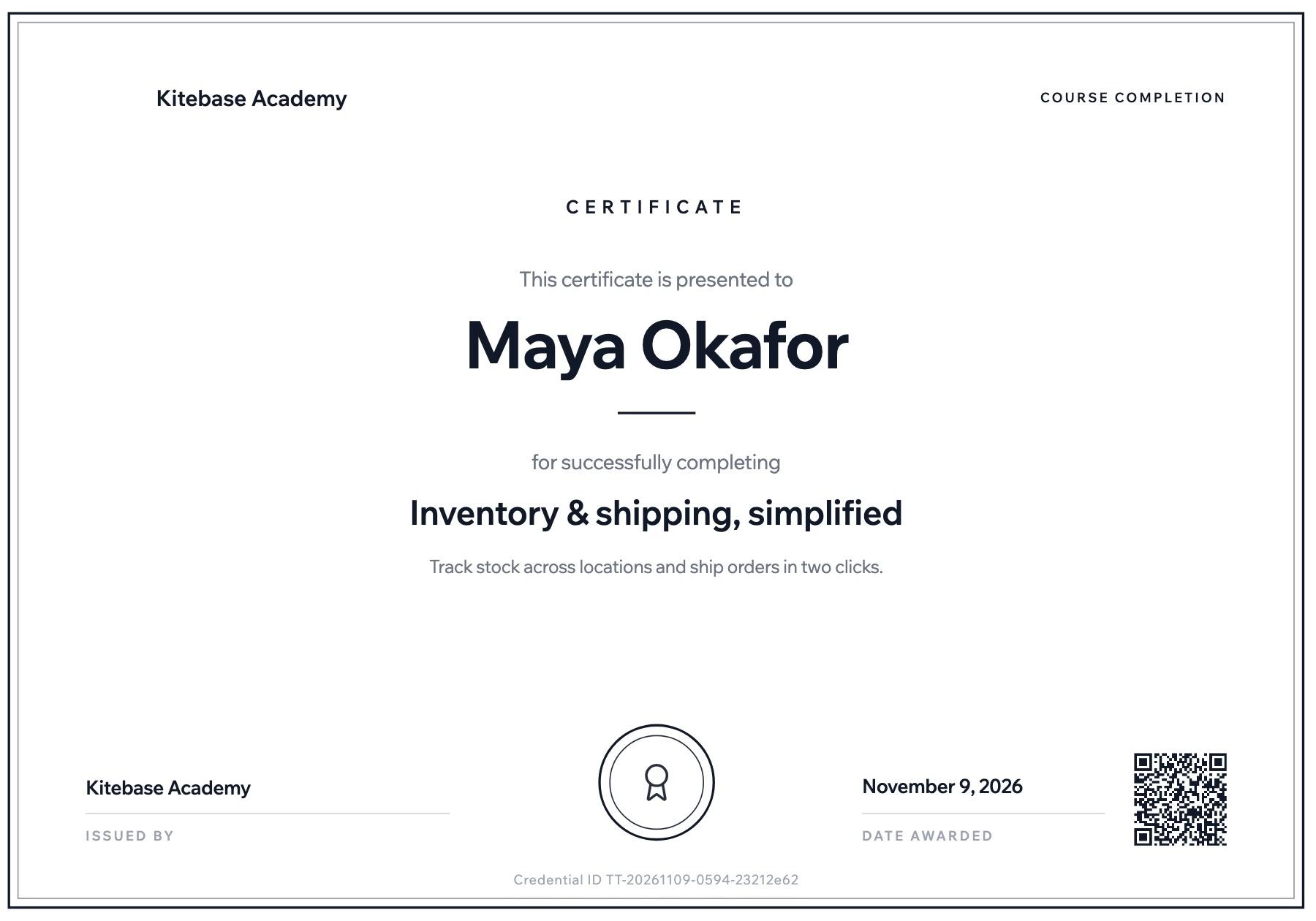
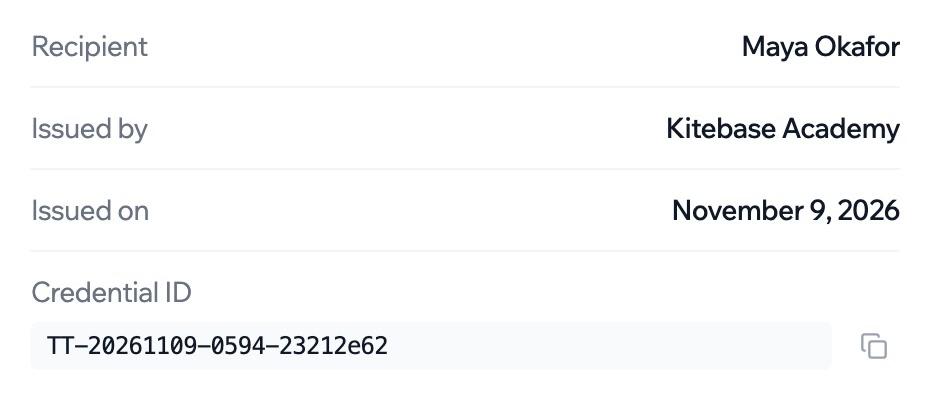
A certificate issued by a LearnHouse academy, beside the details its public page shows.
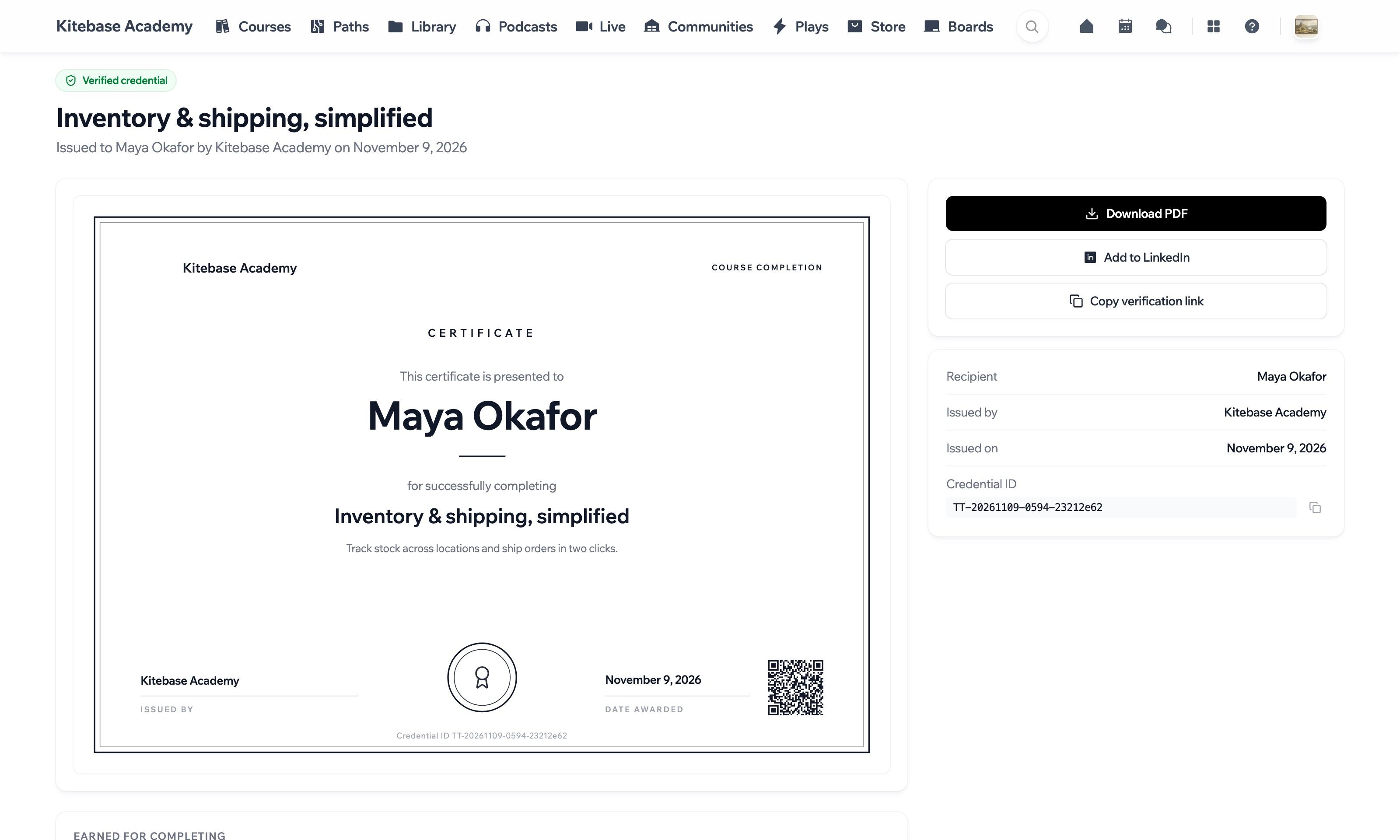
Every certificate has its own public page with the recipient, the issuer, the date and a credential ID. The QR code printed on the certificate opens that page.
…/certificates/TT-20261109-0594-23212e62/verify
Nothing is shown until the link is opened.
A demo with the certificate above. Its QR code opens this page.
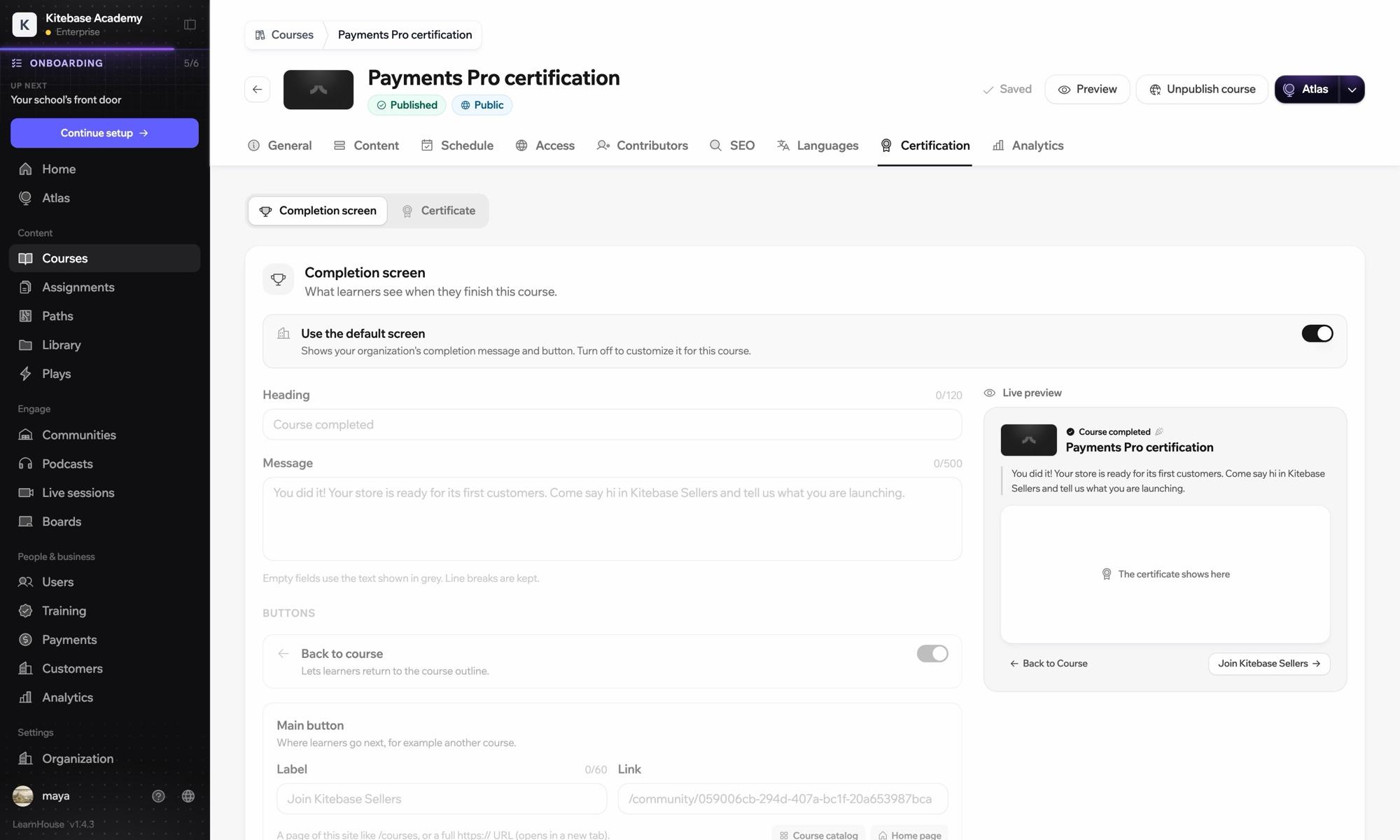
Name the certification, choose a style from minimal to academic and add who signed it. The preview shows what learners will receive.
Eleven styles. Pick one and the line work on this page follows it.
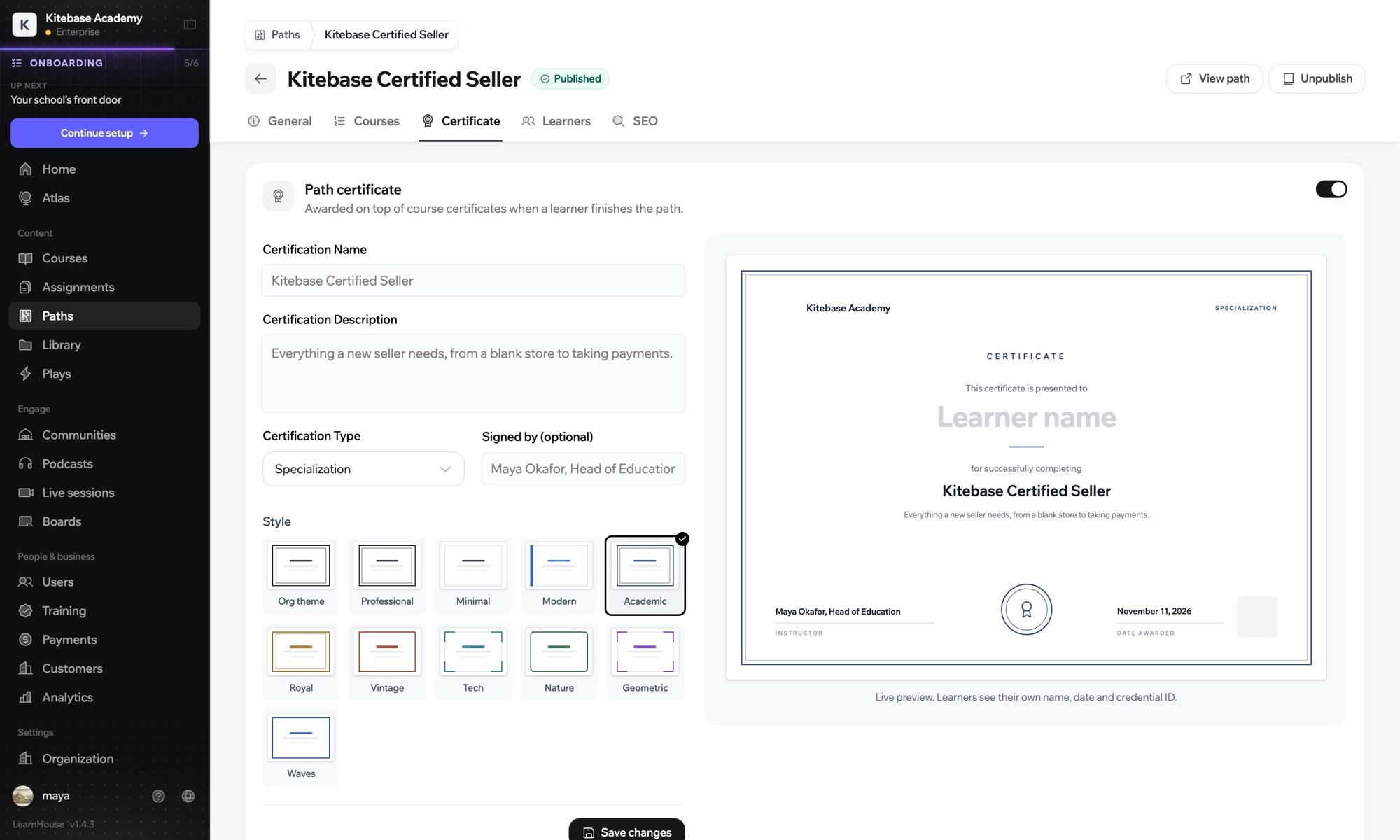
A learning path can award its own certificate on top of the ones for its courses.
An example path with three courses.
Learning pathsSet the screen learners see when they complete a course: your message, the certificate and a button to wherever you want them to go next.
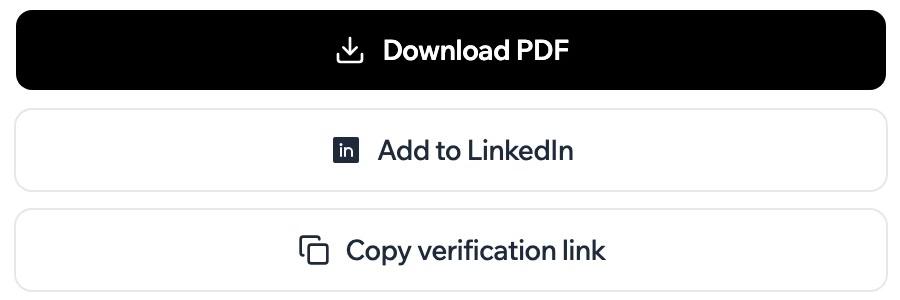
Learners download their certificate as a PDF, add it to LinkedIn or copy the verification link.
Certificates are on the Pro, Business and Enterprise plans. When you self-host, they are in the open source edition.
Compare plansEach certificate has a public page with the recipient, the issuer, the date and a credential ID. The certificate carries a QR code and a link to that page.
Yes. They can download it as a PDF, add it to LinkedIn or copy the verification link.
Yes. A path certificate is awarded on top of the certificates for the courses in it.
Yes. You can revoke a certificate from the list of learners.

Start a 14-day trial and set one up on a course.
14 days free, no card needed.
