Schedule a class, office hours or an event, and learners join from the course they are already in. Use the built-in room or the meeting tool you already pay for.
14 days free, no card needed.
French conversation class: B1
Conversational French A2 · Maya Okafor
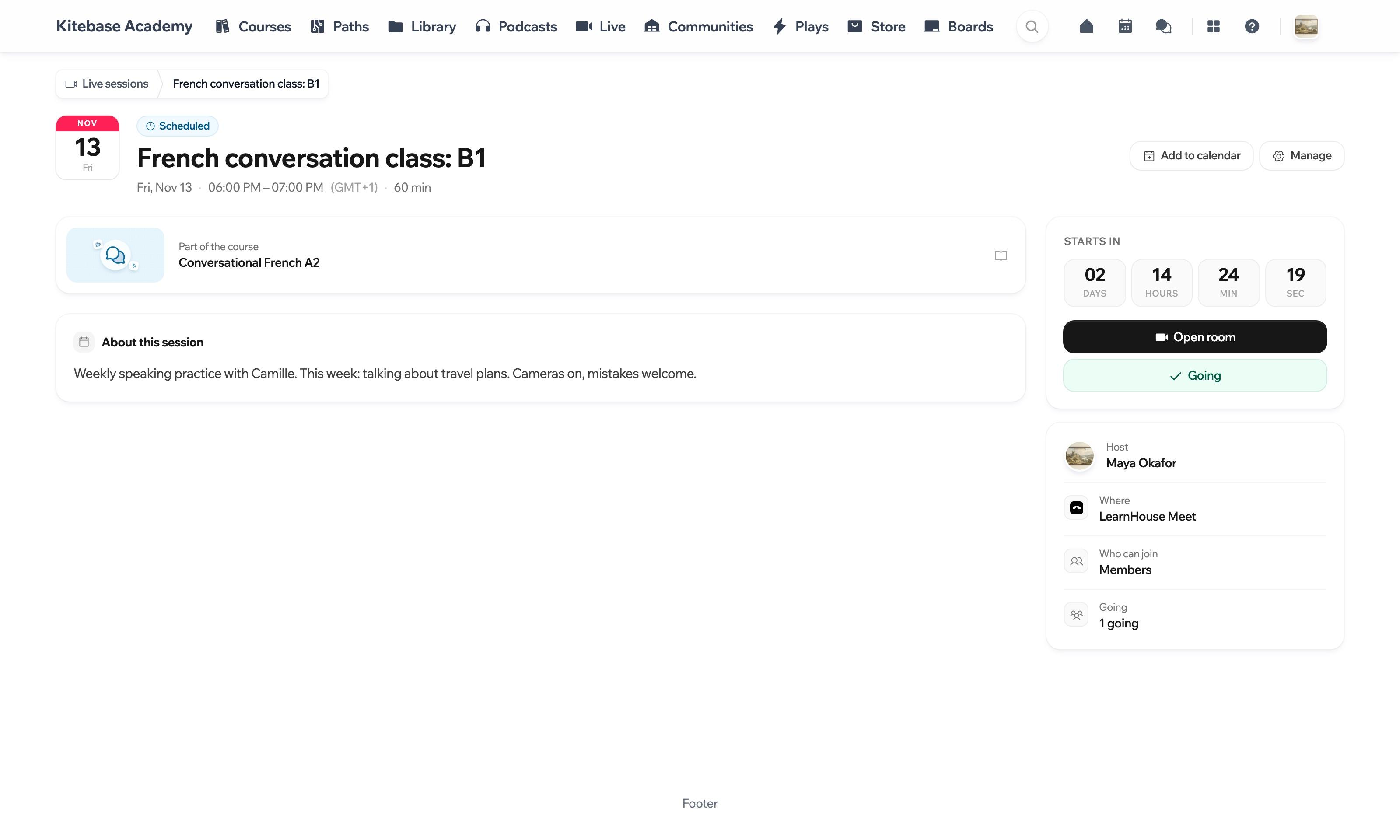
The session has a page with a countdown. Learners add it to their calendar and say they are going.
An example class, drawn for this page. Click a state to jump to it.
Pick the date, the length and the time zone, choose who can join and link the session to a course. A weekly class can run as a series.
Fri13
Sat14
Sun15
Mon16
Tue17
Wed18
Thu19
Fri20
Sat21
Sun22
Mon23
Tue24
Wed25
Thu26
Two example weeks. The Marketing clinic is one series of four weekly sessions, so it was scheduled once.
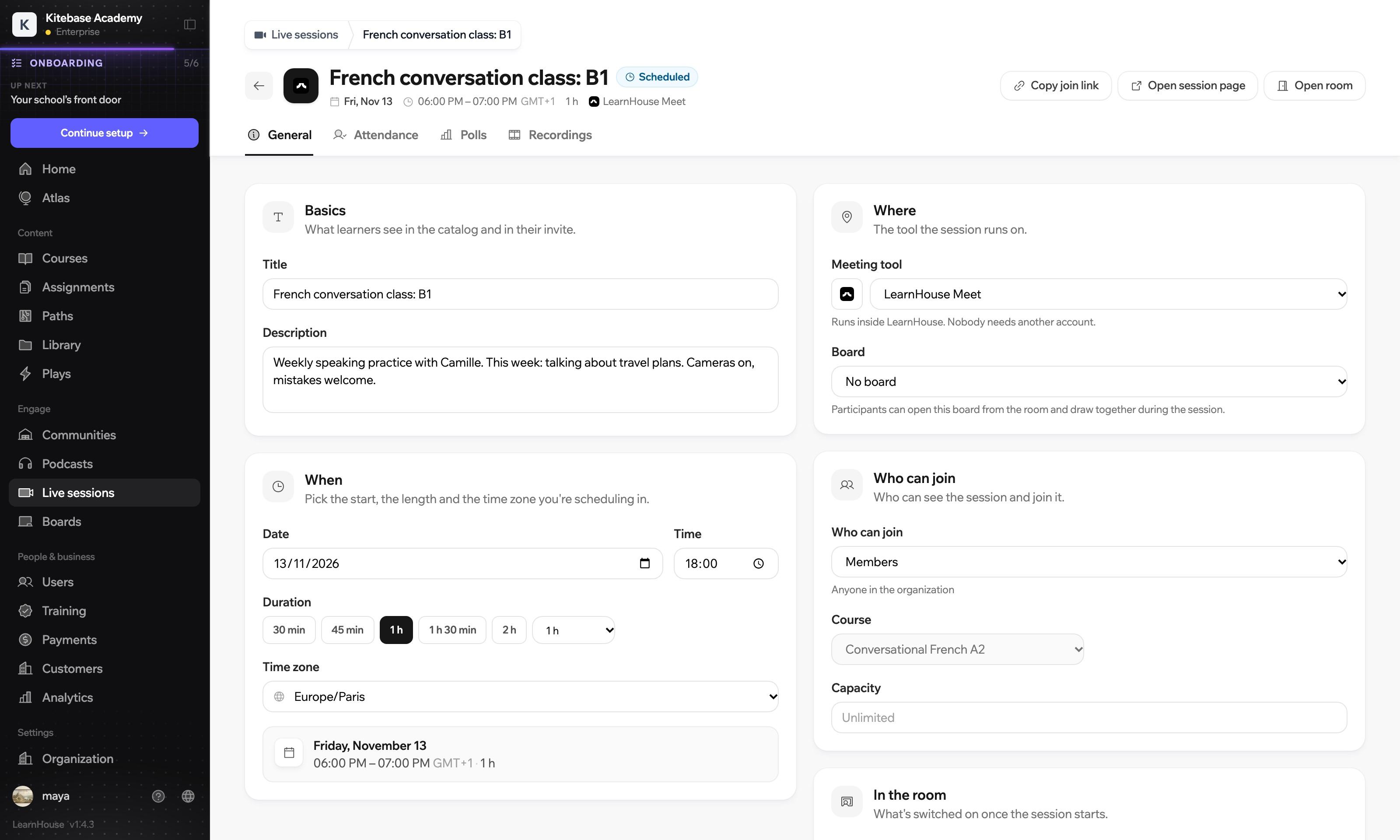
You schedule the class once, in your time zone. Each learner sees the day and hour where they are, so nobody has to do the sum.
Add to calendarOne class, one moment.
Each session has its own page with a countdown, an add-to-calendar button and a way to say you are going. Upcoming sessions are listed by day with a button to open the room. Past sessions and their recordings stay on the same page.
LearnHouse Meet is a video room inside your academy. People share their camera and screen, raise a hand to join the speaking queue, react, and answer polls. The host can spotlight someone, send the class into breakout rooms, open a shared board and record the session.
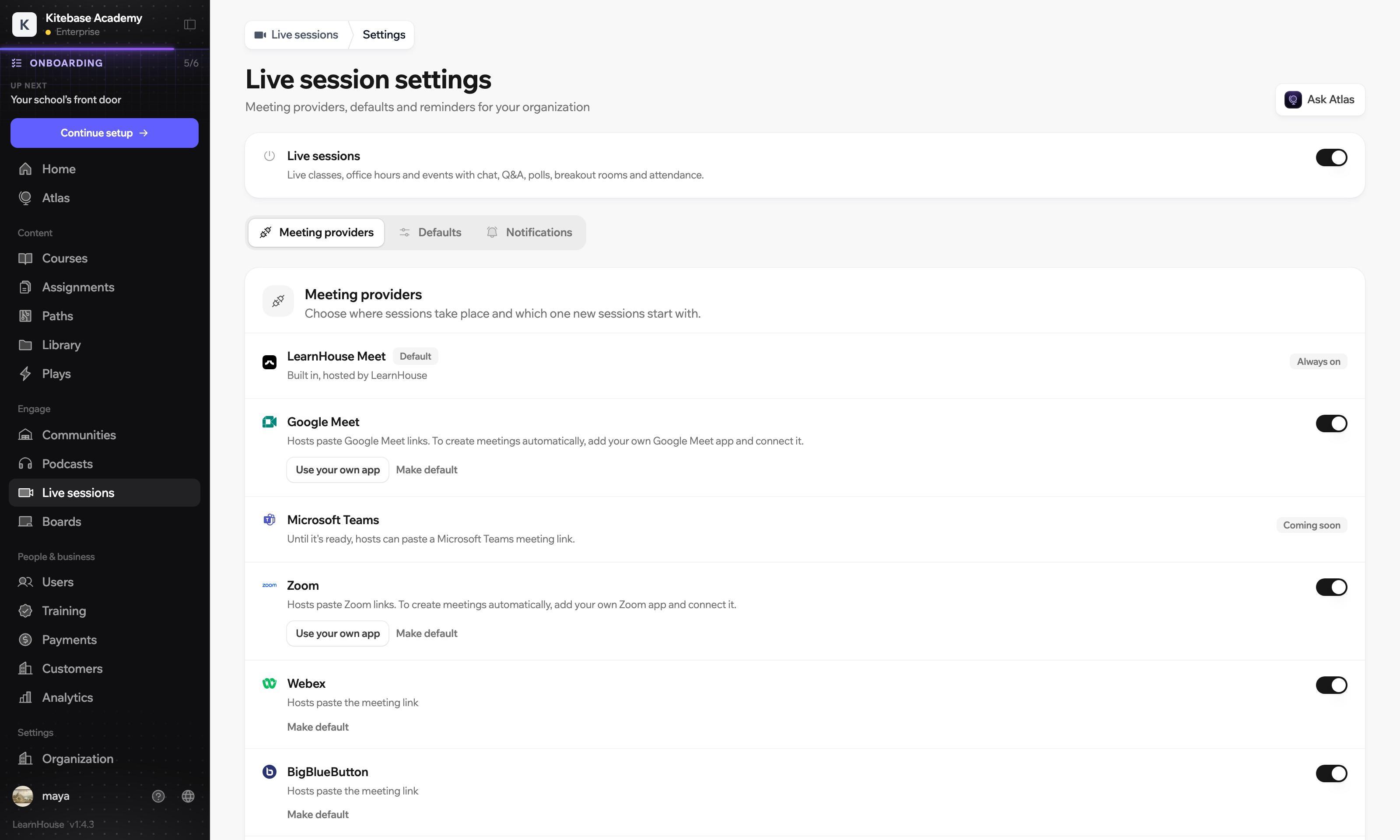
LearnHouse Meet, Zoom, Google Meet, Webex or BigBlueButton.
LearnHouse Meet runs inside LearnHouse, so nobody needs another account. You can also hold sessions on Zoom, Google Meet, Webex or BigBlueButton.
Recordings are kept with the session, with a transcript you can search when there is one. Attendance is recorded for you, so you know who was there and for how long.
Recording
French conversation class: B1
17:00 / 60:00New words
Hello and warm-up
New words
Practice in pairs
Questions
Attendance 5 in the room
Drag along the recording. The people and times are examples; the app keeps the recording and when each person joined and left.
Live sessions with recordings are on the Business and Enterprise plans. When you self-host, live sessions with LearnHouse Meet are part of the Enterprise Edition.
Compare plansNot with LearnHouse Meet, which runs inside your academy. If you host on Zoom or another tool, the session page opens it in a new tab and keeps the chat, Q&A and polls.
Sessions have chat, Q&A, polls and breakout rooms, and attendance is recorded for you. You can also open a board so everyone can draw together.
Recordings are kept with the session, and learners find them under past sessions.

Start a 14-day trial and put a session on the calendar.
14 days free, no card needed.

