LearnHouse
Get Started
LearnHouse
AIEnterpriseDevelopersMobilePricing
GitHub...
LoginGet Started

The next gen modern open source learning platform

XGitHubLinkedInDiscord

Product

  • Creators
  • Academia
  • Enterprise
  • Developers
  • Mobile app
  • Open source
  • Design
  • Discoverability
  • Pricing

Features

  • Courses
  • AI
  • Payments
  • Communities
  • Podcasts
  • Boards
  • Plays
  • Code
  • Analytics
  • Video courses
  • Newsletter
  • Live sessions
  • Learning paths
  • Drip content
  • Assignments
  • Certificates
  • Scenarios
  • Required training
  • Course translation
  • Integrations

Resources

  • Documentation
  • University
  • Blog
  • Changelog
  • Self-hosting
  • Glossary
  • GitHub
  • Compare platforms

Company

  • Contact
  • Security
  • Industries

Company

  • Contact
  • Security
  • Industries

Compare LearnHouse with

  • Udemy
  • Moodle
  • Teachable
  • Open edX
  • Thinkific
  • Canvas
  • Kajabi
  • Skool
  • Podia
  • Coursera
  • All comparisons

Alternatives to

  • Udemy
  • Teachable
  • Thinkific
  • Kajabi
  • Skool
  • Podia
  • Coursera
  • Moodle
  • Open edX
  • Canvas LMS
  • Skillshare
  • Mighty Networks
  • LearnWorlds
  • Circle
Found a bug or issue?
Open Source Initiative

Open Source

AGPLv3 licensed, self-hostable

GDPR Ready

EU data protection compliant

G2

G2

Review us on G2

© 2026 LearnHouse, Inc.

  • Privacy
  • Terms
  • Cookie Policy
All integrations

Use Chamilo with LearnHouse: IMS/LTI PluginAdd LearnHouse to Chamilo with the IMS/LTI plugin

Chamilo's IMS/LTI plugin connects in LTI 1.3 mode, so teachers can pick LearnHouse content and see grades in their course.

Start free trial

14 days free · No credit card

LearnHouse connects to Chamilo through LTI 1.3, using Chamilo's IMS/LTI client plugin. You add LearnHouse as an external tool with an RSA public key, then copy Chamilo's platform values back. Deep linking, grade passback and the class list work once the course gradebook exists.

How it connects
LTI 1.3
Plan
Business and up
Related LearnHouse page
SSO & LTI
BusinessLTI 1.3LMS & standards
What you can do

What Chamilo does for you

Course editor

Configure per course

Teachers open IMS/LTI in their course and click Configure on LearnHouse to pick what to show.
01 / 3
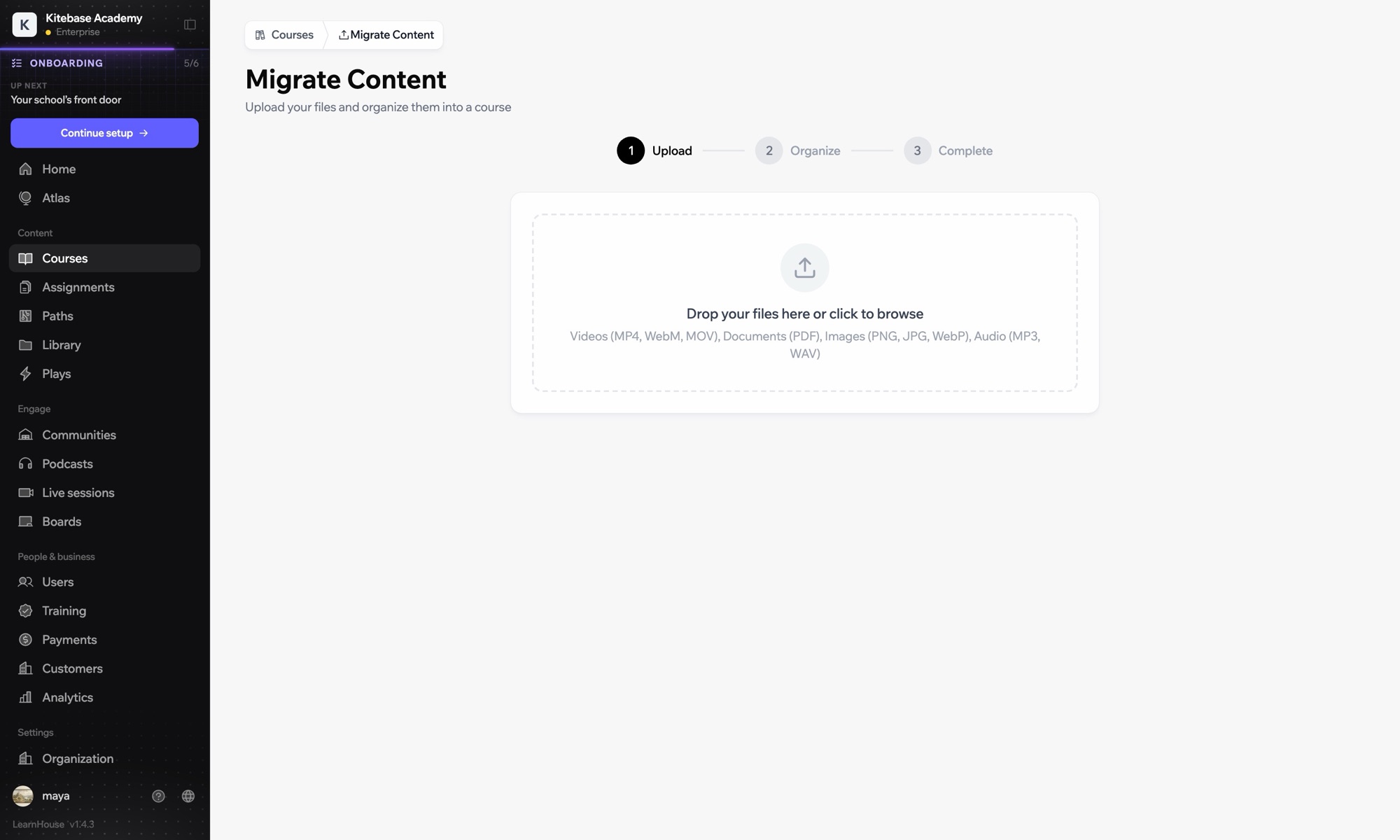
Import courses from another LMS
Week 1 · Getting started
Setup

Set it up in minutes

  1. 1

    Add LearnHouse manually

    In LearnHouse, open Developers → LTI → Add manually and keep the public key at hand.

  2. 2

    Enable the plugin

    In Chamilo, enable the IMS/LTI client plugin under Administration → Plugins.

  3. 3

    Add the external tool

    Choose LTI 1.3, paste the launch, login and redirect URLs, set the key type to RSA key and paste the LearnHouse public key.

  4. 4

    Copy the values back

    Copy the Platform ID, Client ID, Deployment ID and the auth, token and keyset URLs into LearnHouse.

Included in

Businessfrom $319/mo billed yearly

LTI 1.3 is part of Business and Enterprise.

Start 14-day trialCompare plans
FAQ

Chamilo questions

Why paste the key instead of a keyset URL?

Chamilo 1.11 ignores the keyset URL when it receives deep links, so it needs the public key itself.

Grades are not saving. Why?

Chamilo needs the course gradebook to exist first. Open the course's Assessments tool once before learners start.

Works well with

LTI 1.3Launch LearnHouse courses inside any LTI 1.3 LMS, with grades synced back.ILIASUse LearnHouse as an LTI 1.3 provider inside ILIAS courses.MoodleMoodleImport Moodle courses or launch LearnHouse inside Moodle with LTI 1.3.OpenOLATPlace LearnHouse content in OpenOLAT courses with an LTI page element.InstructureCanvas LMSImport Canvas courses and launch LearnHouse from Canvas with LTI 1.3.BlackboardImport Blackboard courses and launch LearnHouse with LTI 1.3.
Connect your tools in your first week

Connect your tools in your first week

Try any plan free for 14 days. No credit card, 0% platform fees, and integrations included.

Start free trial

Or self-host the open-source edition for free