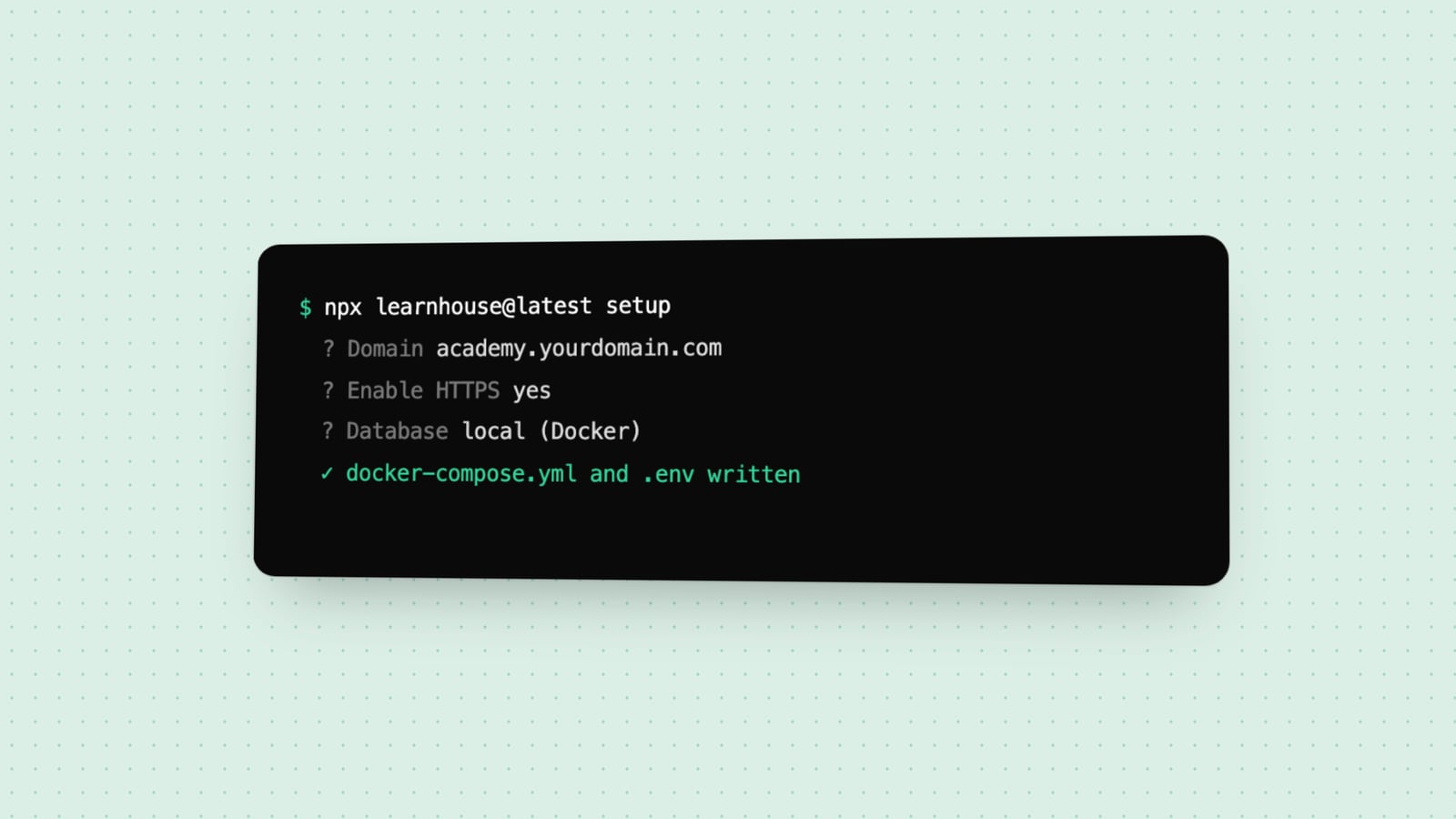
Self-hosting an LMS costs less in subscription fees and more in time. A cloud plan is the opposite. For most small teams the honest answer is to use the cloud version unless you have a specific reason to host: data residency rules, an existing server team, heavy customisation, or a budget that cannot take a monthly bill.
LearnHouse offers both, so we have no reason to steer you either way. The examples below use published prices from Moodle and LearnHouse, checked on 13 November 2026.
What "self-hosted" really means
When you self-host, you install the software on a server you control. That can be a machine in your building, a virtual server at a hosting company, or a cluster in a public cloud. You hold the database, the files and the keys.
A cloud LMS, also called hosted or SaaS, is run for you by the vendor. You get an address, you log in, and the vendor handles servers, updates and backups.
Some vendors only do one. Open source platforms usually let you choose, because the code is public and anyone can run it.
The work you take on
This is the list people underestimate. If you self-host, someone on your team owns each of these:
- Installing the software and its database, and putting HTTPS in front of it.
- Applying updates, including the ones that change the database, and testing that nothing broke.
- Backups of the database and of uploaded files, stored somewhere else, and a restore you have actually tried.
- Outgoing email that reaches inboxes, which means a sending domain and its DNS records.
- File and video storage as content grows.
- Monitoring, so you know the site is down before your learners tell you.
- Security: patching the operating system, limiting access, rotating credentials.
None of it is hard for someone who runs servers for a living. All of it is a recurring cost if nobody on your team does.
How heavy the installation is depends on the platform. Moodle documents a minimum of 512MB of memory and 1GB or more recommended, on a standard PHP stack. The Canvas production guide recommends at least 8GB of RAM and several supporting services. LearnHouse installs with one command through Docker and lists 1 core and 2GB of RAM as its minimum. Our open source LMS comparison has the details for six platforms.
What a cloud plan costs
Cloud pricing usually follows one of two models.
Per user. MoodleCloud is a clear example. Its standard plans are billed yearly in Australian dollars: $230 AUD for 50 users, $380 for 100, $700 for 200, $1,700 for 500 and $3,000 for 750. The price is easy to predict and rises with headcount.
Per feature tier. LearnHouse Cloud charges by plan and does not cap members: $47 a month billed yearly for Standard ($59 monthly), $143 for Pro ($179 monthly) and $319 for Business ($399 monthly). The price stays flat as you add learners and rises when you need features from a higher tier.
Which model is cheaper depends on your shape. A small team with advanced needs does well on per-user pricing. A large audience with simple needs does well on flat pricing.
What self-hosting costs
The software licence for an open source LMS is free. You still pay for:
- A server. The size depends on the platform and your traffic, so price it with your own hosting provider against the requirements above.
- Storage and bandwidth for video, if you host it yourself.
- An email sending service.
- Time. This is the large one. Count the hours for the first setup and a few hours every month after that, at whatever your administrator's time is worth.
There is also a feature question. In open-core products, some features are reserved for a paid licence even when you self-host. In LearnHouse, payments, SSO, SCORM, LTI, audit logs and live sessions are part of the Enterprise Edition. The free edition covers courses, assignments, communities, podcasts and AI with your own key. Check the equivalent list for any platform you are considering.
When self-hosting is the right call
Your data has to stay in a specific place. Some public bodies, hospitals and companies cannot put learner records on a vendor's servers, or need them in a named country or on their own network.
You already run servers. If you have an operations team and a deployment pipeline, one more container is a small addition.
You need to change the software. Self-hosting an open source LMS lets you modify the code, connect it to internal systems on a private network and control exactly when updates happen.
You have time and no budget. A volunteer-run school or a personal project can trade hours for money.
When the cloud is the right call
You do not have someone to be on call. An LMS that is down during an exam is a serious problem, and a vendor's operations team is what you are paying for.
You want new features as they ship. Cloud customers get updates without doing anything.
You need to start this week. A trial takes minutes. A production-grade self-hosted setup with backups and email takes longer.
You sell courses. Payment integrations, tax handling and checkout pages are usually smoother on the hosted version, and in some products they are only there.
A middle path
It does not have to be one or the other forever.
Start on the cloud and move later. With an open source platform this is a realistic plan, because the same software runs in both places. Ask the vendor how export and import work before you rely on it.
Self-host with paid support. Some projects have service providers who run the software on your infrastructure. ILIAS lists 17 of them, and Open edX recommends a provider as one of its two routes to production.
Dedicated hosting. Larger customers can often get a single-tenant instance run by the vendor in a region of their choice. LearnHouse offers this on its Enterprise plan.
A quick decision checklist
Answer yes or no.
- Does a rule or contract require the data to be on infrastructure you control?
- Does someone on your team already run production servers?
- Do you need to modify the code or connect to systems on a private network?
- Is your budget for software close to zero while your time is available?
If you answered no to all four, use the cloud. One or more yes answers make self-hosting worth pricing properly. If you want to see what the self-hosted route looks like for LearnHouse, the open source page shows the install, and pricing lists the cloud plans.
Frequently asked questions
Is a self-hosted LMS free?
The software can be. The server, storage, email service and the time to maintain them are not. For a small team, time is usually the largest cost.
Is a cloud LMS less secure than self-hosting?
It depends on who is running each. A vendor with a dedicated operations team will often patch faster than a small team hosting on the side. Self-hosting gives you control over where data sits and who can reach it, which some organisations require.
Can I switch from cloud to self-hosted later?
With open source platforms, often yes, because the same software runs in both. Check the export and import path with the vendor first, and check which paid features you would need a licence for.
How big a server do I need?
It depends on the platform. Documented minimums range from 512MB of memory for Moodle to a recommended 8GB for Canvas. LearnHouse lists 1 core and 2GB. Real usage, especially video and many simultaneous learners, needs more than the minimum.